 Black Forest Labs
Flux 2
Create fast, flexible images with up to 10 references, LoRA tuning, and four speed-to-quality tiers.
- Resolution
- 1024x1024, Up to 4MP (2048x2048)
- Aspect Ratios
- 1:1, 3:2, 2:3, 16:9, 9:16
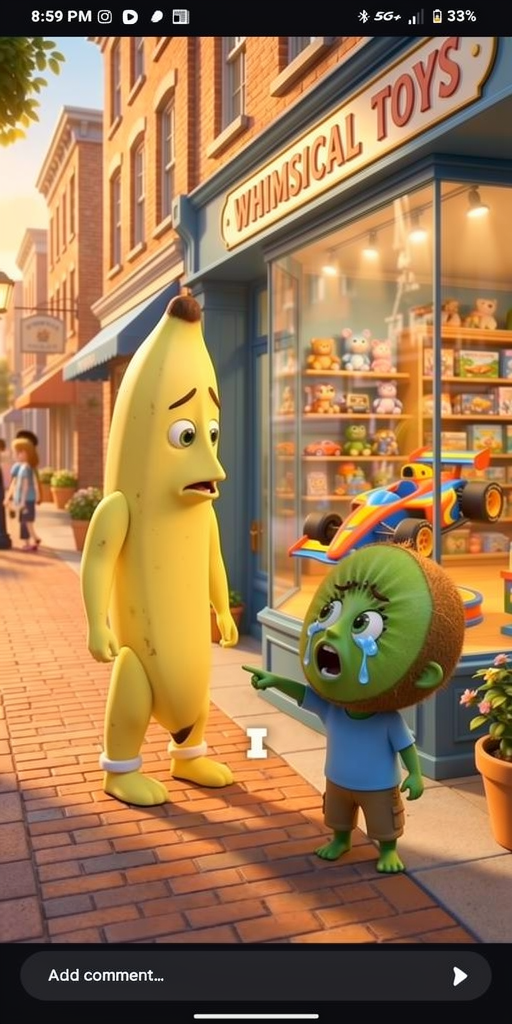
What makes Flux 2 unique
4 model tiers
Switch between Klein, Dev, Pro, and Max based on whether you need speed, testing, or higher quality.
Klein under 1 second
Generate rough concepts fast when you’re exploring ideas or testing prompt direction.
Up to 10 references
Feed more visual guidance into a single generation for stronger consistency across outputs.
LoRA fine-tuning
Train custom styles, products, or characters for repeatable results.
32B parameter model
Get stronger prompt understanding and image quality from a large-scale architecture.
Made by the Stable Diffusion creators
Familiar ecosystem thinking, with more control for advanced workflows.
Where it falls short
- –Text rendering accuracy is ~60%, expect retries for complex typography
- –LoRA fine-tuning requires separate setup outside Flashloop
- –Klein tier (real-time) trades quality for speed, not suitable for final assets
- –Less effective than Nano Banana Pro for photorealistic portraits
Best for
Prompt tips
- 1.
Use Klein to find the idea, then rerun the same prompt in Pro or Max. It’s the fastest way to test composition before spending more credits.
- 2.
When using lots of references, assign them roles in the prompt like “ref 1 for product shape, refs 2-4 for lighting, refs 5-10 for color palette.”
- 3.
Keep text requests short. A 2-4 word label has a better chance than a full poster headline since text accuracy is around 60%.
- 4.
If you’re using a LoRA, don’t overload the prompt with style words. Let the LoRA do the heavy lifting and use the prompt for scene, camera, and layout.
How Flux 2 works
Choose a FLUX 2 tier based on speed and quality, add your prompt, then upload up to 10 references if you want tighter control. For advanced workflows, apply a LoRA to steer the model toward a trained style, subject, or product look, then generate in your preferred aspect ratio up to 2048x2048.
How to use on Flashloop
Select Flux 2
Open Flashloop and choose Flux 2 from the model selector in the image creator.
Write your prompt
Describe what you want to generate, be as detailed as you like.
Generate & download
Hit generate and your image will be ready in seconds. Download or share directly.
Frequently asked questions
Its biggest advantage is flexibility. You get four generation tiers, support for up to 10 references, and LoRA fine-tuning, which makes it useful for both quick drafts and more controlled production work.
There are four tiers: Klein, Dev, Pro, and Max. Klein is the fastest at under 1 second for rough drafts, while the others move up in quality and control.
You can use up to 10 reference images. That’s especially helpful for keeping style, product details, or character traits more consistent across generations.
Yes, it supports LoRA fine-tuning. That means you can train the model on a specific visual style, product, or subject and reuse that look more reliably.
It’s decent for short text, but not the best choice for text-heavy designs. At around 60% text accuracy, it works better for visual composition than for packaging copy or poster layouts with lots of words.
It supports up to 4MP, including 2048x2048 output. That’s enough for detailed social assets, product images, and many web and print use cases.
Other image models
View all →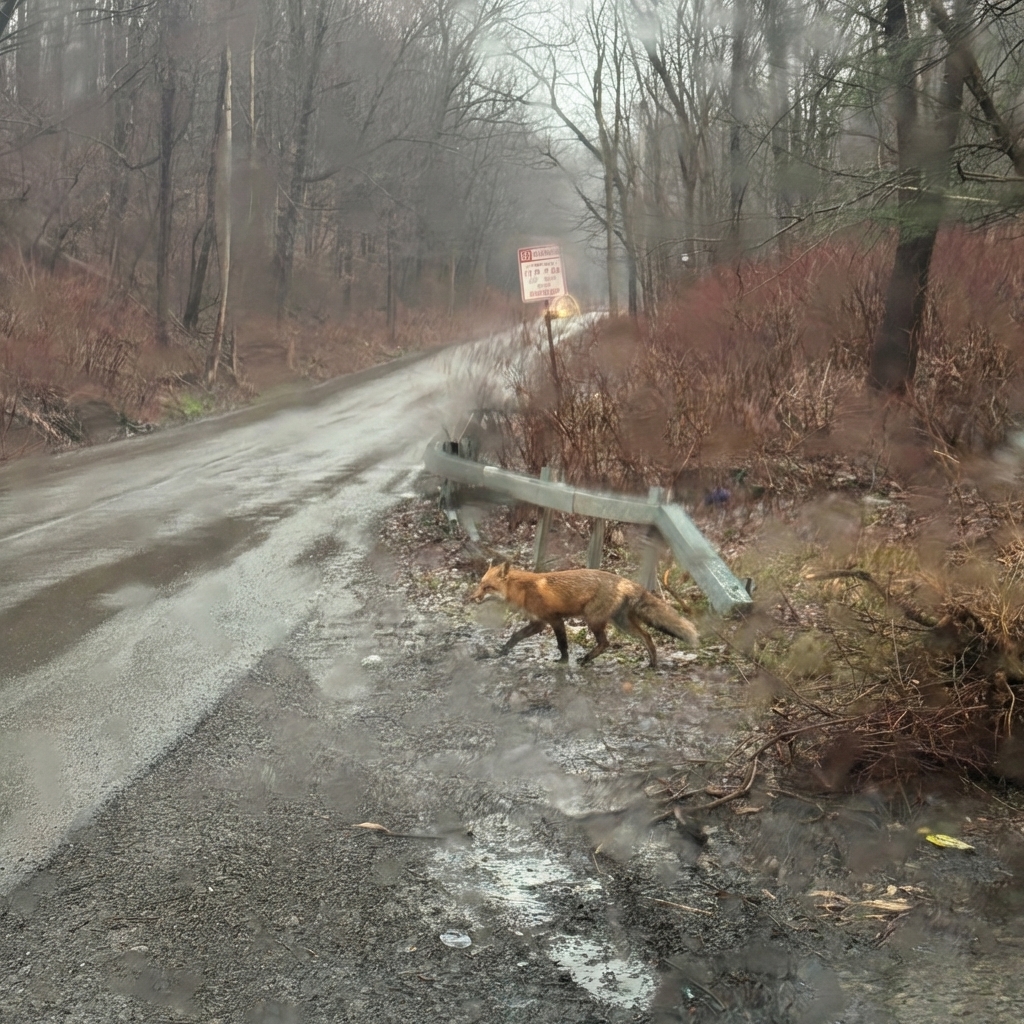
 Google
Nano Banana Pro
Generate 4K images, edit with plain English, and blend up to 4 references in one pass.
 ByteDance
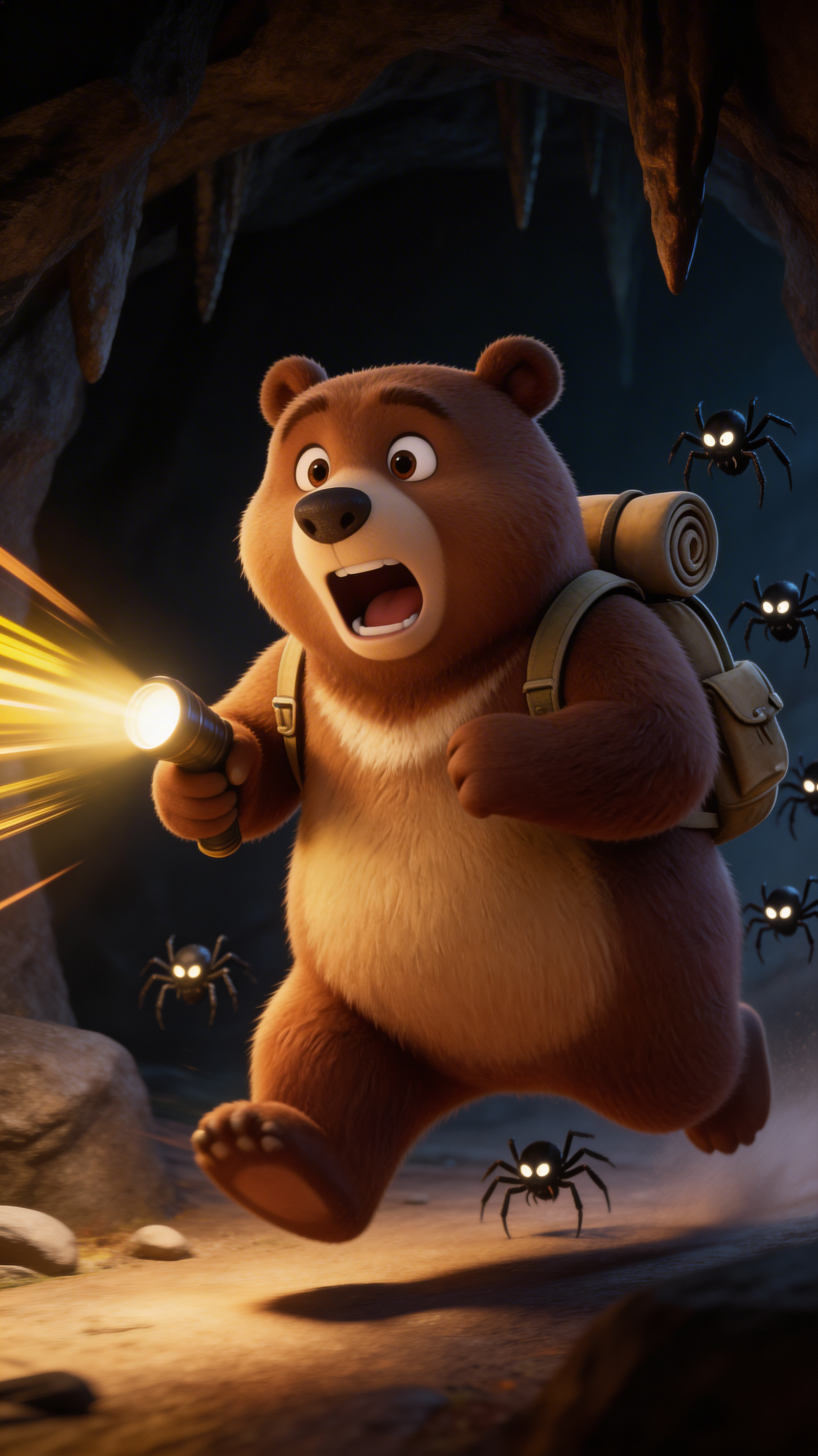
Seedream 5.0 Lite
Generate 4K images in 2–3 seconds with web-aware prompts, strong reasoning, and near-perfect EN/CN text.
 OpenAI
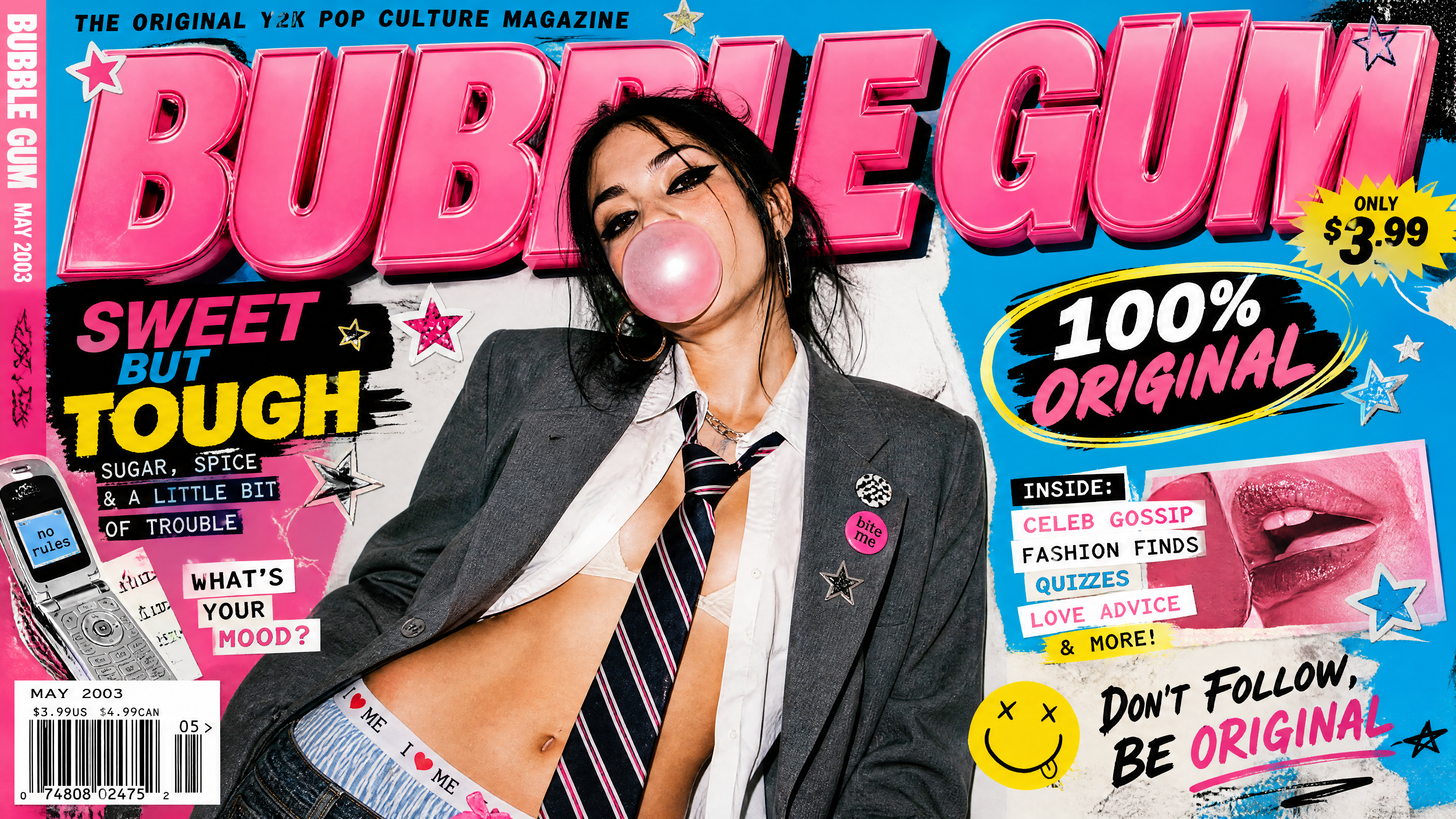
GPT Image 2
Generate high-quality images from text or references with OpenAI's GPT Image 2, 1K, 2K, and 4K output with 20,000-character prompts.
Ready to create with Flux 2?
Available on iOS, Android, and web.
Start Creating