 Google
Nano Banana Pro
Generate 4K images, edit with plain English, and blend up to 4 references in one pass.
- Resolution
- 1024x1024, 1536x1024, Up to 4K
- Aspect Ratios
- 1:1, 3:2, 2:3, 16:9, 9:16
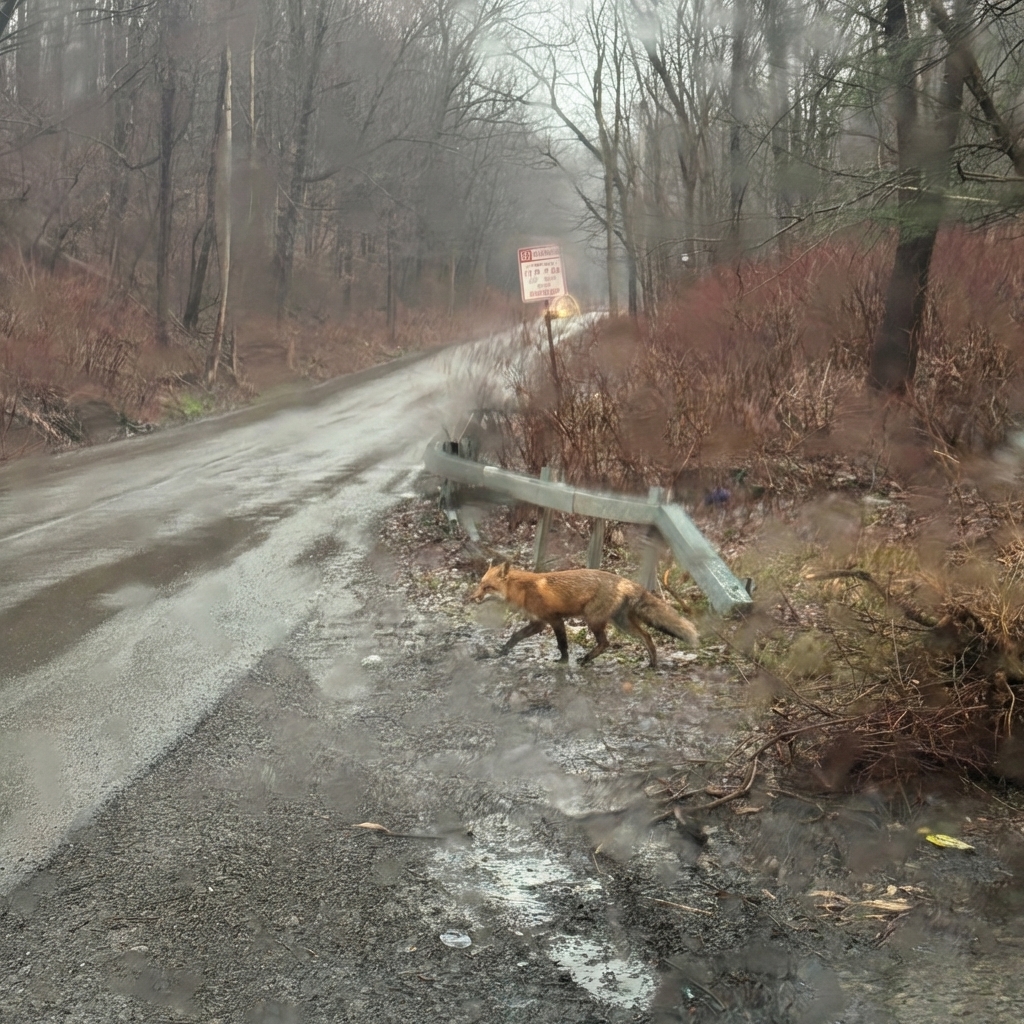
What makes Nano Banana Pro unique
4K output
Generate high-resolution images that hold up for product pages, ads, and print-ready mockups.
Natural language editing
Make targeted changes by describing them normally instead of rebuilding the whole prompt.
Up to 4 references
Combine faces, products, styles, and layouts from multiple images in one generation.
Multi-language text rendering
Add readable text in more than one language without the usual broken lettering.
Flexible aspect ratios
Create square, portrait, and landscape assets for Etsy, Instagram, web banners, and thumbnails.
Where it falls short
- –Natural language editing works for broad changes but struggles with precise pixel-level control
- –4K output takes longer, standard resolution is faster for iteration
- –Text rendering in languages beyond English and Chinese is less reliable
- –Reference matching can drift if reference images have very different lighting
Best for
Prompt tips
- 1.
Tell it what to keep first. Say “keep the product shape and label layout, change the background to warm beige” and you’ll get fewer unwanted changes.
- 2.
Use each reference for one job. One for product, one for face, one for color palette, one for composition works better than 4 similar images.
- 3.
If you need readable text, write the exact text in quotes and say where it should appear, like “top header” or “centered on the label.”
- 4.
For edits, be specific about what should not move. Lines like “do not change camera angle, crop, or logo placement” save a lot of retries.
How Nano Banana Pro works
Upload up to 4 reference images or start from text, choose an aspect ratio, then describe the image or edit in plain language. NANO BANANA PRO uses your prompt plus the references to generate or revise the image, and it’s especially good at keeping the important parts while changing the rest.
How to use on Flashloop
Select Nano Banana Pro
Open Flashloop and choose Nano Banana Pro from the model selector in the image creator.
Write your prompt
Describe what you want to generate, be as detailed as you like.
Generate & download
Hit generate and your image will be ready in seconds. Download or share directly.
Frequently asked questions
It’s best at high-resolution image generation and plain-English editing. If you want to make focused changes to an image without rebuilding the whole prompt, this model is one of the easier ones to work with.
Yes, you can use up to 4 reference images. That’s useful when you want to combine a product from one image, a style from another, and composition cues from a third or fourth.
Yes, it supports 1:1, 3:2, 2:3, 16:9, and 9:16. That covers most common formats for marketplaces, social posts, ads, hero banners, and vertical content.
It’s strong, especially for multilingual text. It’s a better fit than many general image models when your design actually needs readable words instead of text-like shapes.
Yes, it can generate up to 4K. That gives you enough detail for many print mockups, product sheets, posters, and high-res web assets.
Yes, especially for product variations and ad creatives. It’s useful when you need the same item shown in different settings, colors, or layouts without reshooting everything.
Other image models
View all →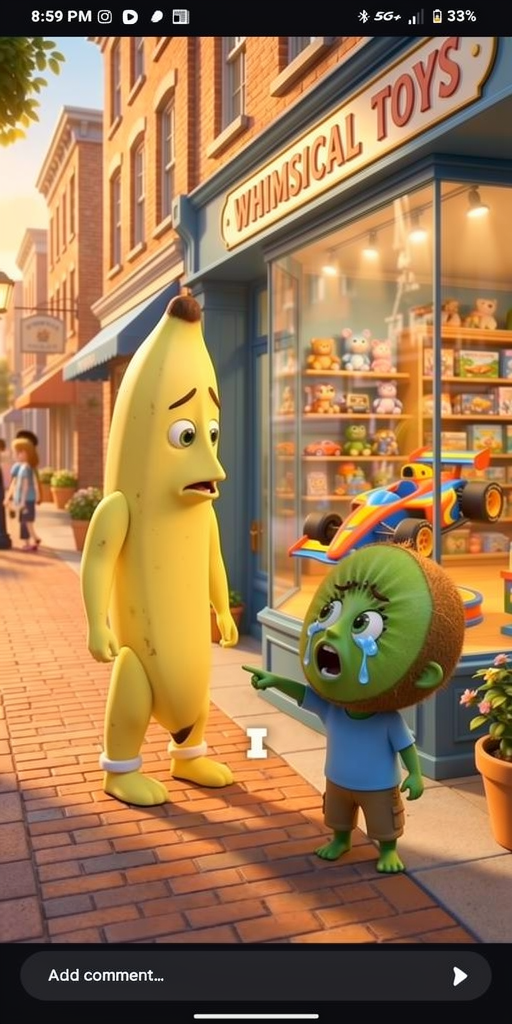
 Black Forest Labs
Flux 2
Create fast, flexible images with up to 10 references, LoRA tuning, and four speed-to-quality tiers.
 ByteDance
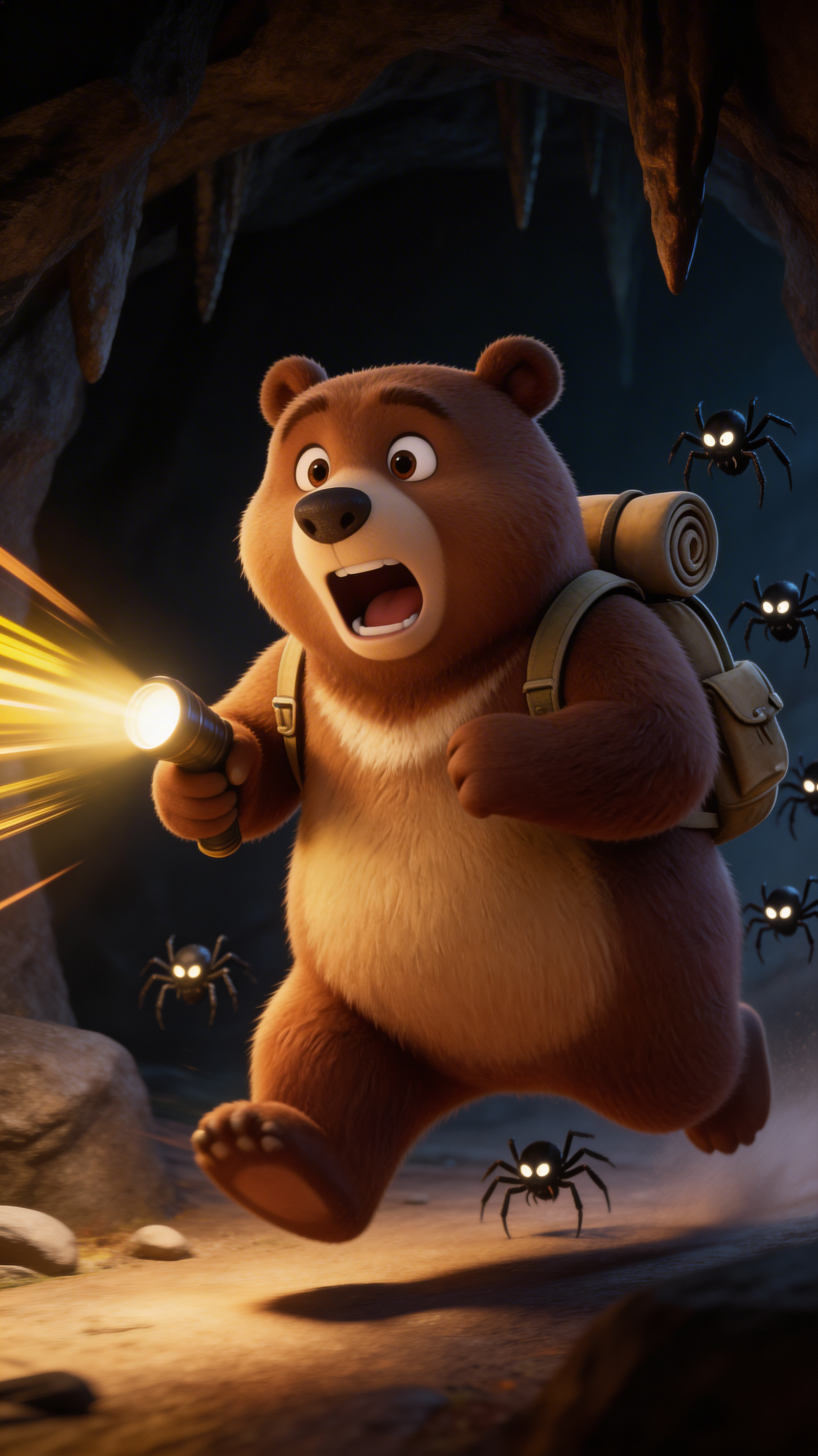
Seedream 5.0 Lite
Generate 4K images in 2–3 seconds with web-aware prompts, strong reasoning, and near-perfect EN/CN text.
 OpenAI
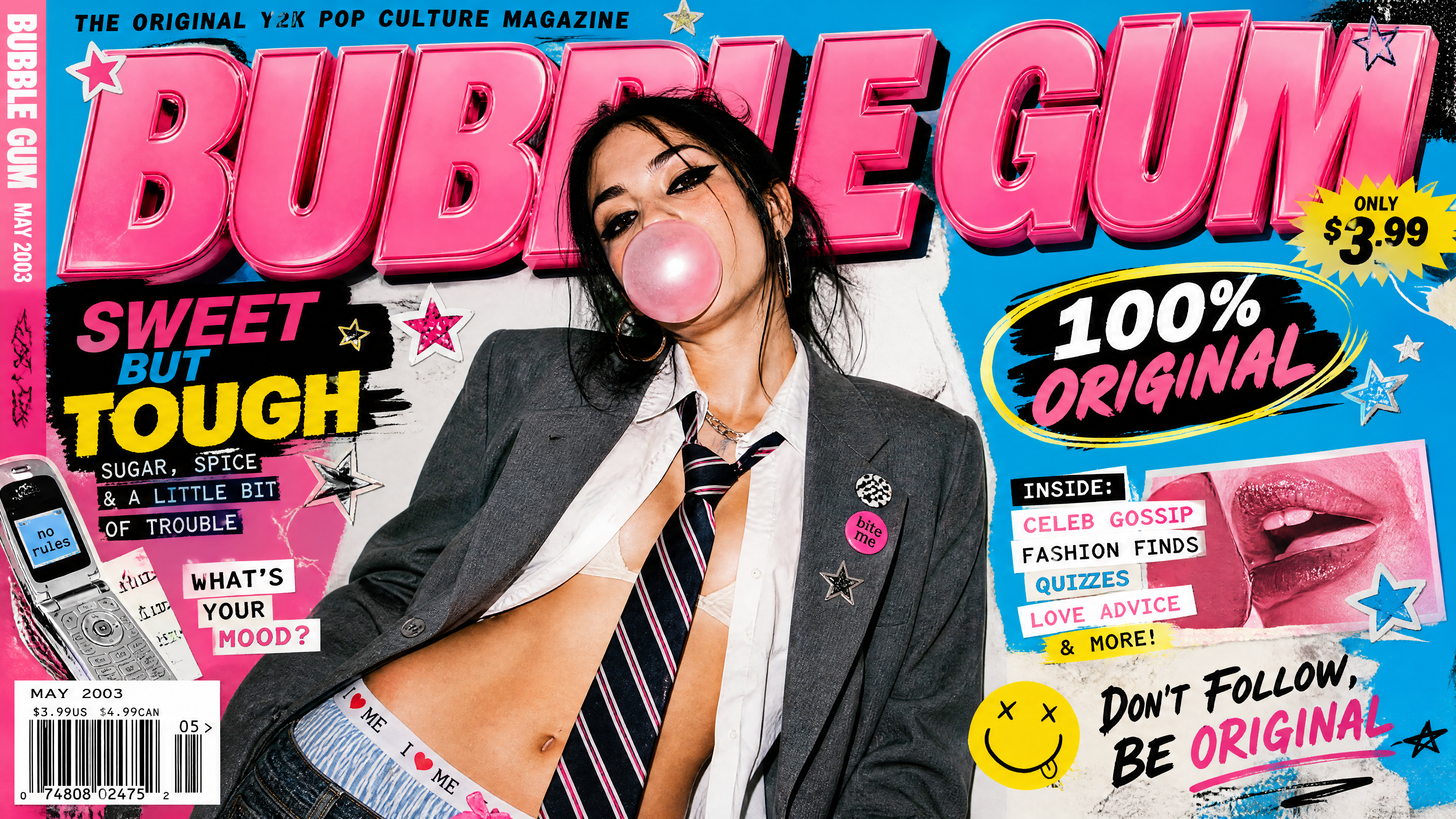
GPT Image 2
Generate high-quality images from text or references with OpenAI's GPT Image 2, 1K, 2K, and 4K output with 20,000-character prompts.
Ready to create with Nano Banana Pro?
Available on iOS, Android, and web.
Start Creating