 MiniMaxVery Quick
MiniMax H3 Max Turbo
H3 Max's speed-tuned sibling — the same post-trained lineage at roughly twice the speed and half the price, with native audio on every clip.
- Max Duration
- 15 seconds max
- Resolution
- 480p, 768p
- Aspect Ratios
- 21:9, 16:9, 4:3, 1:1, 3:4, 9:16
- Audio
- Native audio
What makes MiniMax H3 Max Turbo unique
Roughly twice the speed of H3 Max at about half the price
built for iteration volume
Same post-trained lineage
shot structure, staging, and timing follow the prompt unusually literally
First-to-last keyframe control
set both endpoints for clips that cut together cleanly
Native audio, always on
dialogue, ambience, and effects are generated with every clip, no silent mode
Six aspect ratios
21:9 cinematic through 9:16 vertical
5 to 15 seconds at any whole-second duration
Where it falls short
- –No reference-to-video and no character tagging — keeping a face consistent across shots is H3 Max's job, not Turbo's
- –Tops out at 768p — no 1080p or 2K tier, so it is not the final-delivery pick for large screens
- –Audio cannot be turned off — every clip renders with sound whether you want it or not
Best for
Prompt tips
- 1.
Write the shot literally — the post-training rewards explicit structure: 'wide establishing shot, then push in on the sign' lands where you put it.
- 2.
Direct the audio explicitly. It is always on, so an unmentioned soundtrack is a random one — name the dialogue, ambience, and effects you want.
- 3.
Use a first and last frame when clips have to cut together — matched endpoints make the edit invisible.
- 4.
Iterate at 480p, then re-run the keeper at 768p — the 480p rate is the cheapest sound-on video on the platform.
- 5.
Draft on Turbo, finish on H3 Max — when the keeper needs a consistent character or a reference file, the same prompt carries over.
How MiniMax H3 Max Turbo works
Pick how you want to steer it. Text alone gets you a 5 to 15 second clip with audio at 480p or 768p. Add a first and last frame when you need exact endpoints — Turbo interpolates a clean move between them, which is what makes consecutive clips cut together. Audio is always generated with the picture, so describe the sound you want the same way you describe the shot. When a draft is worth keeping and needs a consistent character or a reference file, take the same prompt to H3 Max.
How to use on Flashloop
Select MiniMax H3 Max Turbo
Open Flashloop and choose MiniMax H3 Max Turbo from the model selector in the video creator.
Write your prompt
Describe what you want to see in your video, be as detailed as you like.
Generate & download
Hit generate and your video will be ready in seconds. Download or share directly.
Frequently asked questions
At launch pricing (75% off until September 7): 150 credits per second at 480p and 200 at 768p, so a 5-second 768p clip is 1,000 credits — half the price of the same clip on H3 Max.
Same lineage, tuned for speed: Turbo generates roughly twice as fast at about half the price. The trade is capability — Turbo has no reference-to-video and no character tagging, so it steers by text and first/last frames only. When you need up to 12 mixed reference files or a consistent character across shots, use H3 Max.
Yes, always. Every clip is generated with native audio — dialogue, ambience, and effects are composed with the picture, and there is no silent mode. Write the soundtrack into the prompt the way you write the shot.
Only as frames: you can set a first and a last frame to pin the clip's exact endpoints. There is no reference-to-video mode — attaching reference files or tagging a character is exclusive to H3 Max.
Any whole-second duration from 5 to 15 seconds, at 480p or 768p, in 21:9, 16:9, 4:3, 1:1, 3:4, or 9:16.
Other video models
View all →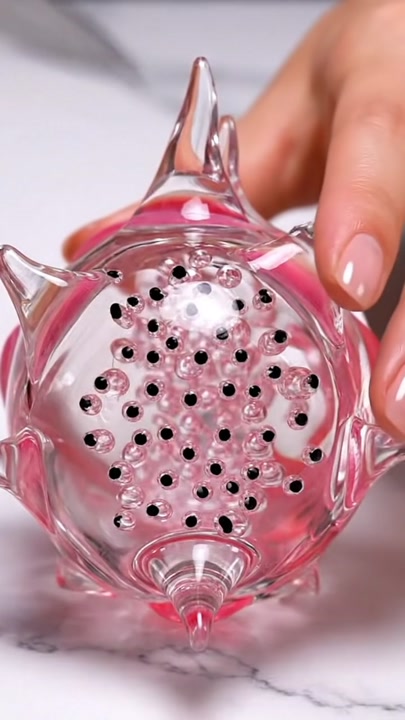
 Google DeepMind
Veo 3
Generate 8-second videos with native dialogue, sound effects, and ambient audio in one pass.
 Kuaishou
Kling 3.0
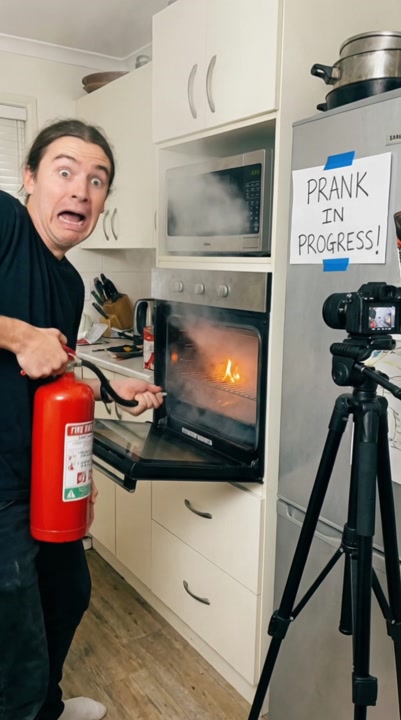
Create up to 15-second multi-shot videos with character consistency, 4K 60fps support, and bilingual audio.
 Kuaishou
Kling 3.0 Turbo
A faster, more affordable Kling 3.0, text-to-video and image-to-video at 720p or 1080p, up to 15 seconds.
Ready to create with MiniMax H3 Max Turbo?
Available on iOS, Android, and web.
Start Creating