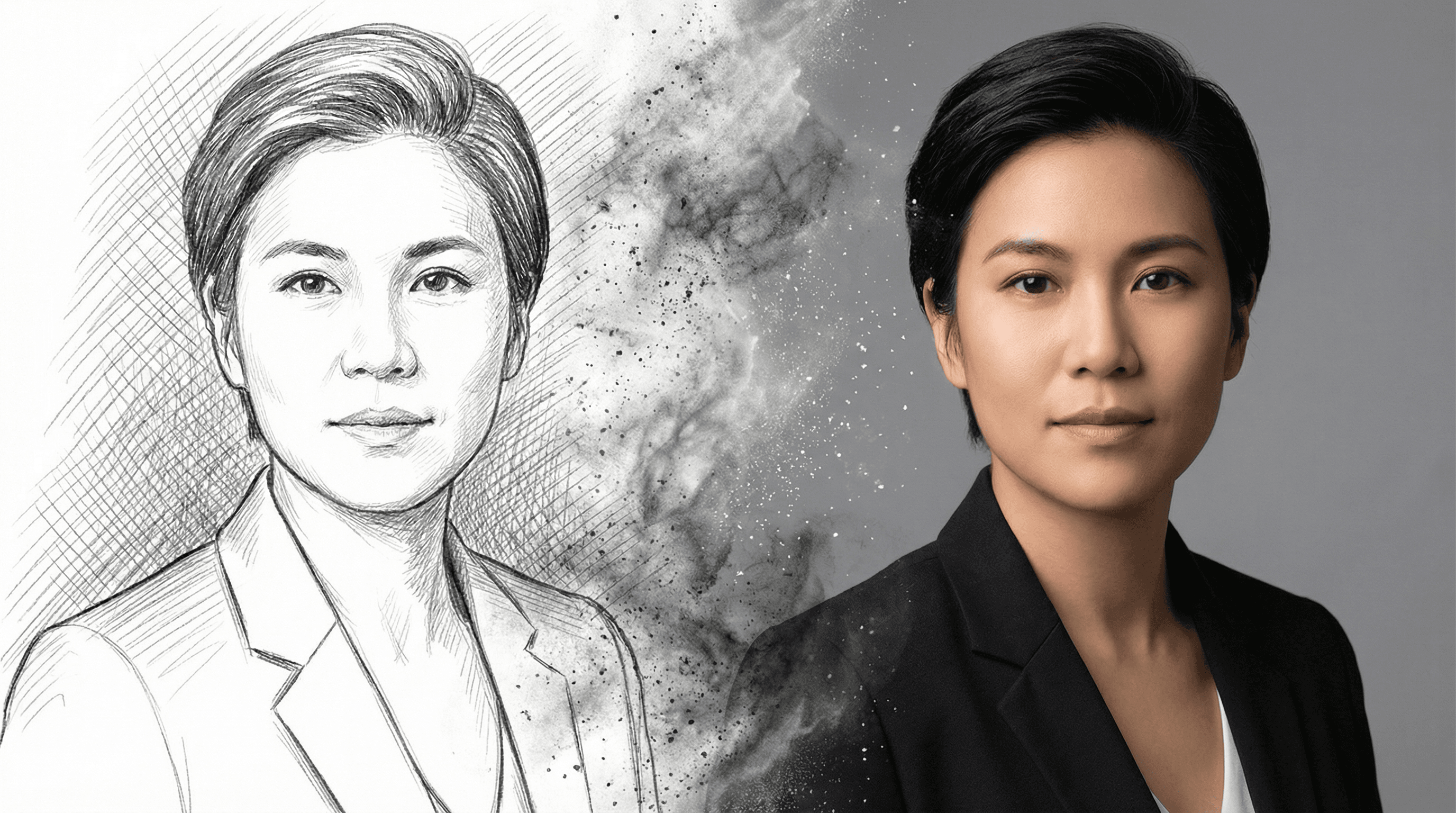

Getting a professional headshot used to mean booking a photographer, picking an outfit, and spending $150–$400 for a single session. Now you can upload a handful of selfies, wait a few minutes, and walk away with dozens of studio-quality portraits. AI headshot generators have made the whole process faster, cheaper, and honestly more accessible than it's ever been.
I tested five of the most popular AI headshot tools side by side, same source photos, same expectations, and compared them on quality, pricing, ease of use, and how natural the results actually look. Here's what I found.
What Is an AI Headshot Generator?
An AI headshot generator takes your existing photos (usually 5–15 selfies) and trains a lightweight model on your face. It then produces new images of you in professional settings, studio lighting, neutral backgrounds, business attire, that never actually existed. The best tools nail skin texture, hair detail, and natural expressions so well that most people can't tell the difference from a real photo shoot.
The underlying technology is similar to what powers AI image generation platforms, but headshot generators are fine-tuned specifically for portraits. They understand things like flattering angles, even lighting, and how to make you look like yourself, not a deepfake version of yourself.
Who Needs an AI Headshot?
Professional headshots aren't just for actors and models anymore. Here's who's using AI headshot generators right now:
- LinkedIn professionals, Your profile photo is your first impression. Recruiters and clients form opinions in under a second. A polished headshot with clean lighting and a neutral background dramatically increases profile views and connection requests.
- Corporate teams, Companies with 50+ employees can't easily coordinate in-person photo shoots. AI headshots give every team member a consistent, on-brand portrait without the scheduling nightmare.
- Actors and talent, Casting directors still want headshots that look natural, but AI tools let actors generate dozens of looks (commercial, theatrical, lifestyle) from one upload session.
- Real estate agents and consultants, Anyone whose face is on their marketing materials. AI headshots keep things current without a reshoot every year.
- Job seekers, A professional headshot signals that you take your career seriously. When the alternative is a cropped party photo, even a basic AI headshot is a major upgrade.
Top AI Headshot Generators Compared
I tested each tool by uploading the same set of 12 casual photos and evaluating the output across five criteria: likeness accuracy, image quality, background variety, turnaround time, and price. Here's how they stack up.
1. Flashloop, Best for Creative Control
Flashloop's image generation platform gives you access to multiple AI models in one place, which means you aren't locked into a single style or look. You can generate headshots with different lighting setups, backgrounds, and artistic directions, then pick your favourites.
What sets Flashloop apart is the level of control. You can describe exactly what you want: "professional headshot, soft studio lighting, dark grey background, navy blazer, slight smile", and iterate quickly until it's right. The multi-model approach means if one model doesn't nail your skin tone, another one probably will.
- Best for: Creators who want full prompt control and model variety
- Turnaround: Under 2 minutes per image
- Pricing: Starts at $8/month with credits for multiple generations
2. HeadshotPro, Best for Corporate Teams
HeadshotPro is purpose-built for professional headshots and nothing else. You upload your photos, pick from a handful of styles (Corporate, Creative, Casual), and get 120+ headshots back in about two hours. The results are consistently polished, clean backgrounds, even lighting, natural skin.
Where HeadshotPro really shines is team plans. You can onboard an entire department, set brand guidelines (background colour, dress code), and get matching headshots for everyone. It's the closest thing to a virtual photo studio.
- Best for: Companies needing consistent team headshots
- Turnaround: ~2 hours
- Pricing: From $29 per person; team plans available
3. Aragon AI, Best Overall Quality
Aragon AI consistently produced the most realistic results in my testing. The skin texture, hair detail, and lighting accuracy were a notch above most competitors. It generates around 40 headshots per session across different styles and backgrounds.
The interface is straightforward, upload, wait about 90 minutes, and browse your results. It's not the fastest, but if raw quality is your top priority, Aragon delivers.
- Best for: People who want the most photorealistic output
- Turnaround: ~90 minutes
- Pricing: From $29 for 40 headshots
4. Try It On AI, Best Budget Option
Try It On AI is one of the more affordable options and still produces solid results. You upload your photos, select a style, and receive headshots within about an hour. The quality is good, not quite as refined as Aragon or HeadshotPro, but more than adequate for LinkedIn profiles and email signatures.
The pricing tiers are simple, and there's no subscription required. Pay once, get your headshots, done. That simplicity makes it a popular pick for individuals who just need a quick upgrade.
- Best for: Budget-conscious individuals
- Turnaround: ~1 hour
- Pricing: From $19 for a basic package
5. Remini, Best Free Option
Remini started as a photo enhancement app and has since added AI headshot generation. The free tier lets you generate a limited number of headshots, which is enough to see if the tool works for you. Quality is decent for a free tool, it handles faces well but sometimes struggles with hair detail and background consistency.
If you're not ready to pay for headshots and just want something better than your current profile photo, Remini is a reasonable starting point.
- Best for: Anyone who wants to try AI headshots for free
- Turnaround: Minutes
- Pricing: Free tier available; premium from $9.99/week
Pricing Comparison at a Glance
| Tool | Starting Price | Headshots Included | Team Plans |
|---|---|---|---|
| Flashloop | $8/month | Multiple (credit-based) | No |
| HeadshotPro | $29/person | 120+ | Yes |
| Aragon AI | $29 | 40 | Yes |
| Try It On AI | $19 | Varies by plan | No |
| Remini | Free | Limited | No |
How to Get the Best Results from Any AI Headshot Tool
The quality of your output depends heavily on the quality of your input. Every AI headshot generator, no matter how good, will produce better results if you follow these guidelines when uploading your source photos.
Photo Upload Tips
- Use 8–15 photos, More variety helps the AI learn your features. Include different angles (front, slight left, slight right) and expressions.
- Good lighting is non-negotiable, Natural light or well-lit indoor photos. Avoid harsh shadows, backlit silhouettes, and dimly lit rooms.
- Solo shots only, No group photos. The AI needs to know which face is yours. Crop out other people before uploading.
- Recent photos, Use photos from the last 6 months so the AI captures how you look now, not three haircuts ago.
- Skip the filters, No Snapchat filters, heavy Instagram edits, or beauty mode. The AI needs your actual face to produce accurate results.
- Varied backgrounds, Different settings help the AI separate you from the background. Don't upload 12 photos all taken against the same wall.
Pro tip: If you wear glasses daily, include them in most of your upload photos. If you sometimes wear them and sometimes don't, include a mix, the AI will generate both versions.
Choosing the Right Style
Most tools offer style presets. Pick the one that matches where the headshot will be used:
- Corporate, Suit or blazer, neutral background, formal lighting. Best for LinkedIn, company directories, and investor-facing materials.
- Creative, More relaxed wardrobe, interesting lighting or colour grading. Good for portfolios, personal branding, and creative industries.
- Casual, Natural look, soft lighting, lifestyle feel. Works for social media profiles, dating apps, or personal websites.
AI Headshots vs. Traditional Photography
Let's be honest, a skilled photographer with professional lighting will still produce the absolute best headshots. But AI tools have closed the gap dramatically, and for most use cases, the difference is negligible. Here's the practical trade-off:
- Cost: Traditional shoots run $150–$400+. AI tools start free and top out around $30–50.
- Time: A photo shoot takes 1–3 hours plus editing time. AI tools deliver in minutes to hours.
- Convenience: No scheduling, no commute, no wardrobe panic. Upload from your couch.
- Volume: A photographer gives you 5–20 edited shots. AI tools can generate 40–120+.
For most professionals, an AI headshot is more than good enough. Save the photographer for high-stakes situations like executive branding or acting portfolios where every pixel matters.
The Bottom Line
AI headshot generators have hit the point where the output genuinely looks professional. The tools I tested all produced usable results, but the right choice depends on your priorities. If you want full creative control and access to multiple AI models, start with Flashloop's image generator. If you need team-wide consistency, HeadshotPro is the move. If budget is the main concern, Try It On AI and Remini both deliver solid value.
Whatever you pick, the days of paying hundreds for a single headshot session are numbered. Upload a few selfies, give it a few minutes, and you'll have a professional portrait ready for your next creative project.