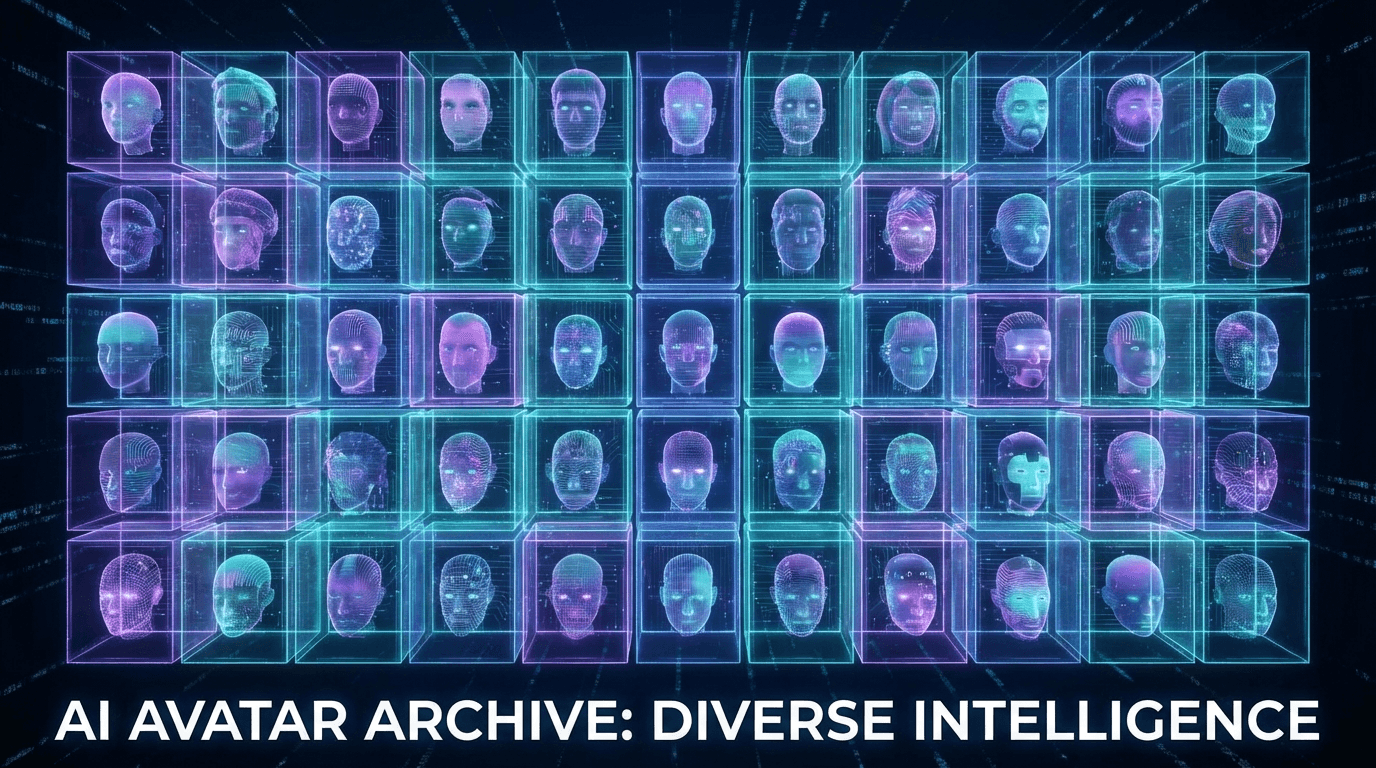

AI avatar generators have exploded in the last year. What used to require a professional photo shoot and hours of editing can now be done in seconds, upload a selfie or describe what you want, and you've got a custom avatar ready for your profile, presentation, or video content.
But the quality gap between tools is massive. Some produce stunning, photorealistic results. Others give you something that looks like it was made in MS Paint. I tested 8 of the most popular AI avatar generators to find out which ones are actually worth your time.
TL;DR: Best AI Avatar Generators in 2026
- HeyGen, Best for talking video avatars
- Flashloop, Best for unique, artistic AI avatars
- Canva, Best for casual/social media avatars
- Adobe Firefly, Best for brand-safe, commercial use
- Synthesia, Best for corporate training videos
- VEED, Best free option
- Powtoon, Best for animated presentation avatars
- Toki, Best for photo-to-avatar conversion
Why Use an AI Avatar Generator?
The use cases have expanded way beyond profile pictures. People are using AI avatars for:
- Professional headshots, Skip the photographer, get LinkedIn-ready photos in minutes (we covered this in our AI headshot guide)
- Video content, Create talking head videos without being on camera
- Gaming and social, Custom characters for streams, Discord, and social profiles
- Marketing, Diverse, on-brand representatives for ads and landing pages
- Privacy, Represent yourself online without showing your real face
1. HeyGen, Best for Talking Video Avatars
HeyGen dominates the AI avatar space for one reason: their avatars talk. Not just a static image, full video avatars with lip sync, facial expressions, and natural gestures. You type a script, pick an avatar (or create one from your own photo), and get a professional-looking video in minutes.
The avatar library is massive, over 1,100 pre-built options across different ages, ethnicities, and styles. Custom avatar creation from a single photo is surprisingly good, though the best results come from their studio-quality capture process.
- Best for: Marketing videos, training content, personalized outreach
- Pricing: Free tier with watermark, Creator plan from $24/month
- Standout feature: Instant video avatars with built-in lip sync
2. Flashloop, Best for Unique, Artistic Avatars
Most avatar generators give you a realistic human or a cartoon version of yourself. Flashloop goes way beyond that. Using models like Nano Banana Pro, you can generate avatars in any style, photorealistic, illustrated, anime, cyberpunk, watercolor, whatever you can describe.
The creative range is unmatched. Want a steampunk version of yourself? A Pixar-style character? A Renaissance painting portrait? Flashloop handles it all through text prompts, and you can iterate until you get exactly what you want. Plus, you can turn those avatars into AI videos on the same platform.
- Best for: Creative professionals, unique brand identities, social media
- Pricing: Credits-based, see plans
- Standout feature: Unlimited style range, any artistic direction you can describe
3. Canva, Best for Casual Avatars
Canva's AI avatar generator is exactly what you'd expect from Canva, simple, accessible, and good enough for most people. Upload a photo, pick a style (watercolor, 3D, pop art, etc.), and get your avatar in seconds.
The quality is decent but not mind-blowing. Where Canva wins is integration, your avatar drops directly into Canva's design tools, so you can immediately use it in presentations, social posts, or marketing materials. If you're already a Canva user, it's the path of least resistance.
- Best for: Social media profiles, presentations, quick branding
- Pricing: Included with Canva Pro ($13/month)
- Standout feature: Seamless integration with Canva design suite
4. Adobe Firefly, Best for Commercial Use
Adobe Firefly is the safe choice. Every image generated is commercially licensed and trained on Adobe Stock content, so there's zero copyright risk. For brands and businesses that need avatars for ads, websites, or products, this matters more than raw quality.
The avatar quality is good, clean, professional, and controllable. Firefly gives you more precise control over features like lighting, camera angle, and composition than most competitors. It's not the most creative tool, but it's the most legally safe.
- Best for: Enterprise, commercial projects, brand-safe content
- Pricing: Free tier (25 credits/month), Premium from $10/month
- Standout feature: Full commercial licensing with IP indemnification
5. Synthesia, Best for Corporate Training
Synthesia has carved out a very specific niche: corporate training and internal communications. Their avatars are designed to look professional and trustworthy, think "HR training video presenter," not "edgy social media avatar."
The platform includes a full video creation suite with scripts, slides, screen recording, and multi-avatar scenes. If you need to create 50 training videos across 10 languages, Synthesia is purpose-built for that workflow. It's overkill for a profile picture.
- Best for: L&D teams, HR, internal communications
- Pricing: Starter from $22/month, Enterprise plans available
- Standout feature: Multi-language support with automatic translation and lip sync
6. VEED, Best Free Option
VEED's AI avatar generator is part of their broader video editing platform, and it's one of the more generous free tiers out there. You can create avatars from photos, generate talking head videos, and even do basic lip sync, all without paying.
The quality sits in the middle of the pack. It's not going to fool anyone into thinking it's a real person, but for social content and quick videos, it gets the job done. The free watermark is the main annoyance.
- Best for: Budget creators, testing, social content
- Pricing: Free tier available, Pro from $18/month
- Standout feature: Full video editor included (not just avatar generation)
7. Powtoon, Best for Animated Presentations
Powtoon takes a different approach, instead of photorealistic avatars, it creates animated characters for presentations and explainer videos. Think Pixar-lite characters that gesture, walk, and interact with on-screen elements.
If you need a polished explainer video with a friendly animated host, Powtoon nails it. The animation quality is surprisingly smooth, and the character customization is deep enough to match most brand guidelines. Not what you want for a LinkedIn headshot, but perfect for internal presentations.
- Best for: Explainer videos, presentations, educational content
- Pricing: Free tier, Pro from $15/month
- Standout feature: Full animation engine with gesture and movement control
8. Toki, Best for Photo-to-Avatar
Toki specializes in one thing: turning your photos into AI avatars and video content. Upload a photo, and Toki creates a realistic digital twin that can speak, gesture, and express emotions. The single-photo avatar creation is genuinely impressive.
The focus on photo-based avatars means Toki's results are more personal than generic avatar generators. Your avatar actually looks like you, just slightly more polished. It's the closest thing to "digital makeup for video calls."
- Best for: Personal branding, video messages, personalized content
- Pricing: Free to try, paid plans available
- Standout feature: High-fidelity photo-to-avatar with emotional expressions
Quick Comparison
| Tool | Best For | Free Tier | Video Avatars |
|---|---|---|---|
| HeyGen | Talking video avatars | ✅ (watermark) | ✅ |
| Flashloop | Artistic/creative avatars | ✅ | ✅ |
| Canva | Social media/casual | ❌ (Pro only) | ❌ |
| Adobe Firefly | Commercial/brand-safe | ✅ (limited) | ❌ |
| Synthesia | Corporate training | ❌ | ✅ |
| VEED | Free video avatars | ✅ | ✅ |
| Powtoon | Animated presentations | ✅ | ✅ (animated) |
| Toki | Photo-to-avatar | ✅ | ✅ |
The Bottom Line
The AI avatar space has matured fast. You no longer need to choose between "looks good" and "actually useful", the best tools deliver both. For most creators, the choice comes down to whether you need a talking video avatar (HeyGen, Synthesia) or a static image you can use everywhere else (Flashloop, Adobe, Canva).
If you want maximum creative control and the ability to turn your avatar into full AI videos, try Flashloop, generate any style of avatar you can imagine, then bring it to life with AI video generation.