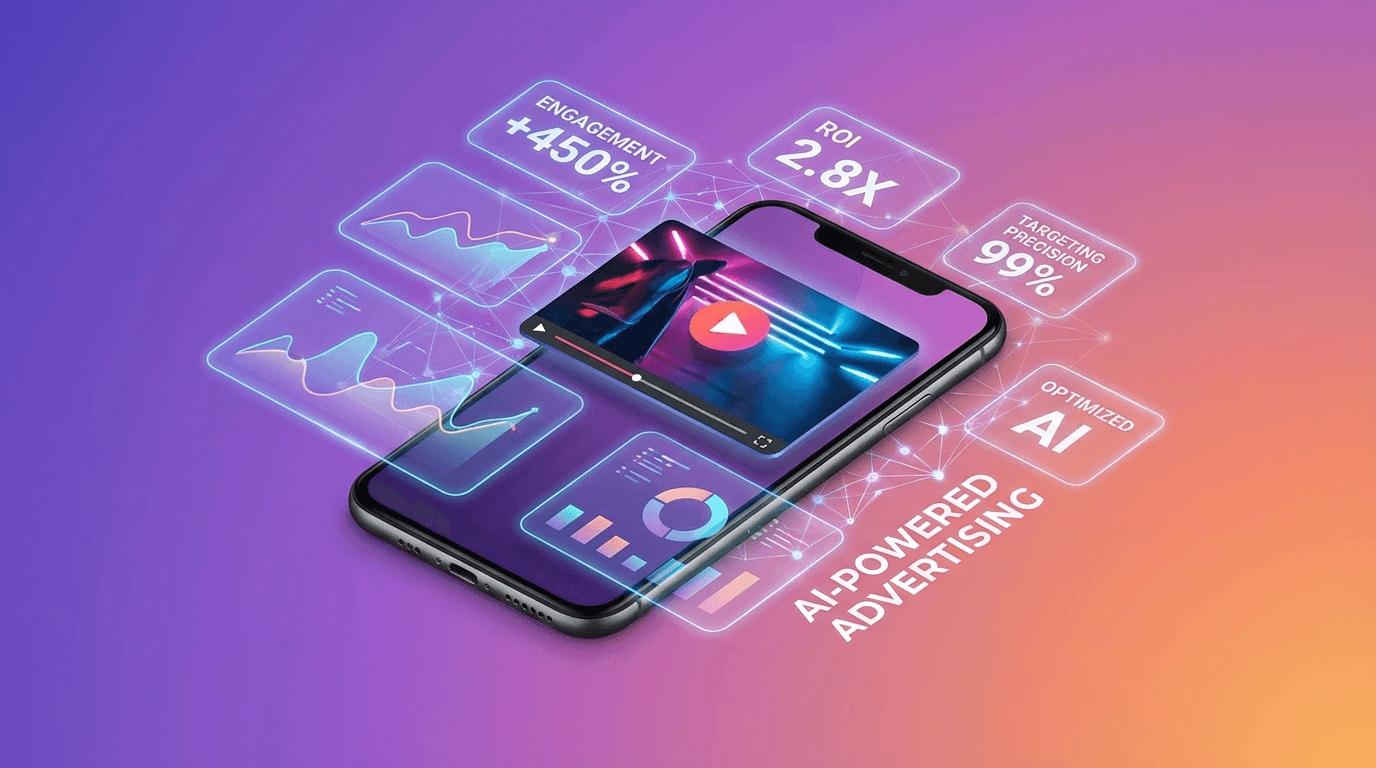

Video ads convert better than static images. Everyone knows this. The problem has always been production, shooting, editing, and iterating on video ads is expensive, slow, and kills the rapid testing that modern performance marketing demands. AI is fixing that.
I've spent the last few months building AI-generated video ad campaigns for real products. Not theoretical "you could do this" content, actual ads that ran on Meta, TikTok, and YouTube. Here's what works, what doesn't, and how to build your own AI video ad pipeline from scratch.
What you'll learn:
- The AI video ad workflow that actually converts
- Hook formulas that stop the scroll
- Which AI tools to use for each step
- How to test 10x more creative variations
- Common mistakes that tank your ROAS
Why AI Video Ads?
The math is simple. A traditional video ad takes 1-2 weeks and $2,000+ to produce. An AI video ad takes 30 minutes and costs a few dollars in generation credits. That's not a marginal improvement, it's a completely different operating model.
The real advantage isn't cost savings, though. It's iteration speed. Performance marketing is a testing game. The team that tests more creative variations faster wins. AI lets you create 20 ad variations in the time it used to take to produce one.
- 10x more creative testing, Generate dozens of variations, kill the losers fast
- Faster launches, Go from concept to live ad in hours, not weeks
- Lower risk, Test ideas before investing in professional production
- Personalization at scale, Create tailored ads for different audiences and platforms
The AI Video Ad Workflow
Here's the step-by-step process I use. It's not complicated, but each step matters.
Step 1: Script the Hook (First 3 Seconds)
The hook is everything. On TikTok and Reels, you have about 1.5 seconds before someone scrolls past. On YouTube, you get maybe 5. Your opening frame and first line of text need to stop the scroll immediately.
Hook formulas that work:
- Problem-agitation: "Still spending $200/month on [pain point]?"
- Curiosity gap: "I found a way to [result] that nobody talks about"
- Social proof: "10,000 creators switched to [tool] last month. Here's why."
- Contrarian: "Stop doing [common practice]. Do this instead."
- Visual shock: Start with the most visually striking frame (AI is great at this)
Step 2: Generate the Visual Content
This is where AI shines. Use Flashloop to generate the video content for your ad. The key is specificity in your prompts, don't write "a person using a phone." Write "close-up of hands swiping through a social media feed on an iPhone, soft natural lighting, shallow depth of field."
Pro tips for AI video ad content:
- Generate multiple angles, Wide shot, close-up, and product detail for a single concept
- Match platform vibes, TikTok wants raw and authentic, YouTube wants polished and cinematic
- Create B-roll libraries, Generate 20-30 generic clips you can reuse across campaigns
- Use image-to-video, Start with a product photo and animate it for product showcase ads
Step 3: Add Text and CTA
Overlay text is non-negotiable for social video ads. Most viewers watch without sound. Your key message and CTA need to be on screen, not just in the audio.
- Keep text to 5-8 words per screen, More than that and people won't read it
- High contrast, White text with a dark shadow or background bar
- CTA on the final frame, "Try free", "Shop now", "Link in bio", always tell them what to do next
Step 4: Sound Design
Even though many viewers watch muted, sound still matters for the viewers who do unmute. Trending audio on TikTok and Reels can boost distribution algorithmically. For YouTube, a clean voiceover is essential.
Options for AI-assisted audio:
- Use AI voice cloning for consistent, professional narration (see our voice cloning guide)
- Add trending music or sound effects in your video editor
- For TikTok: use platform-native sounds for better algorithm reach
Step 5: Test and Iterate
This is where the AI advantage really kicks in. Instead of running one ad and hoping for the best, create 5-10 variations:
- Same script, different visuals
- Same visuals, different hooks
- Same concept, different formats (9:16 for Stories, 1:1 for Feed, 16:9 for YouTube)
- Different CTAs
Run all variations with a small budget ($5-10/day each), kill the losers after 48 hours, and scale the winners. AI makes this economically viable because each variation costs minutes instead of thousands.
Platform-Specific Tips
TikTok / Instagram Reels
- Vertical format (9:16), always
- Raw, authentic aesthetic beats polished and corporate
- First frame is critical, use the most eye-catching visual
- 15-30 seconds is the sweet spot
- Use native editing features (text, stickers) to look organic
YouTube
- Landscape format (16:9) for in-stream, vertical for Shorts
- First 5 seconds before the "Skip" button matters most
- Longer format OK, 30-60 seconds for awareness, 15 seconds for action
- Higher production value expected than social platforms
Meta (Facebook / Instagram Feed)
- Square (1:1) or vertical (4:5) for feed, vertical for Stories
- Text overlay essential, 85% of Facebook video is watched muted
- Carousel video ads perform well, create 3-5 short clips
- Retargeting with video ads has highest ROI
Common Mistakes to Avoid
- Over-polishing AI content, On social platforms, too polished = too corporate = scroll past. Let it look a little raw.
- No clear CTA, Every ad needs to tell the viewer exactly what to do next. Don't assume they'll figure it out.
- Testing too few variations, One ad is a guess. Ten ads is a test. AI makes ten easy.
- Ignoring the first frame, Autoplay thumbnails matter. Your first frame IS your ad for most viewers.
- Same creative across all platforms, TikTok and YouTube have completely different vibes. Adapt your creative.
- Skipping sound design, Yes, most people watch muted. But the ones who unmute are your highest-intent viewers. Don't ignore them.
Best Tools for the Job
Here's the stack I recommend for AI video ad creation:
- Video generation: Flashloop, generate the visual content with AI (text-to-video, image-to-video, face swap)
- Dedicated ad tools: Creatify or Arcads, purpose-built for ad creative generation
- Editing: CapCut (free, great for social) or Premiere Pro (professional)
- Voiceover: ElevenLabs for cloned voice narration
- Thumbnails and static frames: Flashloop image generation
The Bottom Line
AI video ads aren't coming, they're here, and they're working. The brands and creators who build an AI ad pipeline now will have a massive competitive advantage. Not because AI makes better ads than humans (it doesn't, yet), but because AI lets you test faster, iterate more, and find winning creatives that you never would have tried with a $2,000-per-video production budget.
Start simple: generate 5 video variations on Flashloop, add text overlays and a CTA, run them as ads with a small budget, and see what sticks. You'll learn more from one week of AI-powered testing than a month of traditional production.
Get started with Flashloop, generate the video content for your next campaign in minutes, not weeks.