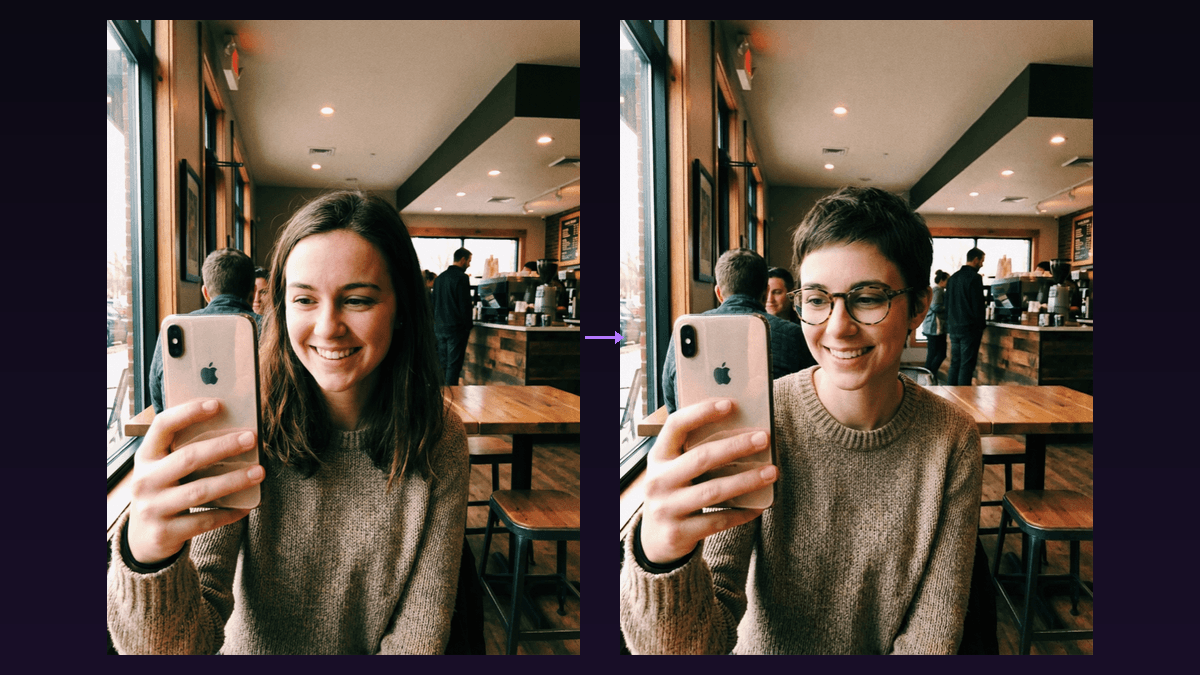
I've spent the last few weeks testing every major AI video generator on the market. Same prompt, same expectations, different results. The gap between the best AI video generators and the rest has never been wider, and picking the wrong tool means wasting hours (and money) on output you'll never use.
This isn't a surface-level roundup. I actually generated videos with each tool, compared quality side by side, tracked pricing, and noted every frustrating limitation. Here's what I found.
TL;DR: The 8 Best AI Video Generators in 2026
- Flashloop - Best all-in-one platform (access every major model in one place)
- Google Veo 3 - Best raw video quality
- Kling 3.0 - Best for character consistency and long-form
- Runway Gen-4 - Best for professional workflows
- OpenAI Sora 2 - Best text understanding
- Pika 2.2 - Best for quick edits and effects
- PixVerse - Best free option
- Leonardo AI - Best for image-to-video
What Makes a Good AI Video Generator?
Before diving into each tool, here's what I evaluated. Not all AI video generators are created equal, and the "best" one depends entirely on what you need.
- Output quality - Resolution, motion smoothness, physics accuracy, and how realistic (or stylized) the results look.
- Prompt adherence - Does the AI actually do what you ask? Some tools hallucinate details or ignore parts of your prompt entirely.
- Speed - Generation time matters. Waiting 10 minutes per clip kills creative momentum.
- Pricing - Cost per video varies wildly. Some tools burn through credits on a single generation.
- Mobile support - Can you generate on the go? Most tools are desktop-only, which is a dealbreaker for many creators.
- Model variety - Access to multiple models means you can pick the right tool for each project instead of being locked into one style.
The Tools I Tested
I tested each tool with the same baseline prompt: "A golden retriever running through a field of sunflowers at sunset, cinematic slow motion, shallow depth of field." Simple enough to be fair, complex enough to reveal differences in quality.
Here's how each one performed.
1. Flashloop - Best All-in-One Platform
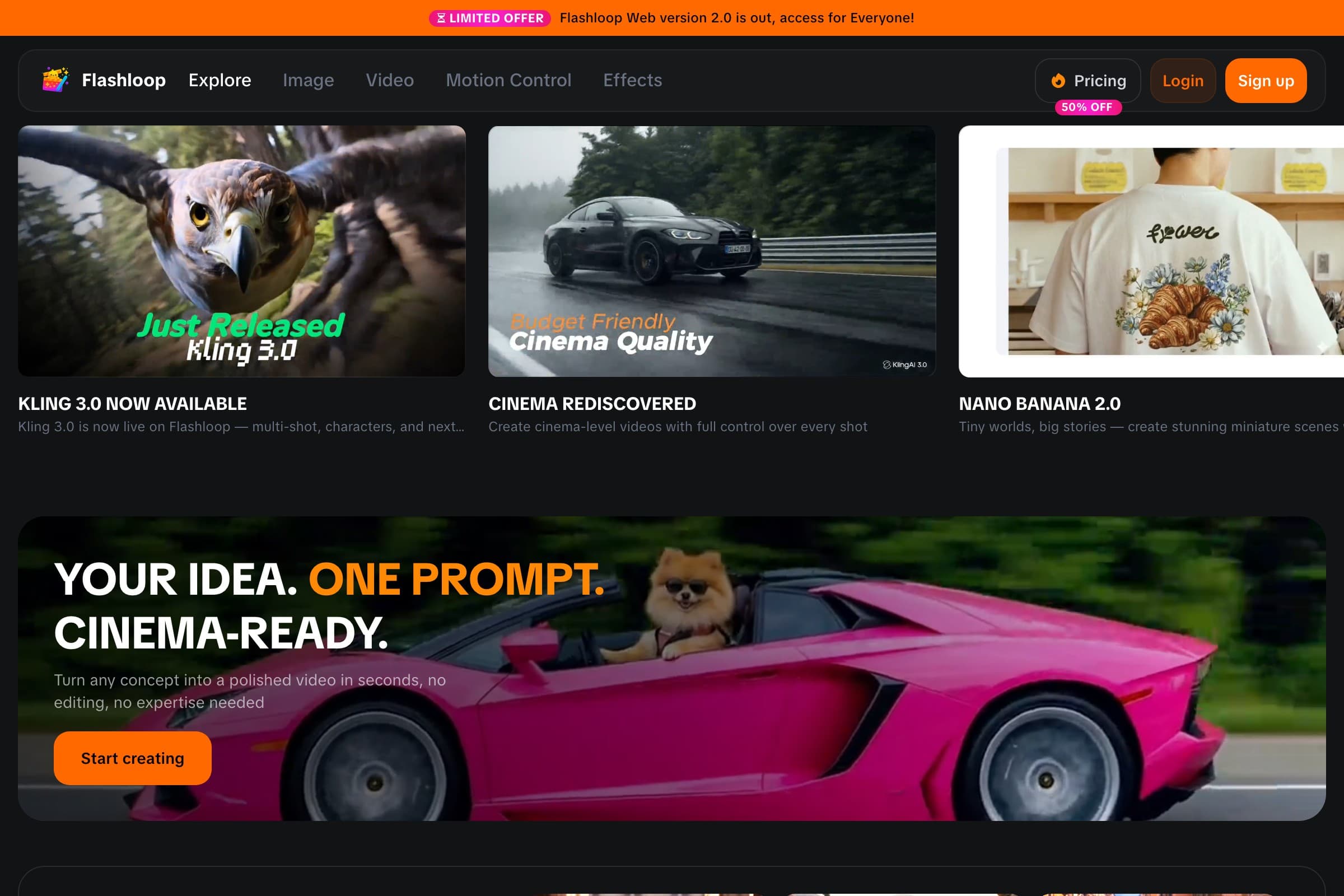
Full disclosure: this is the platform I used most during testing, and for good reason. Flashloop doesn't build its own AI model. Instead, it gives you access to every major model (Veo 3, Kling 3.0, Sora 2, Seedance 1.5 Pro, and more) through a single interface. One account, one credit system, every model.
That matters more than you'd think. Different models excel at different things. Veo 3 nails photorealism but Kling handles character consistency better. Instead of managing five subscriptions, you switch models with a dropdown.
- Models available: Veo 3, Kling 3.0, Sora 2, Seedance 1.5 Pro, and others
- Input types: Text-to-video, image-to-video
- Mobile: Full web app works on mobile browsers
- Best for: Creators who want flexibility without juggling multiple tools
Where it falls short: No built-in video editor. You generate clips and export them. If you need timeline editing, you'll still need a separate tool.
Check out Flashloop pricing to see how credits work across all models.
2. Google Veo 3 - Best Raw Video Quality
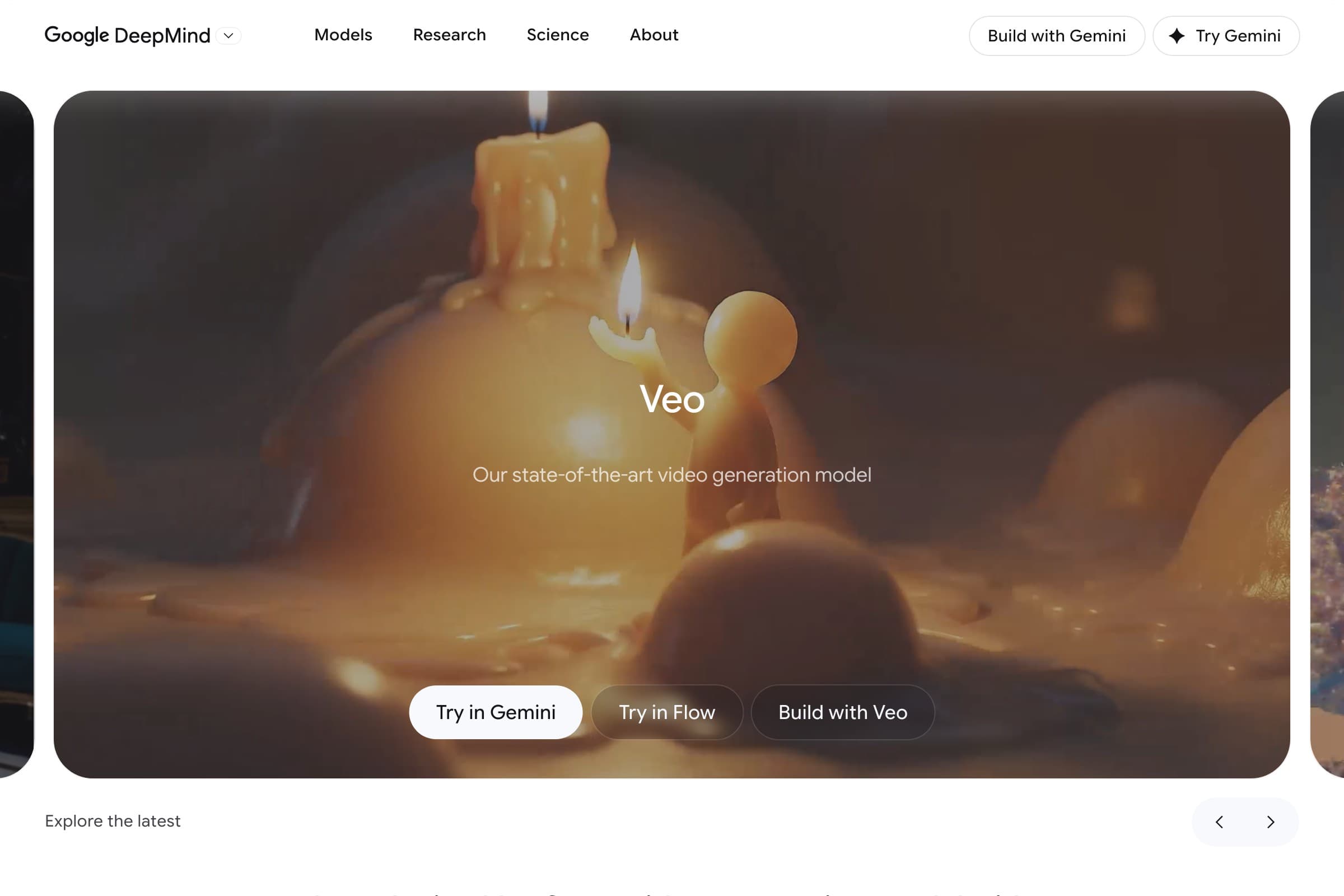
Veo 3 is Google DeepMind's latest video model, and it produces some of the most photorealistic AI video I've seen. The golden retriever prompt came back with accurate fur physics, natural sunlight scattering, and smooth slow-motion that genuinely looked like it was shot on a cinema camera.
- Resolution: Up to 4K
- Audio: Native audio generation (dialogue, sound effects, ambient)
- Speed: Moderate, typically 2-4 minutes per clip
- Best for: Cinematic quality, photorealism, productions that need to look "real"
Where it falls short: Currently accessible through Google AI Studio and select platforms. No standalone consumer app. Pricing can be steep for high-volume use.
You can access Veo 3 through Flashloop's video creator without needing a separate Google AI Studio account.
3. Kling 3.0 - Best for Character Consistency
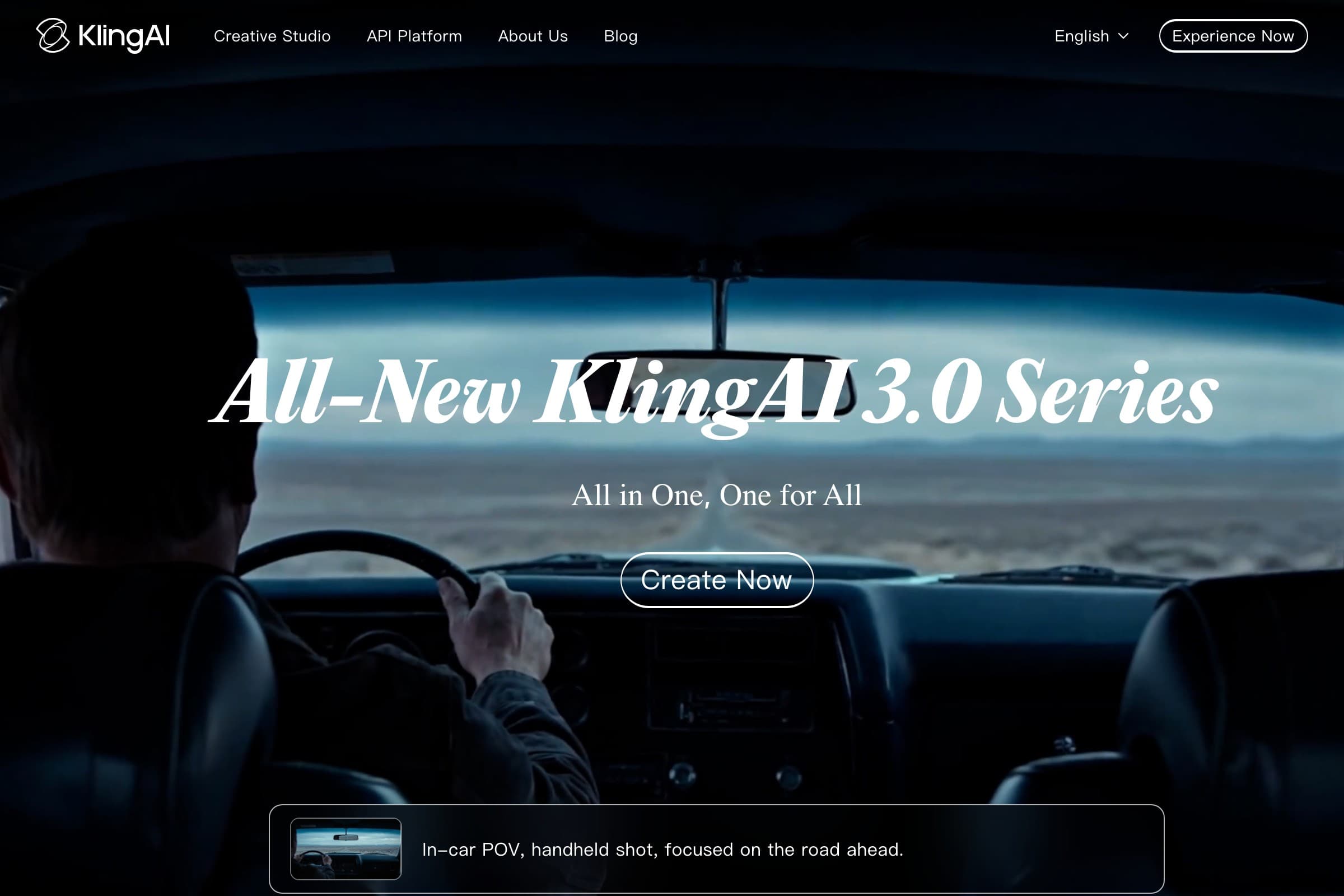
Kling from Kuaishou has quietly become one of the best AI video generators for anyone making content with recurring characters. Version 3.0 introduced significantly improved character consistency across shots, which is a huge deal if you're creating series content for TikTok or YouTube.
- Max duration: Up to 2 minutes per generation
- Standout feature: Character reference images for consistent faces across clips
- Speed: Fast, often under 2 minutes
- Best for: Series content, character-driven stories, social media creators
Where it falls short: Photorealism is good but not quite Veo 3 level. The standalone app experience is clunky compared to web-first tools.
4. Runway Gen-4 - Best for Professional Workflows
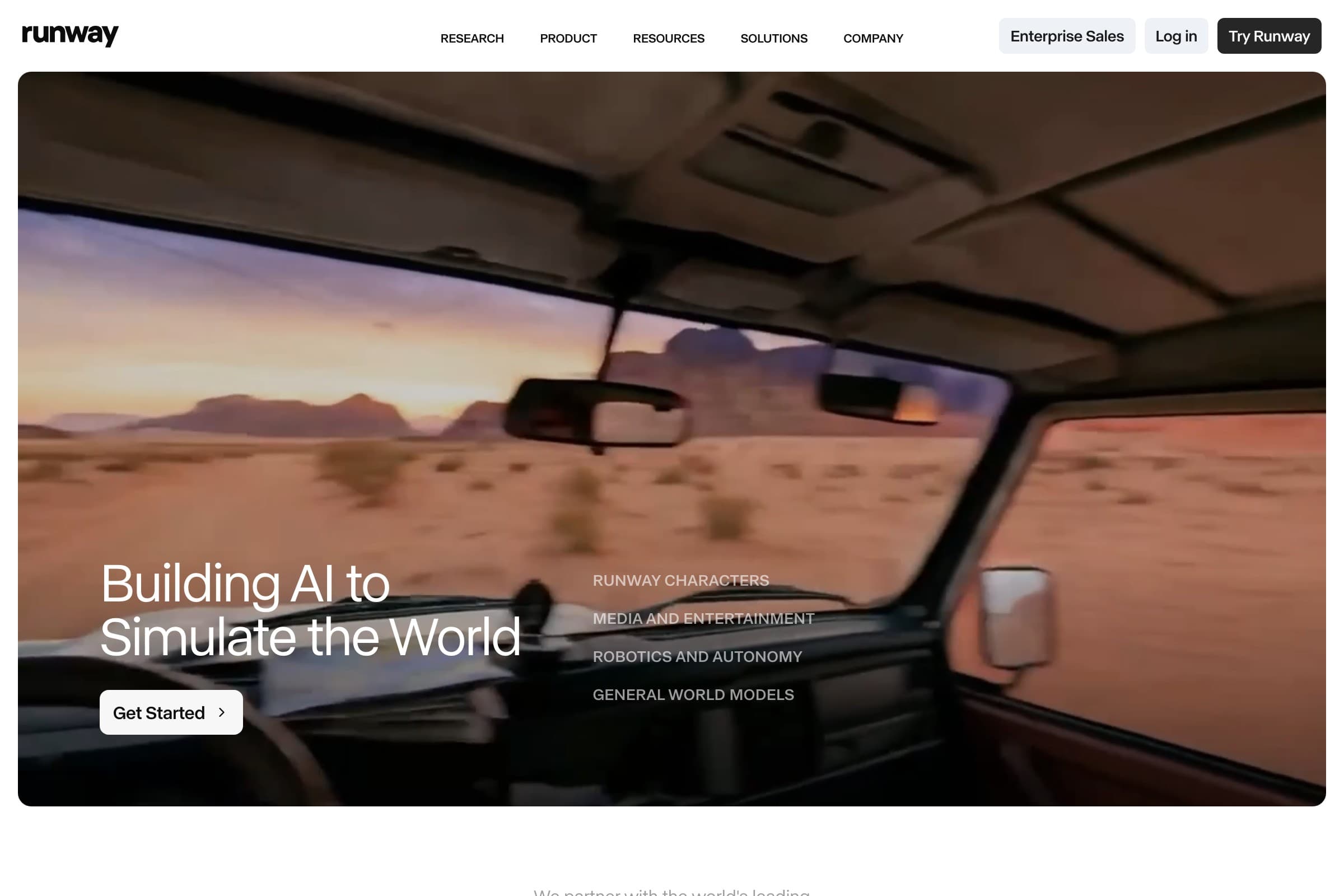
Runway has been in the AI video space longer than most competitors, and Gen-4 shows that experience. The tool isn't just about generation. It's a full creative suite with inpainting, motion brush, camera controls, and frame interpolation built in.
- Standout feature: Motion brush and camera control tools
- Editor: Built-in timeline with layer support
- Speed: Moderate, 2-5 minutes depending on complexity
- Best for: Professional video editors, filmmakers, agencies
Where it falls short: Expensive. The Pro plan at $76/month runs out fast if you're iterating on generations. The learning curve is steeper than simpler tools. Desktop-focused with limited mobile support.
5. OpenAI Sora 2 - Best Text Understanding
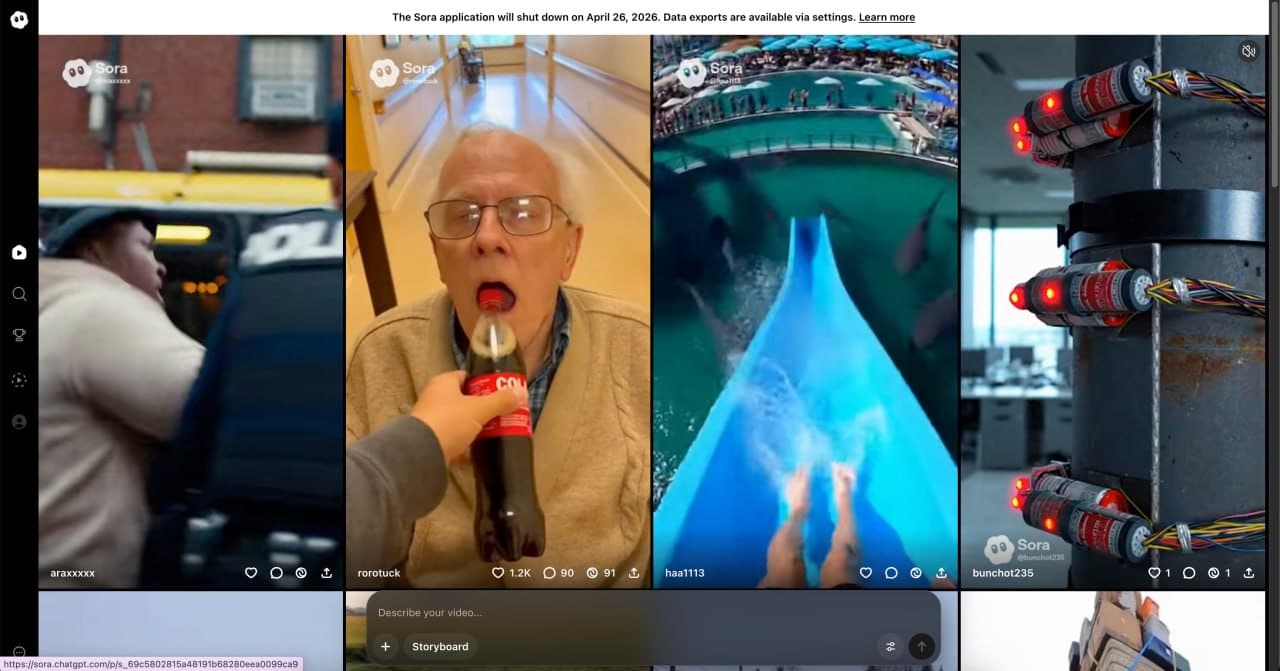
Sora 2 benefits from OpenAI's language model expertise. It understands complex, multi-part prompts better than any other tool I tested. When I wrote "golden retriever running, then stopping to sniff a sunflower, then looking at the camera," Sora was the only model that nailed all three actions in sequence.
- Standout feature: Superior prompt comprehension for complex scenes
- Resolution: Up to 1080p
- Speed: Slow, typically 3-6 minutes
- Best for: Narrative content, complex scene descriptions, storyboarding
Where it falls short: Generation speed is the slowest in this list. Motion can sometimes look slightly floaty compared to Kling or Veo. Requires a ChatGPT Plus subscription ($20/month) with limited generations.
6. Pika 2.2 - Best for Quick Edits and Effects
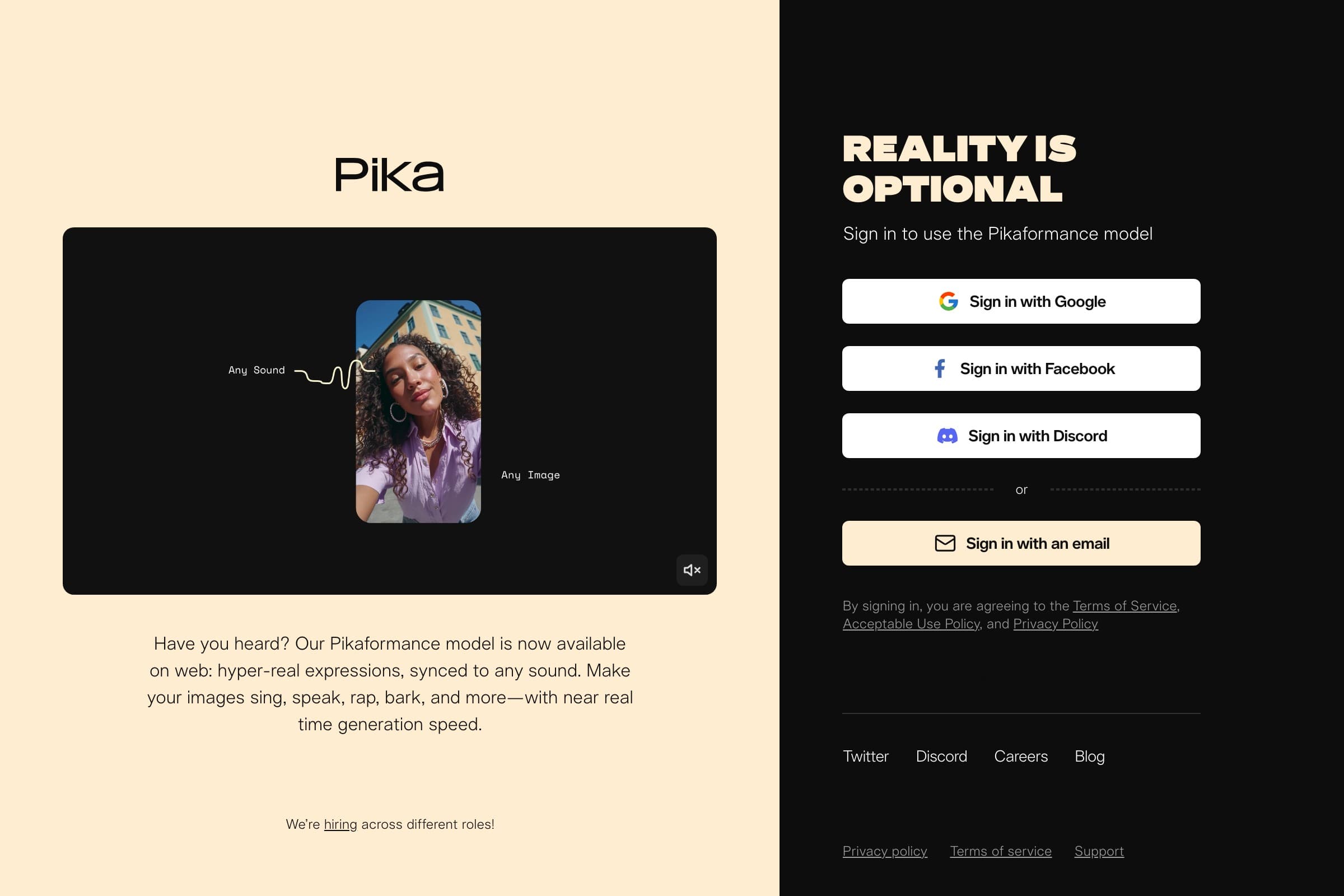
Pika carved out a niche with its "Pikaffects" feature set. Rather than competing purely on generation quality, Pika focuses on making AI video editing fast and fun. Crush it, melt it, explode it, inflate it. These one-click effects are genuinely useful for social content.
- Standout feature: One-click video effects (crush, melt, explode, inflate)
- Speed: Very fast, often under 1 minute for effects
- Pricing: Generous free tier, paid plans from $8/month
- Best for: Social media creators, meme content, quick video effects
Where it falls short: Text-to-video quality is a tier below Veo, Kling, and Runway. Not the tool for cinematic work. Better as a complement to other generators rather than a primary tool.
7. PixVerse - Best Free Option
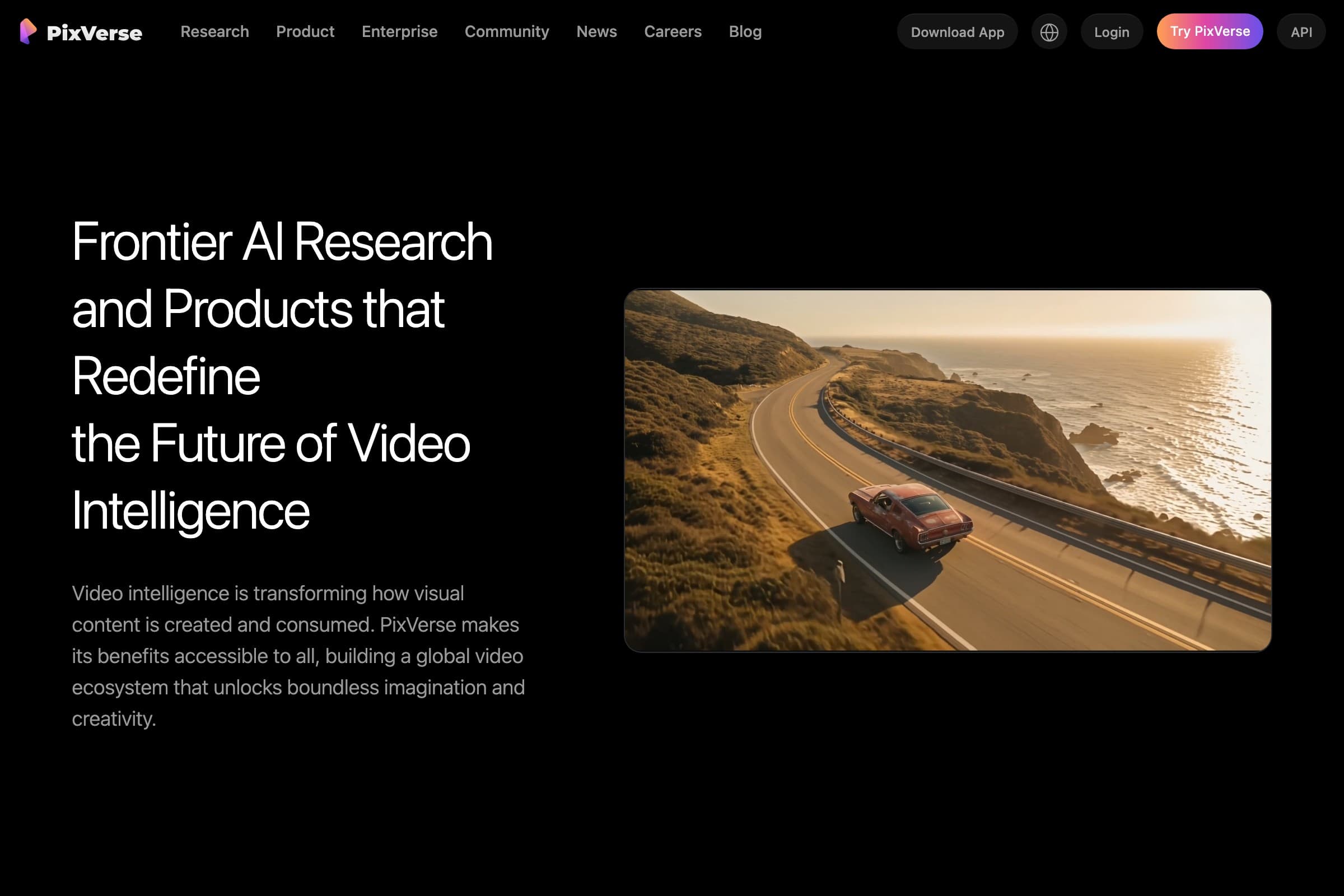
If you want to test AI video generation without spending anything, PixVerse is the best starting point. The free tier is genuinely usable, not a 3-second watermarked preview like some competitors. You get enough daily generations to actually experiment.
- Free tier: Usable daily generations with no watermark
- Mobile: Android and iOS apps available
- Standout feature: Template-based generation for trending video styles
- Best for: Beginners, hobbyists, anyone exploring AI video for the first time
Where it falls short: Quality ceiling is noticeably lower than paid tools. Limited control over camera movement and composition. Free generations are lower resolution.
8. Leonardo AI - Best for Image-to-Video
Leonardo built its reputation on AI image generation, and their image-to-video pipeline is seamless because of it. Generate an image, then animate it, all in the same tool. If your workflow starts with still images and you want to add subtle motion, Leonardo handles that transition better than anyone.
- Standout feature: Tight image generation + animation pipeline
- Style control: Extensive model fine-tuning options
- Speed: Fast for image-to-video, moderate for text-to-video
- Best for: Artists, designers, anyone whose workflow starts with still images
Where it falls short: Text-to-video from scratch isn't as strong as dedicated video generators. Video duration is limited. The platform can feel overwhelming with too many options for new users.
Side-by-Side Comparison
Here's how each tool stacks up across the criteria that matter most:
| Tool | Quality | Speed | Starting Price | Mobile | Best For |
|---|---|---|---|---|---|
| Flashloop | Varies by model | Varies by model | Free tier available | Yes (web) | Multi-model access |
| Google Veo 3 | Excellent | Moderate | Pay-per-use | No | Photorealism |
| Kling 3.0 | Very Good | Fast | Free tier + $5.99/mo | Yes (app) | Character consistency |
| Runway Gen-4 | Very Good | Moderate | $12/mo | Limited | Pro editing |
| Sora 2 | Good | Slow | $20/mo (ChatGPT Plus) | Yes (web) | Complex prompts |
| Pika 2.2 | Good | Very Fast | Free tier + $8/mo | Yes (web) | Effects and edits |
| PixVerse | Decent | Fast | Free | Yes (app) | Free generation |
| Leonardo AI | Good | Fast | Free tier + $9.99/mo | Yes (web) | Image-to-video |
Pricing Breakdown
AI video generation costs add up fast. Here's the real-world cost picture for each tool:
- Flashloop: Credit-based system across all models. Starter plan is free with limited credits. Creator plan unlocks all video models. Credits refresh monthly, and you can buy top-up packs that never expire. See current plans.
- Google Veo 3: Pay-per-generation through AI Studio. No flat monthly rate. Costs scale with resolution and duration.
- Kling 3.0: Free tier with limited daily credits. Pro plan at $5.99/month. Professional plan at $25.99/month for priority queues.
- Runway Gen-4: Standard $12/month (625 credits). Pro $76/month (2,250 credits). Credits go fast on video generation.
- Sora 2: Bundled with ChatGPT Plus at $20/month. Limited to ~50 generations per month at 720p. Pro plan ($200/month) for higher limits.
- Pika 2.2: Free tier with daily limits. Standard $8/month. Unlimited $58/month.
- PixVerse: Free tier is generous. Pro at $9.99/month for faster generation and higher resolution.
- Leonardo AI: Free tier with 150 daily tokens. Artisan plan $9.99/month. Artisan Unlimited $24.99/month.
Best for Mobile
Most AI video generators were designed for desktop first, and it shows. If you create content on your phone (and in 2026, most short-form creators do), here's what actually works:
- Flashloop works as a full web app on mobile browsers. No app download required. The interface adapts to smaller screens and you get access to the same models as desktop. This is the easiest mobile experience I tested.
- Kling and PixVerse have dedicated mobile apps (iOS and Android). Kling's app is feature-rich but can feel cramped. PixVerse's app is simpler and faster.
- Pika and Sora work through mobile browsers but the experience feels like an afterthought.
- Runway is essentially desktop-only for serious work. The mobile experience is too limited for the advanced features that make Runway worth using.
Best for Professionals
If you're producing content for clients, brands, or commercial projects, your priorities shift. You need reliability, commercial licensing, and control.
- Runway Gen-4 is the industry standard for professional AI video work. Camera controls, inpainting, motion brush, and a proper timeline editor. Commercial licensing is included on paid plans.
- Flashloop is a strong option for studios that need variety. Instead of committing to one model, teams can test Veo 3 for one project and Kling for the next. Try it on the video creation page.
- Google Veo 3 for productions where photorealism is non-negotiable. The quality ceiling is the highest in this list.
The Verdict
There is no single "best" AI video generator. The right choice depends on what you're making and how you work.
- Want one platform for everything? Flashloop gives you every major model without juggling subscriptions. It's the Swiss Army knife approach.
- Need the highest possible quality? Google Veo 3 produces the most photorealistic output available right now.
- Making series content? Kling 3.0's character consistency features are unmatched for recurring characters.
- Professional production? Runway Gen-4 has the most complete editing toolkit.
- On a budget? PixVerse's free tier is the most generous, and Pika offers the best value paid plan.
The AI video space is moving fast. Models that were state-of-the-art six months ago are already being outperformed. The smartest approach is to stay flexible, which is exactly why multi-model platforms are becoming the default for serious creators.
FAQ
What is the best free AI video generator?
PixVerse offers the most usable free tier for AI video generation, with daily generations and no watermarks. Pika also has a decent free tier. For access to premium models like Veo 3 and Kling 3.0 without individual subscriptions, Flashloop's starter plan is worth checking out.
Can I use AI-generated videos commercially?
It depends on the platform and plan. Runway, Flashloop, and Kling include commercial licensing on paid plans. Always check the terms of service for the specific model you're using, especially for Veo 3 and Sora 2 which have additional restrictions on certain content types.
How long can AI-generated videos be?
Most tools generate 5-10 second clips per generation. Kling 3.0 supports up to 2 minutes in a single generation. For longer content, you'll typically generate multiple clips and edit them together in a video editor.
Which AI video generator has the best quality?
Google Veo 3 currently produces the highest quality photorealistic video. Kling 3.0 is close behind with better character consistency. Runway Gen-4 offers the most control over the output. Quality varies by prompt type, so testing multiple models on your specific use case is the best approach.
Do I need a powerful computer for AI video generation?
No. All the tools in this list run in the cloud. You just need a browser. The AI processing happens on the provider's servers, so even a basic laptop or phone can access them. Flashloop and most other platforms work entirely through web browsers with no software installation required.