 OpenAI
GPT Image 2.5
OpenAI's newest image model with two modes in one: Flare for fast everyday generation and Sunburst for precision editing, with medium and high quality tiers.
- Resolution
- medium, high
- Aspect Ratios
- 1:1, 16:9, 9:16, 4:3, 3:4, auto
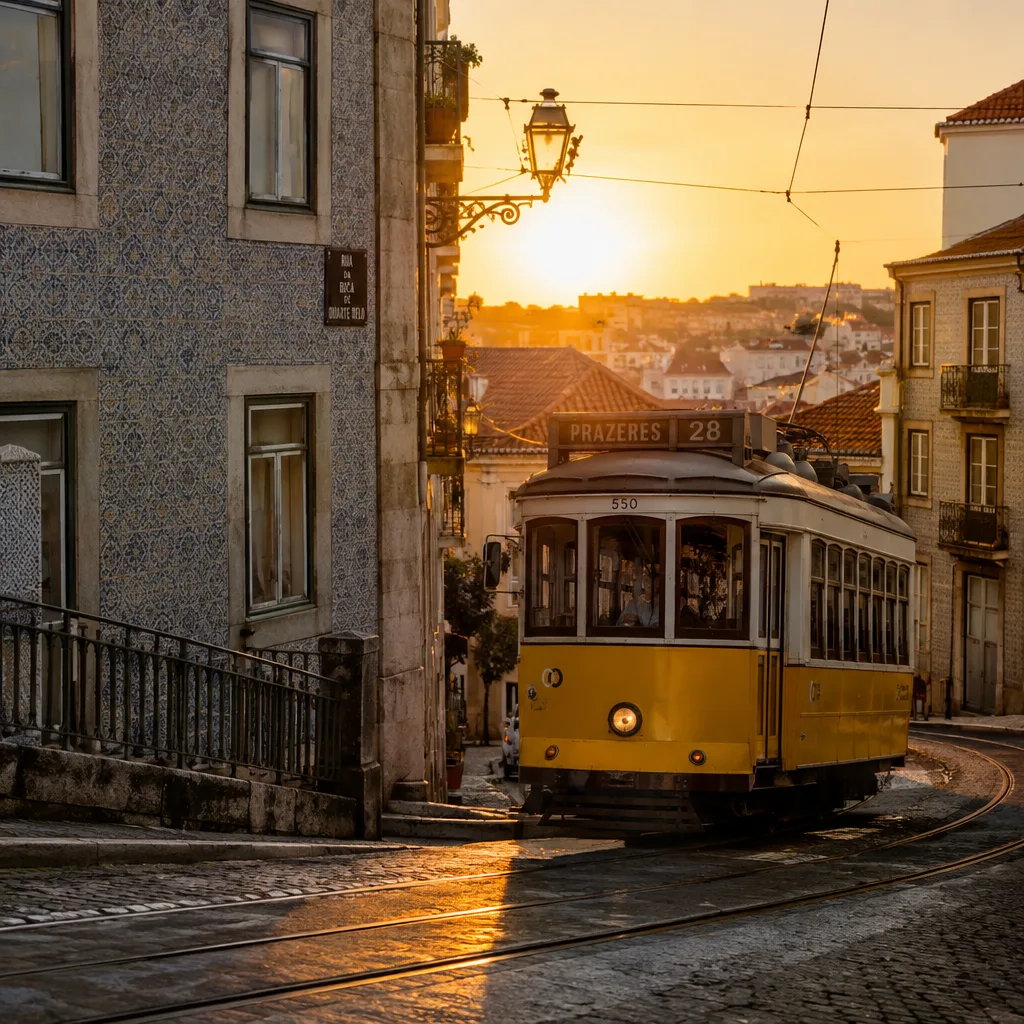
What makes GPT Image 2.5 unique
Two variants in one model: Flare is OpenAI's fastest model for high-quality everyday generation; Sunburst is its most capable for image editing where precision matters most.
Sharper detail and markedly better text rendering than GPT Image 2 — typography, posters, and layouts come out clean.
Roughly 50% lower latency than GPT Image 2 on the Flare variant — everyday images in about 10–20 seconds.
Accepts up to 16 reference images for image-to-image workflows and character-consistent generation.
Medium and high quality tiers so you only pay for the fidelity a job needs.
Supports prompts up to 20,000 characters for detailed creative briefs, style notes, and composition requirements.
Best for
How GPT Image 2.5 works
GPT Image 2.5 takes a text prompt and, optionally, up to 16 reference images. Choose the variant — Flare for speed, Sunburst for editing precision — plus a quality tier and aspect ratio, then submit. The model generates the image and returns it in seconds; with references it runs in edit mode, following the supplied subjects and style while applying your prompt.
How to use on Flashloop
Select GPT Image 2.5
Open Flashloop and choose GPT Image 2.5 from the model selector in the image creator.
Write your prompt
Describe what you want to generate, be as detailed as you like.
Generate & download
Hit generate and your image will be ready in seconds. Download or share directly.
Other image models
View all →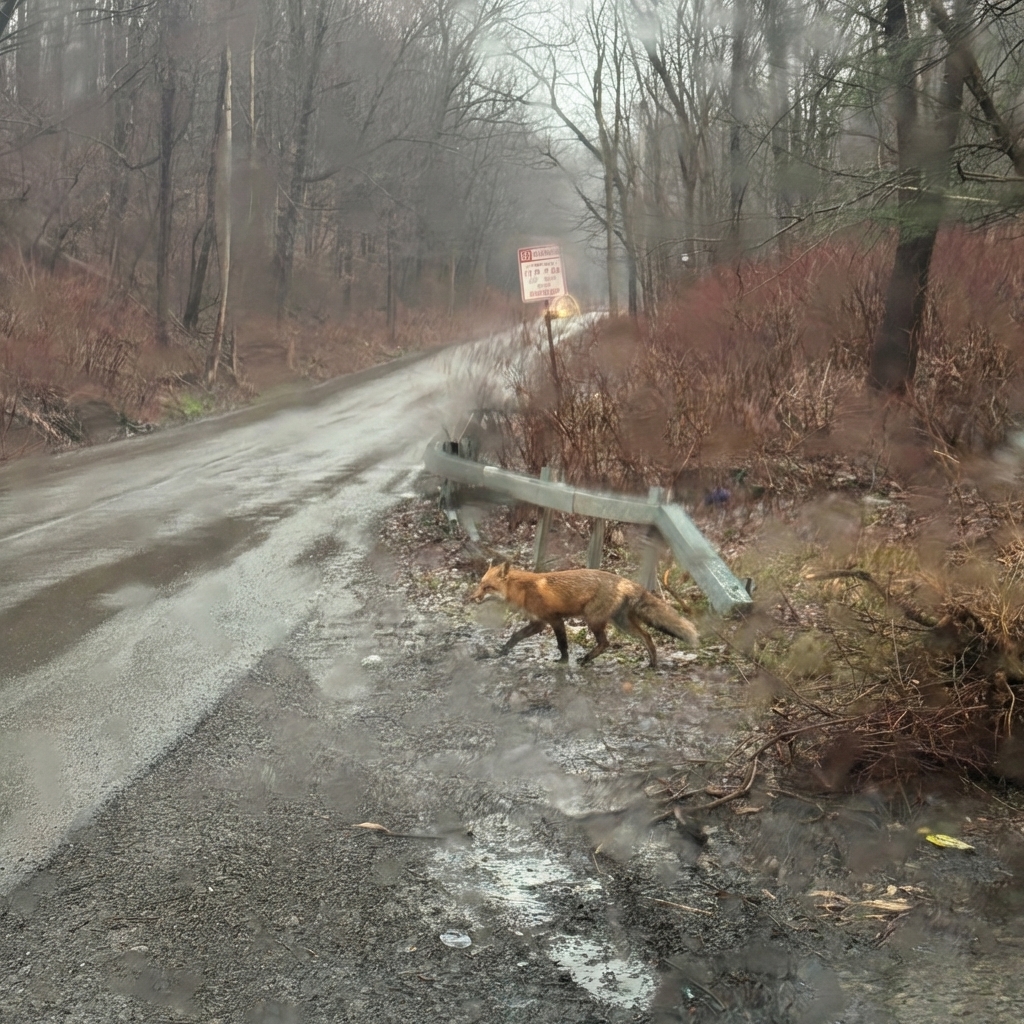
 Google
Nano Banana Pro
Generate 4K images, edit with plain English, and blend up to 4 references in one pass.
 Black Forest Labs
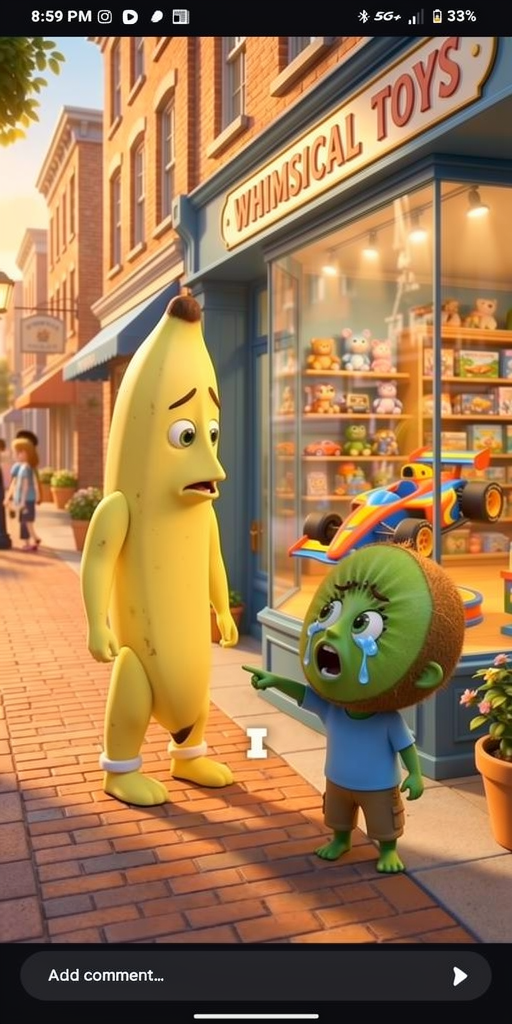
Flux 2
Create fast, flexible images with up to 10 references, LoRA tuning, and four speed-to-quality tiers.
 ByteDance
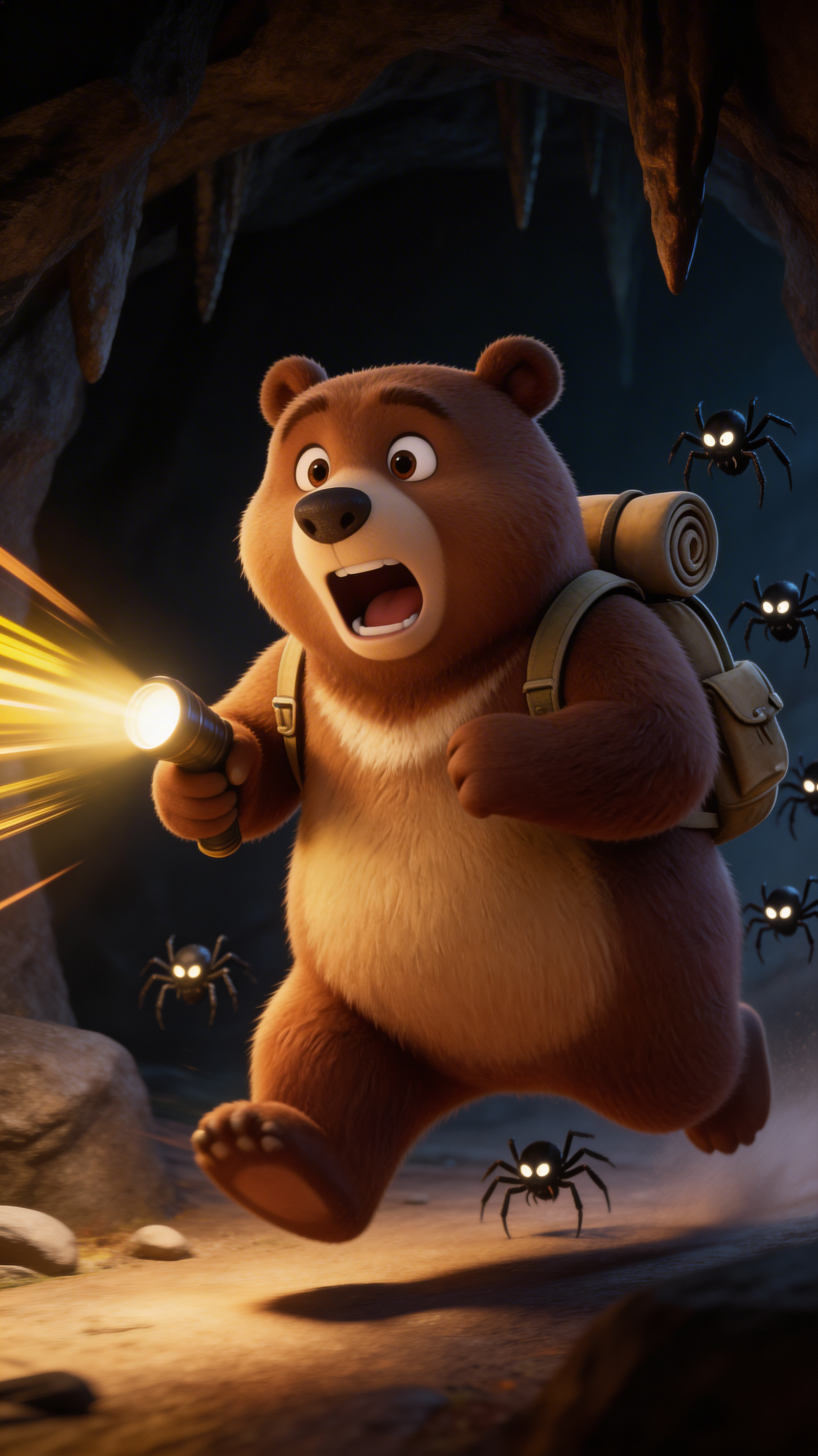
Seedream 5.0 Lite
Generate 4K images in 2–3 seconds with web-aware prompts, strong reasoning, and near-perfect EN/CN text.
Ready to create with GPT Image 2.5?
Available on iOS, Android, and web.
Start Creating