
I've spent the past two weeks deep in the AI Fruit Love Island rabbit hole, and I can confirm: making these videos is way more involved than "just typing a prompt." The original creator behind the viral TikTok account (3.3 million followers in 11 days, episodes averaging 10M+ views) spends roughly 3 hours per 2-minute episode.
But here's the good news. Once you understand the actual production pipeline, you can make your own episodes that look just as good. This tutorial breaks down every step, from character design to final export, with real prompts and examples.
TL;DR: The Full Process at a Glance
- Design your fruit characters with consistent looks using AI image generation
- Write a structured episode script with scene-by-scene image prompts, video prompts, and voiceover lines
- Generate scene images placing your characters in dramatic villa settings
- Animate each scene with image-to-video AI (3-5 seconds per clip)
- Add AI voiceover and background music
- Edit, add subtitles, and post to TikTok
What Is AI Fruit Love Island?
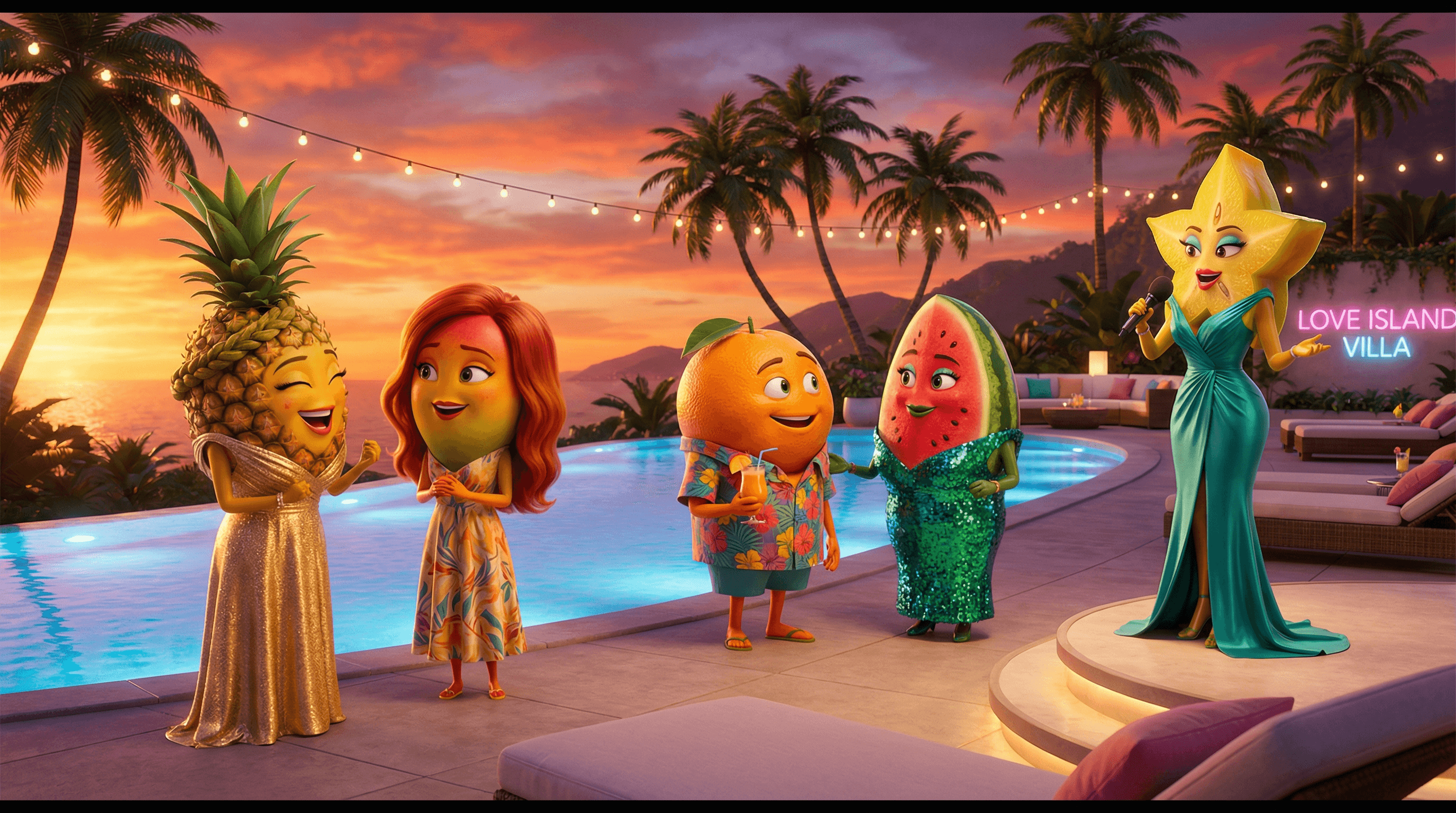
If you've been on TikTok recently, you've probably seen them: dramatic reality TV episodes starring anthropomorphic fruit characters. Think pineapples in gold dresses arguing at fire pits, watermelons in sequin gowns having romantic moments by the pool, and a glamorous host announcing who gets eliminated.
The concept blew up in mid-March 2026, going from zero to peak Google Trends in about 10 days. The original creator built an entire cast of fruit characters with distinct personalities, backstories, and looks, then used AI tools to generate images, animate them into video clips, and add voiceover narration.
The SERP for "how to make AI Fruit Love Island video" is still mostly tool landing pages and Reddit threads with people asking "how are people making these?" Nobody has written a proper tutorial. Until now.
What You Need to Make AI Fruit Love Island Videos
Before you start, here's your toolkit:
- AI image generator for character design and scene creation (I used Flashloop's image generator)
- AI video generator for animating still images into clips (I used Flashloop's video generator, which handles both image and video in one platform)
- Text-to-speech tool for voiceover narration (ElevenLabs, PlayHT, or similar)
- Video editor for assembling clips, adding music and subtitles (CapCut works great and it's free)
- A concept for your characters and storyline
Step 1: Design Your Fruit Characters
This is the foundation of everything. Your characters need to be visually distinct and consistent across every scene. The original creator nailed this by giving each fruit a specific outfit, hairstyle, and color palette that makes them instantly recognizable.
Here's the cast I built for testing. Each character has a name, fruit identity, signature look, and personality:
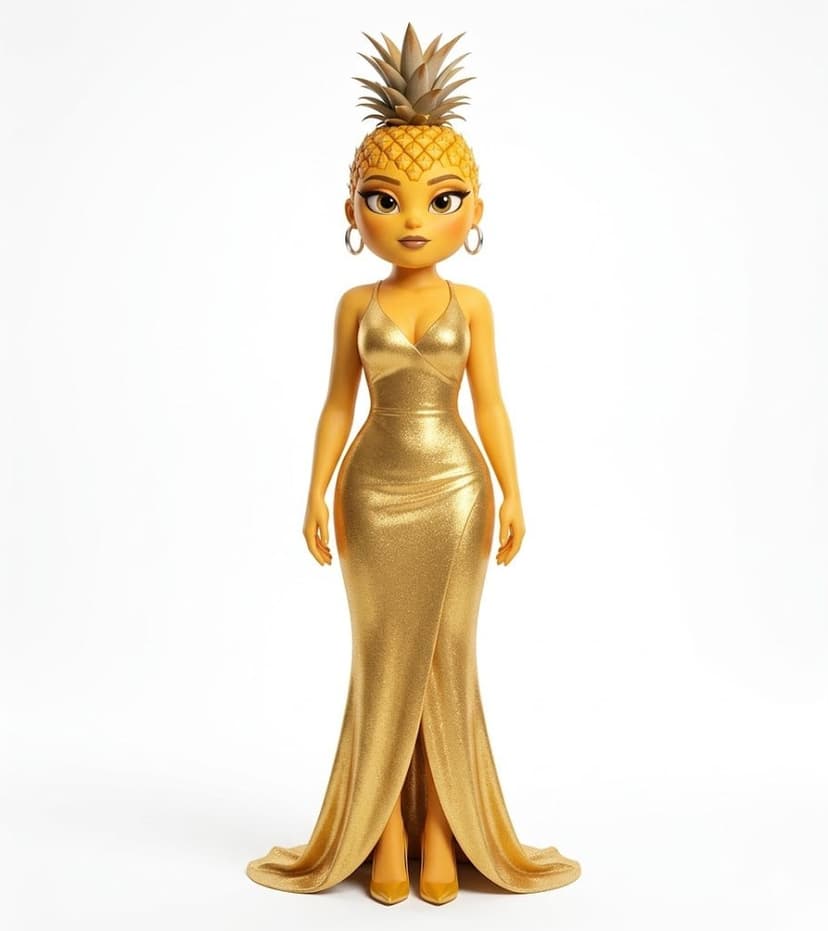
Pinapina - Pineapple girl. Gold dress, crown of leaves. The confident one.
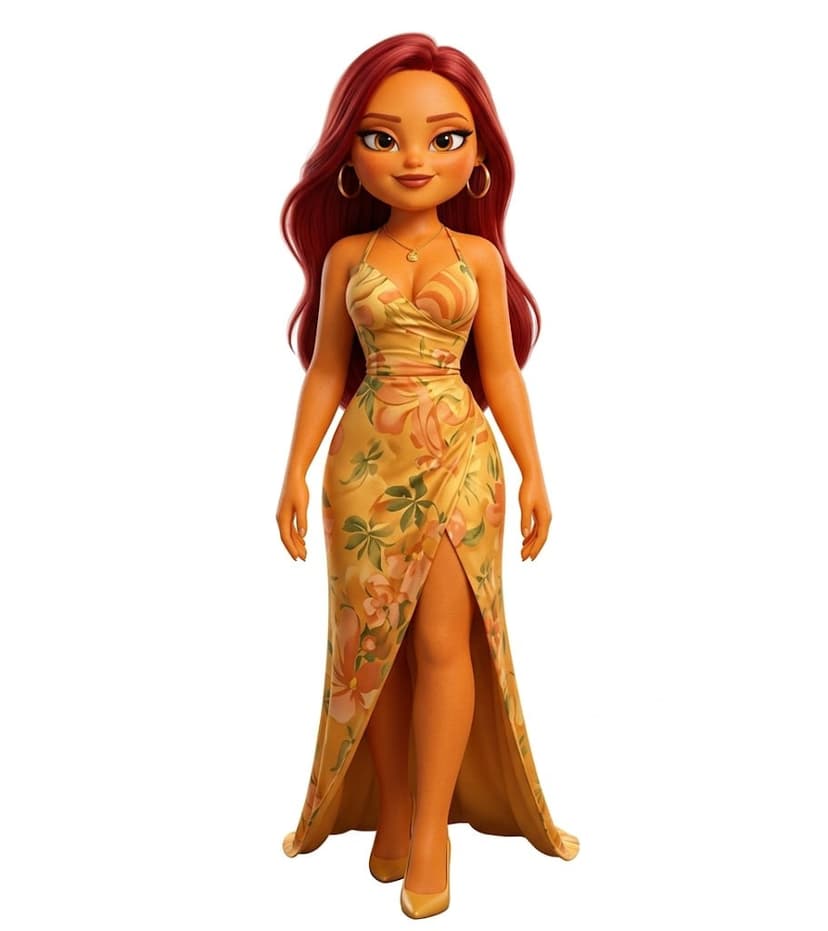
Mangella - Mango girl. Red hair, floral dress. The drama starter.
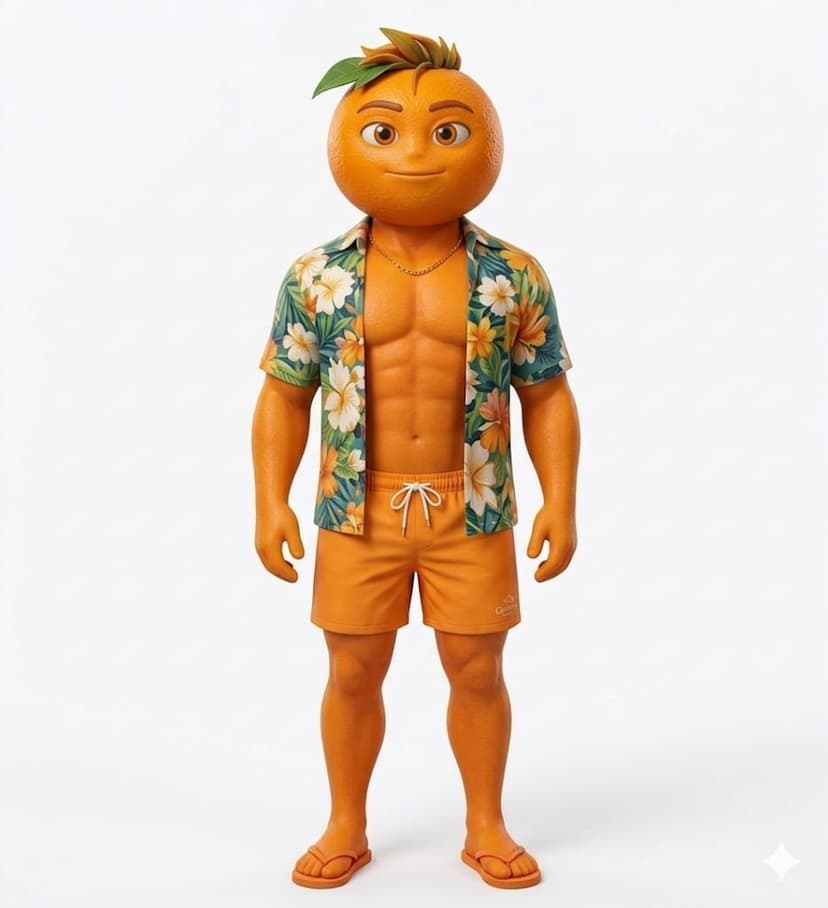
Orangelo - Orange guy. Hawaiian shirt, chill vibes. The fan favorite.
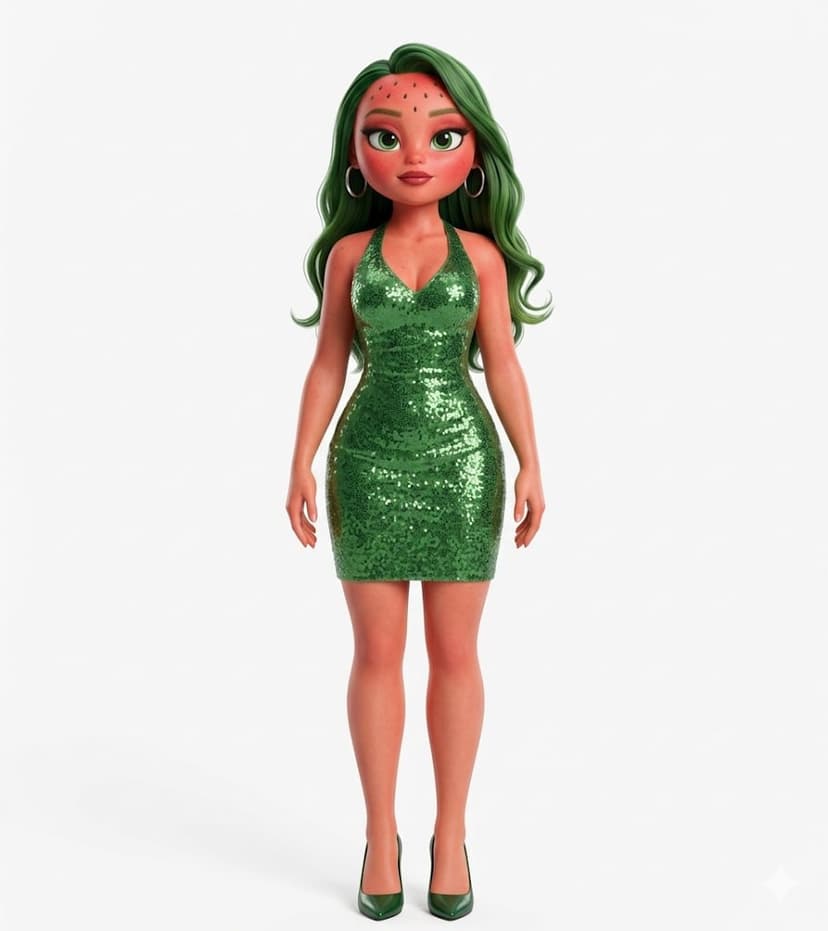
Watermelina - Watermelon girl. Green sequin dress. The strategic player.
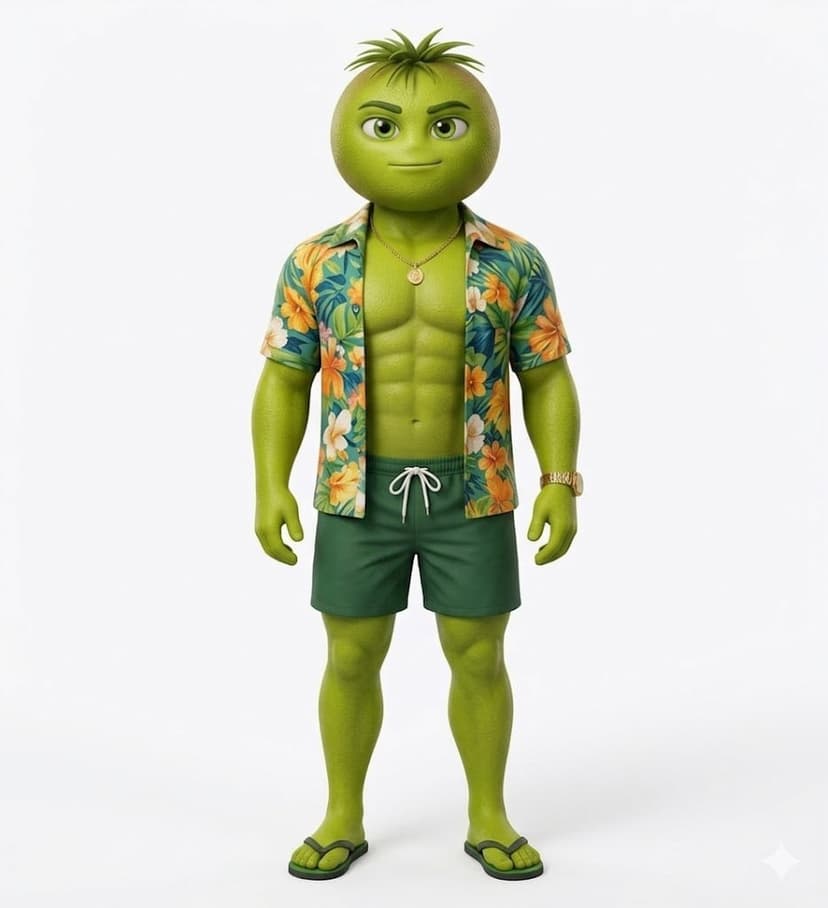
Kiwilo - Kiwi guy. Green Hawaiian shirt. The underdog.
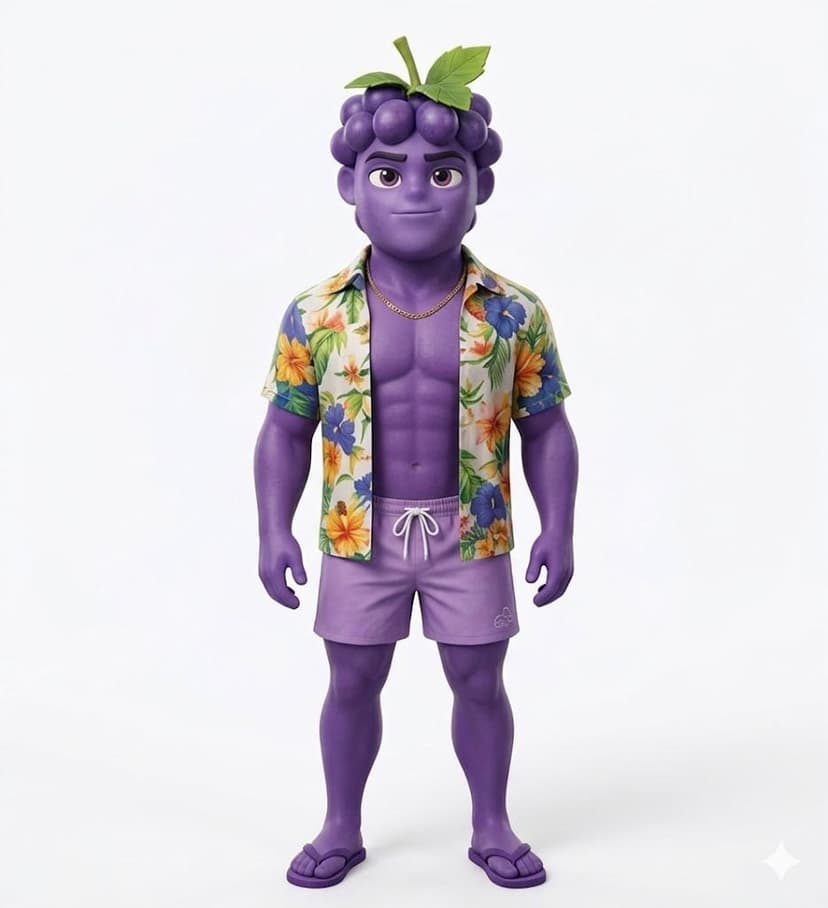
Grapenzo - Grape guy. Purple Hawaiian shirt. The villain arc.
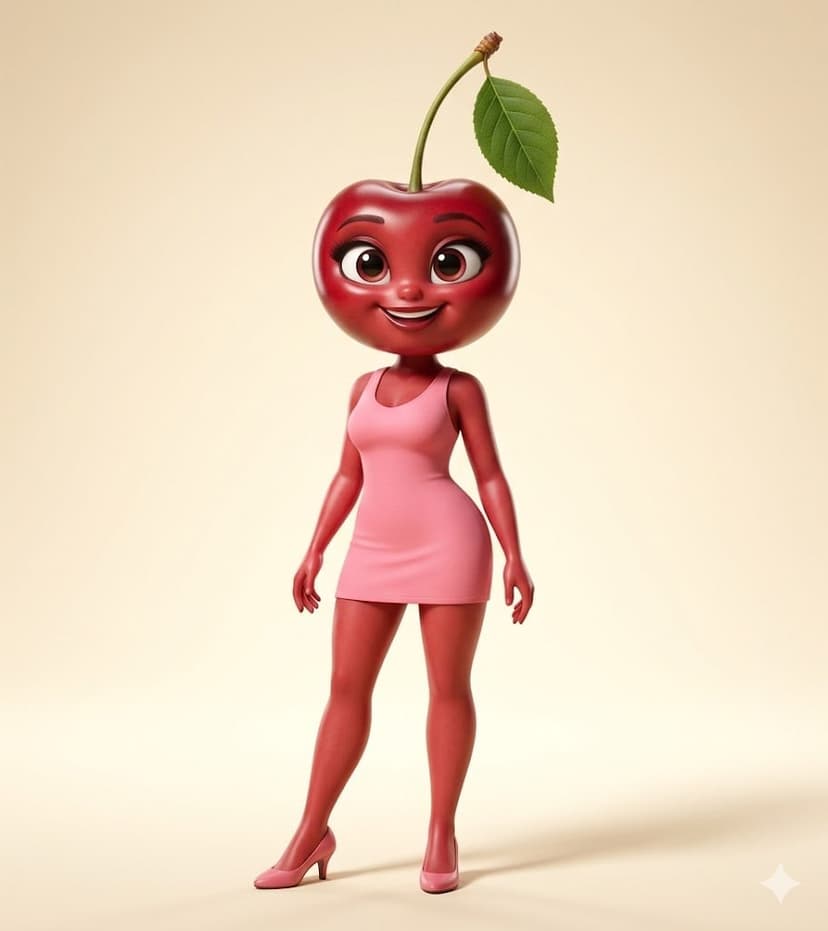
Cherrita - Cherry girl. Pink dress. The sweet one everyone roots for.
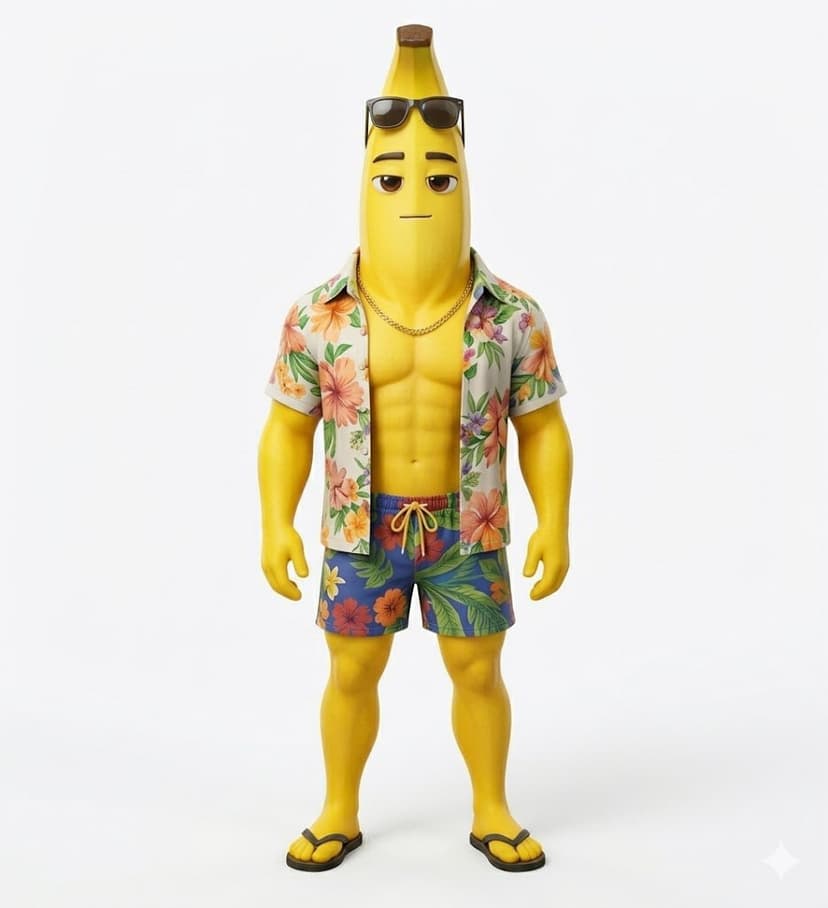
Bananito - Banana guy. Sunglasses, Hawaiian shirt. The comic relief.
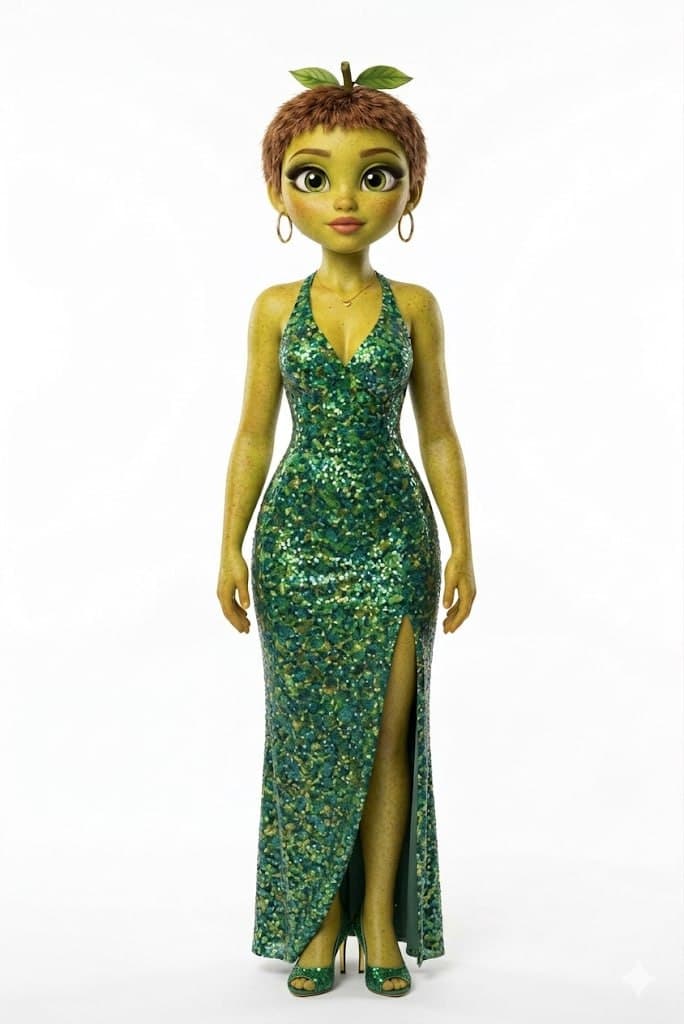
The Host - Green-teal gown with leaves. Dramatic announcements only.
Tip: Generate each character individually first. Describe their fruit features, outfit, and setting in detail. Save these reference images because you'll reference them in every scene prompt to keep characters consistent.
Step 2: Write Your Episode Script
This is where most people get stuck. You can't just wing it. A good Fruit Love Island episode needs structure, and each scene requires three separate components:
- Image prompt describing the scene composition (which characters, where, what's happening)
- Video prompt describing the motion (camera movement, character actions, but using visual descriptions instead of names)
- Voiceover transcript for narration (keep it to 80-90 characters per scene for pacing)
Here's a sample 4-scene episode outline:
- Scene 1 (Host Intro): Host at the villa entrance, dramatic lighting. "Welcome back to Fruit Love Island. Tonight, everything changes."
- Scene 2 (Romance): Pinapina and Orangelo by the pool at sunset. "Pinapina finally tells Orangelo how she feels."
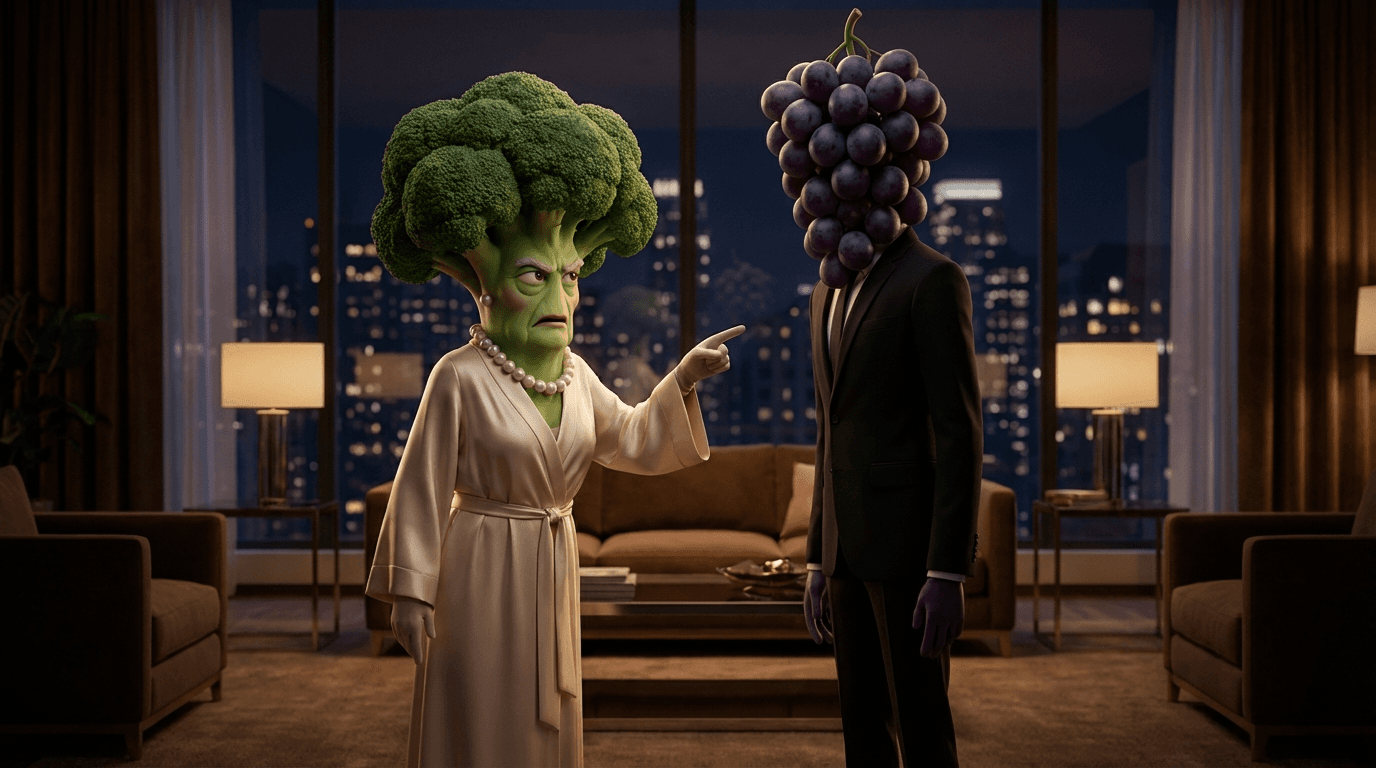
- Scene 3 (Drama): Mangella confronts Grapenzo at the fire pit. "But Mangella isn't having it. She came here to win."
- Scene 4 (Cliffhanger): Host holds an envelope, all characters gathered. "And the fruit going home tonight is..."
Step 3: Generate Scene Images
With your script ready, generate each scene as a still image first. This is critical because image-to-video AI works much better than text-to-video for maintaining character consistency.
Key rules for scene image prompts:
- Specify characters by name and their visual features
- Use 9:16 vertical aspect ratio (TikTok format)
- Maximum 6 characters per scene (more gets messy)
- Describe the setting, lighting, and mood explicitly
- Include the style keywords you used for character generation
Example prompt for a romantic scene:
A pineapple girl in a gold dress and an orange guy in a Hawaiian shirt sitting by a tropical villa pool at sunset. Warm golden lighting, palm trees in background, romantic atmosphere. Pixar-style 3D animation, vertical 9:16 composition.I generated my scenes on Flashloop's image generator, which lets you iterate quickly and keep a consistent style across all your images.
Step 4: Animate Your Scenes
This is where the magic happens. Take each scene image and feed it into an image-to-video model. The key difference from text-to-video: you already have the exact composition, so the AI just needs to add subtle motion.
Important: your video prompts should describe characters by appearance, not by name. The video model doesn't know who "Pinapina" is, but it understands "the pineapple character in the gold dress."
Example video prompt:
The pineapple character in the gold dress turns to look at the orange character. Gentle wind blows through palm trees. Slow camera push-in. Warm sunset lighting.Generate 3-5 second clips per scene. On Flashloop's video page, you can upload your scene image and add a motion prompt directly. Having both image and video generation in one platform saves a lot of back-and-forth.
Step 5: Add Voiceover and Music
The voiceover is what sells the drama. Use a text-to-speech tool to generate narration for each scene. A few tips:
- Pick a dramatic, narrator-style voice (think reality TV host)
- Keep each voiceover clip to 80-90 characters of text for good pacing
- Add pauses between scenes for dramatic effect
- For character dialogue, use different voices or pitch shifts
For background music, use royalty-free dramatic/romantic tracks. TikTok also has a huge library of trending sounds you can overlay.
Step 6: Edit and Post to TikTok
Assembly is where it all comes together. Import all your video clips, voiceover audio, and background music into your editor. I recommend CapCut because it's free, handles vertical video natively, and has built-in auto-captions.
- Arrange clips in scene order on the timeline
- Sync voiceover to each clip
- Add background music at 15-20% volume
- Add subtitles (auto-caption works, but check for errors)
- Add transitions between scenes (simple cuts or quick fades)
- Export at 1080x1920 (9:16) for TikTok
Total time per episode once you have the workflow down: 2-3 hours for a 2-minute video. The first one will take longer as you figure out your style.
Example Prompts That Actually Work
Here are real prompts I tested that produced good results:
Romantic Poolside Scene
Image: Two anthropomorphic fruit characters sitting at the edge of a tropical infinity pool at sunset. A pineapple girl in a glittering gold dress and an orange boy in a colorful Hawaiian shirt. Warm golden hour lighting, pink and orange sky, palm trees, luxury villa background. Pixar-style 3D render, 9:16. Video: The two characters lean closer together. Gentle ripples in the pool. Slow dolly push-in. Fireflies appear in the warm evening air.Dramatic Fire Pit Confrontation
Image: Two fruit characters facing each other at a stone fire pit at night. A mango girl with red hair in a floral dress pointing accusingly at a grape guy in a purple Hawaiian shirt. Dramatic firelight, tense atmosphere. Other characters watching from behind. Pixar-style 3D render, 9:16. Video: The red-haired character gestures dramatically. Flames flicker higher. Slow zoom on the purple-shirted character looking shocked. Camera orbits slightly.Host Announcement
Image: An elegant host character in a green-teal gown with leaf accessories standing at a podium in a tropical villa entrance. Dramatic spotlights, all fruit characters gathered in the background. Tense atmosphere. Pixar-style 3D, 9:16. Video: The host holds up a golden envelope. Slow dramatic reveal. Camera pushes in on the envelope. Background characters shift nervously.Tips From the Original Creator
- Character consistency is everything. Spend extra time on your initial character designs. If they don't look the same across scenes, the illusion breaks.
- Episode structure matters. Follow the reality TV formula: host intro, building tension, climax, cliffhanger. It's what keeps people watching.
- Vertical video only. 9:16 is non-negotiable for TikTok. Generate everything in portrait orientation from the start.
- Voiceover sells the drama. A good narrator voice turns decent visuals into compelling content.
- Post consistently. The original account posted daily episodes. The algorithm rewards consistency.
- End on cliffhangers. Every episode should make people want the next one. "Who goes home?" is the hook that drives follows.
Best AI Tools for Fruit Love Island Videos
I tested several platforms for this workflow. Here's what works best for each step:
Flashloop
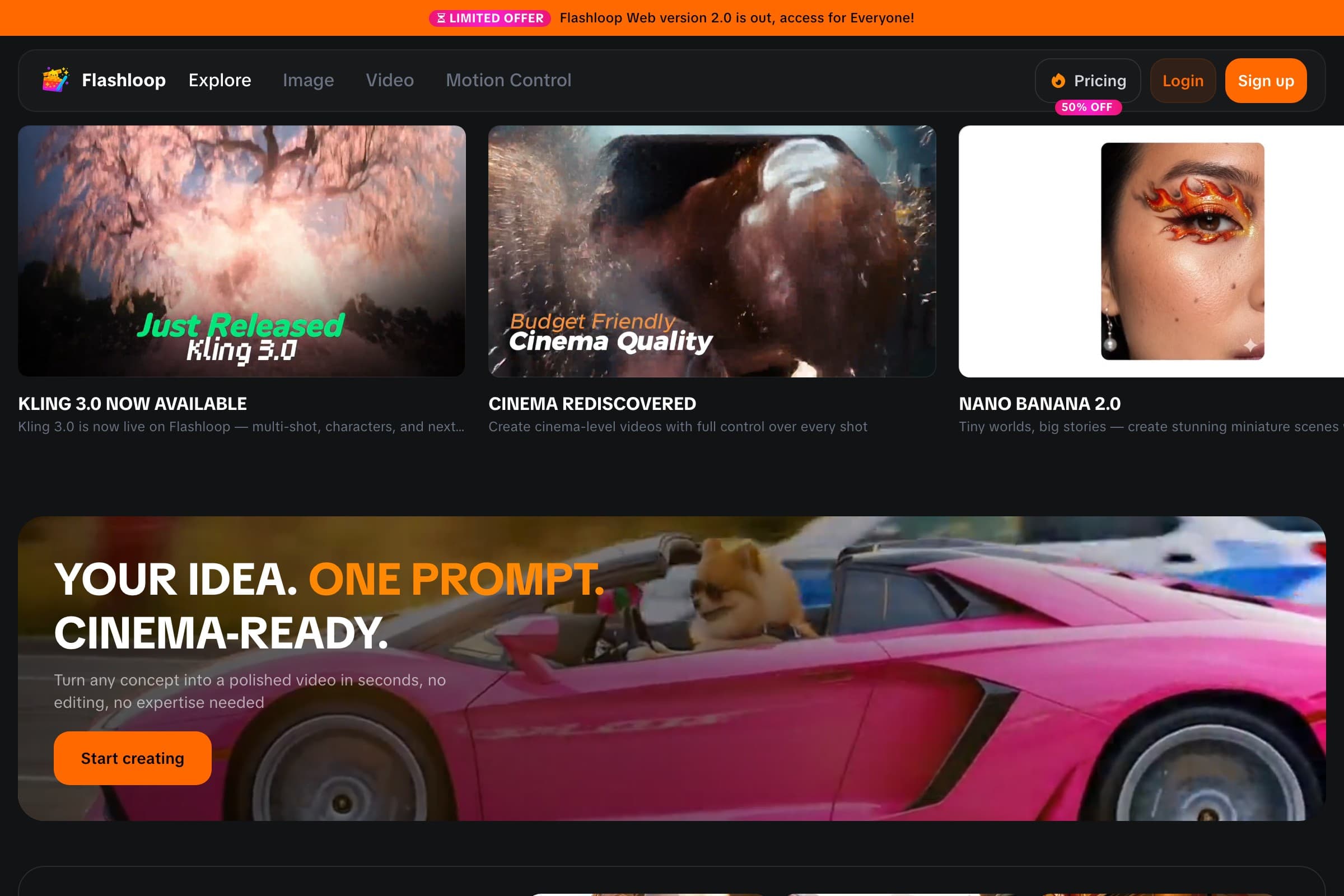
My top pick for this workflow because it handles both image generation and video generation in one platform. You generate your scene image, then immediately animate it without switching tools. Supports the latest models and the free tier gives you enough credits to test the full pipeline.
Kling AI
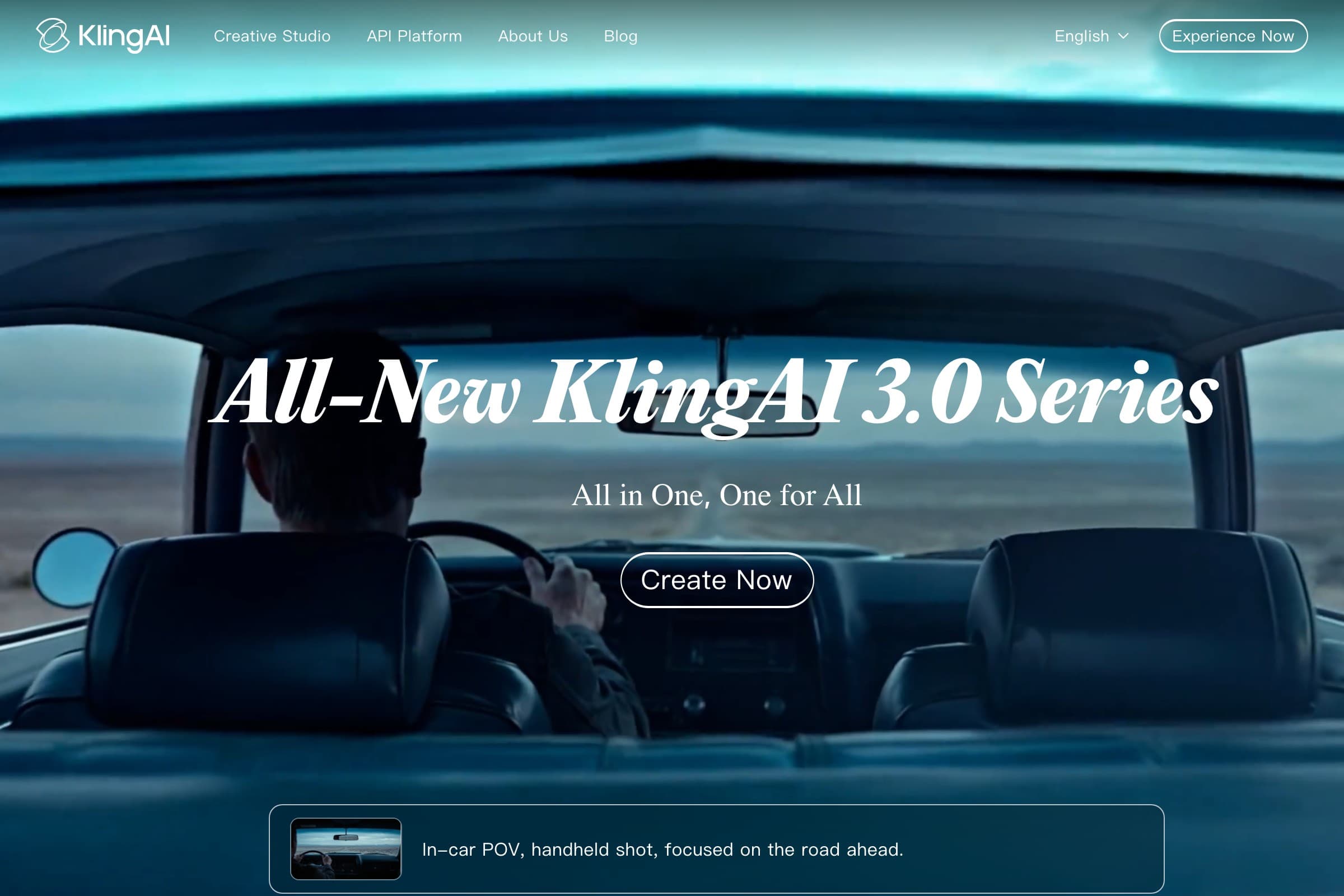
Strong image-to-video quality, especially for character animation. Kling 3.0 produces smooth motion. The downside: you need a separate tool for image generation, which means more back-and-forth.
Runway
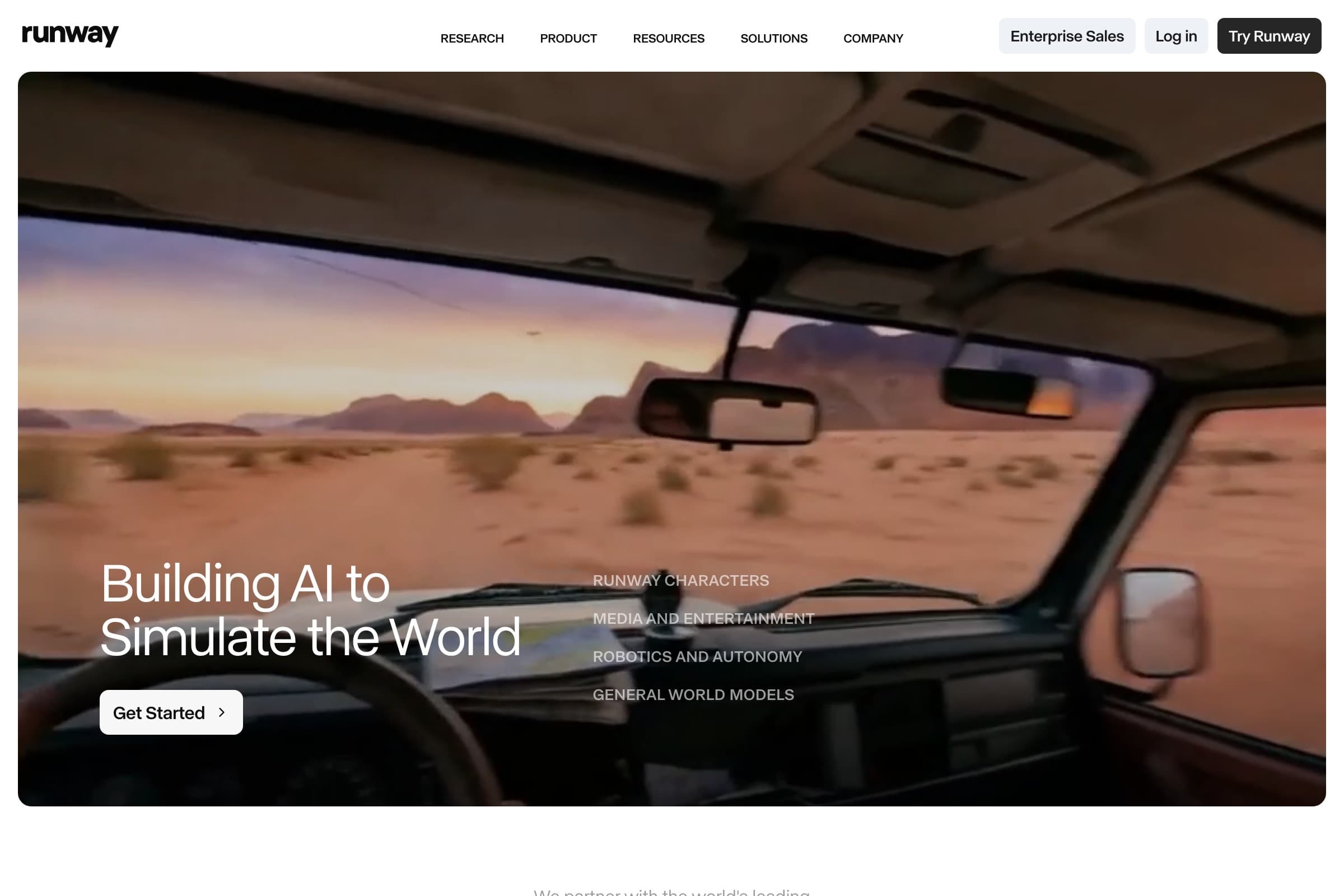
Professional-grade video generation with good camera control. More expensive than other options and the learning curve is steeper. Best for creators who already have a video production background.
Kapwing
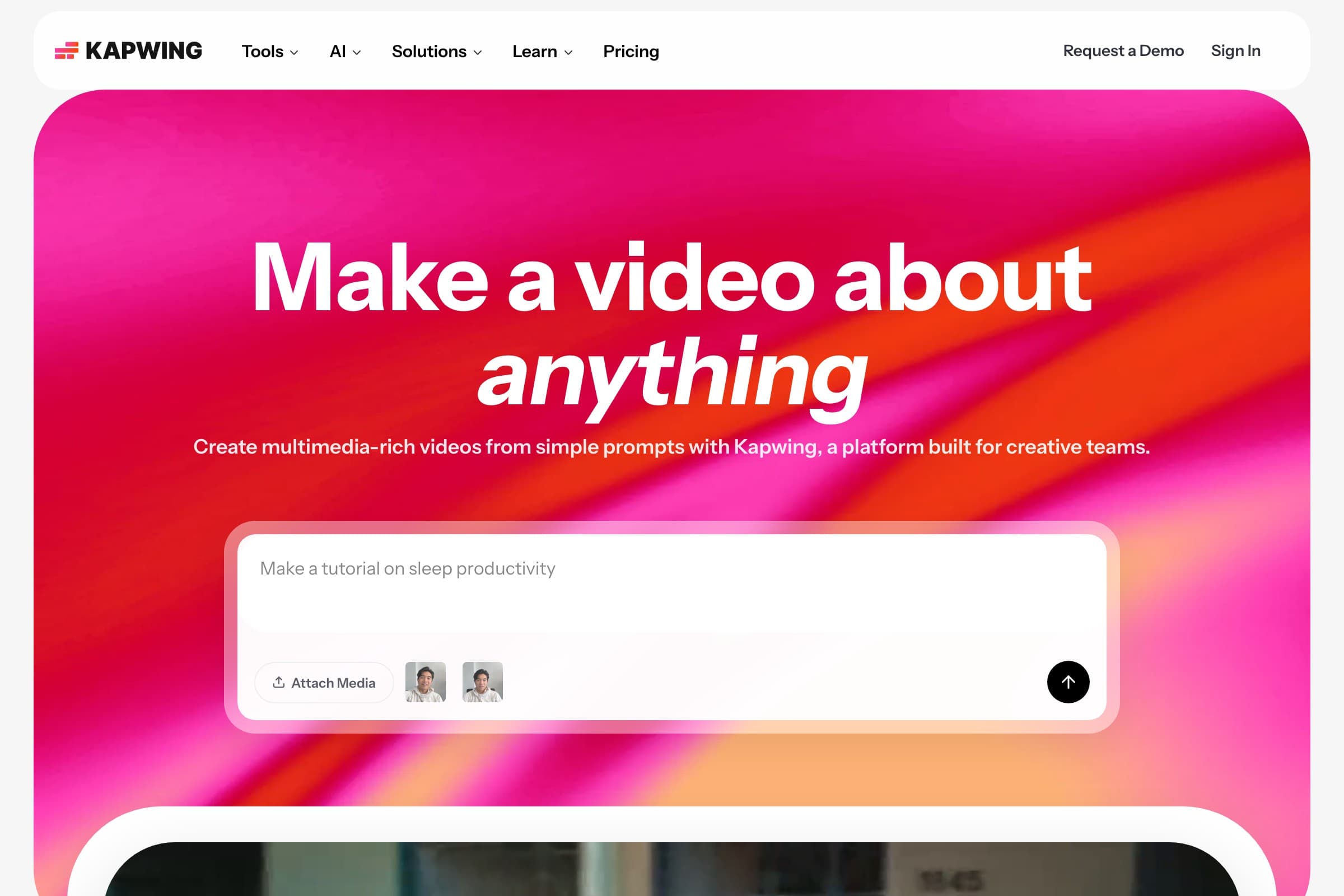
Good for the editing and assembly phase. Their AI tools are more focused on editing existing video rather than generating from scratch. Works well as a complement to a dedicated AI generator.
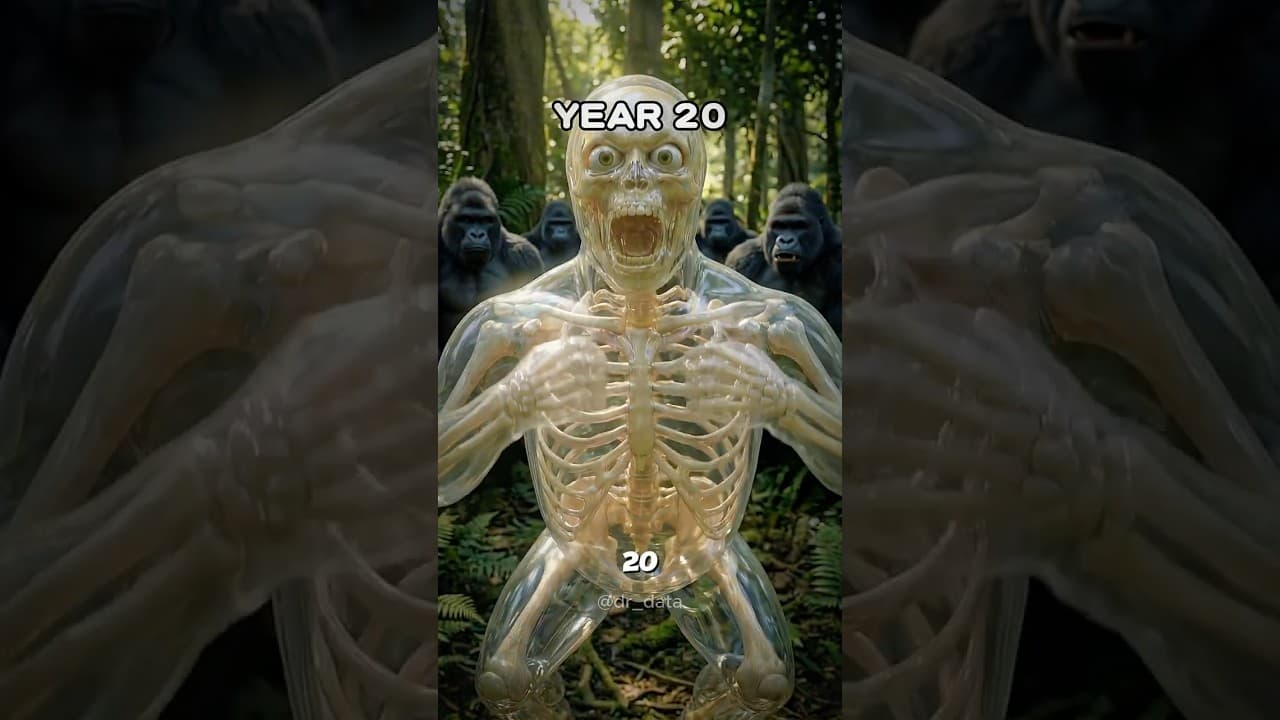
Looking for another viral AI video format? Check out our guide on how to make AI skeleton videos, the "what if" format averaging 3.9M views per video.
FAQ
What app do people use to make AI Fruit Love Island videos?
Most creators use a combination of AI image generators (for character design and scene creation) and AI video generators (for animating scenes). Platforms like Flashloop that offer both in one place make the workflow faster. You'll also need a text-to-speech tool for voiceover and a video editor like CapCut for final assembly.
How long does it take to make a Fruit Love Island episode?
Expect 2-3 hours per 2-minute episode once you have the workflow down. Your first episode will take longer (4-5 hours) as you figure out character design and prompting techniques. The original creator reports about 3 hours per episode.
Can I make AI Fruit Love Island videos for free?
You can get started for free using platforms that offer free credits, like Flashloop's free tier. CapCut is free for editing. The main cost comes if you want to produce multiple episodes, where you'll need paid credits for image and video generation.
What AI model is best for fruit character videos?
For image generation, models that handle 3D/Pixar-style renders work best. For video (image-to-video), Kling 3.0 and Seedance 1.5 Pro currently produce the smoothest character animation. Flashloop gives you access to multiple models so you can test which works best for your style.
How do I make my fruit characters look consistent across scenes?
The trick is to generate strong reference images for each character first, then describe their visual features in detail in every scene prompt. Mention specific outfit colors, accessories, and fruit features every time. Using the same model and similar prompt structure helps maintain consistency.