I analyzed 59 AI skeleton videos from a single YouTube channel. The result: 228 million total views, averaging 3.9 million views per video. These aren't lucky one-offs. They follow a repeatable formula that turns "what if" questions into millions of views on YouTube Shorts, TikTok, and Reels.
This guide breaks down exactly which skeleton video ideas perform best (with real view data), the 5-part script formula every viral video follows, and a step-by-step production walkthrough so you can make your own.
The AI Skeleton Video Format Explained
AI skeleton videos feature a 3D transparent/X-ray skeleton character in hypothetical scenarios. Think "What if you were raised by gorillas?" or "How many Red Bulls will end you?" The skeleton character shows what happens inside your body as the scenario escalates over time.
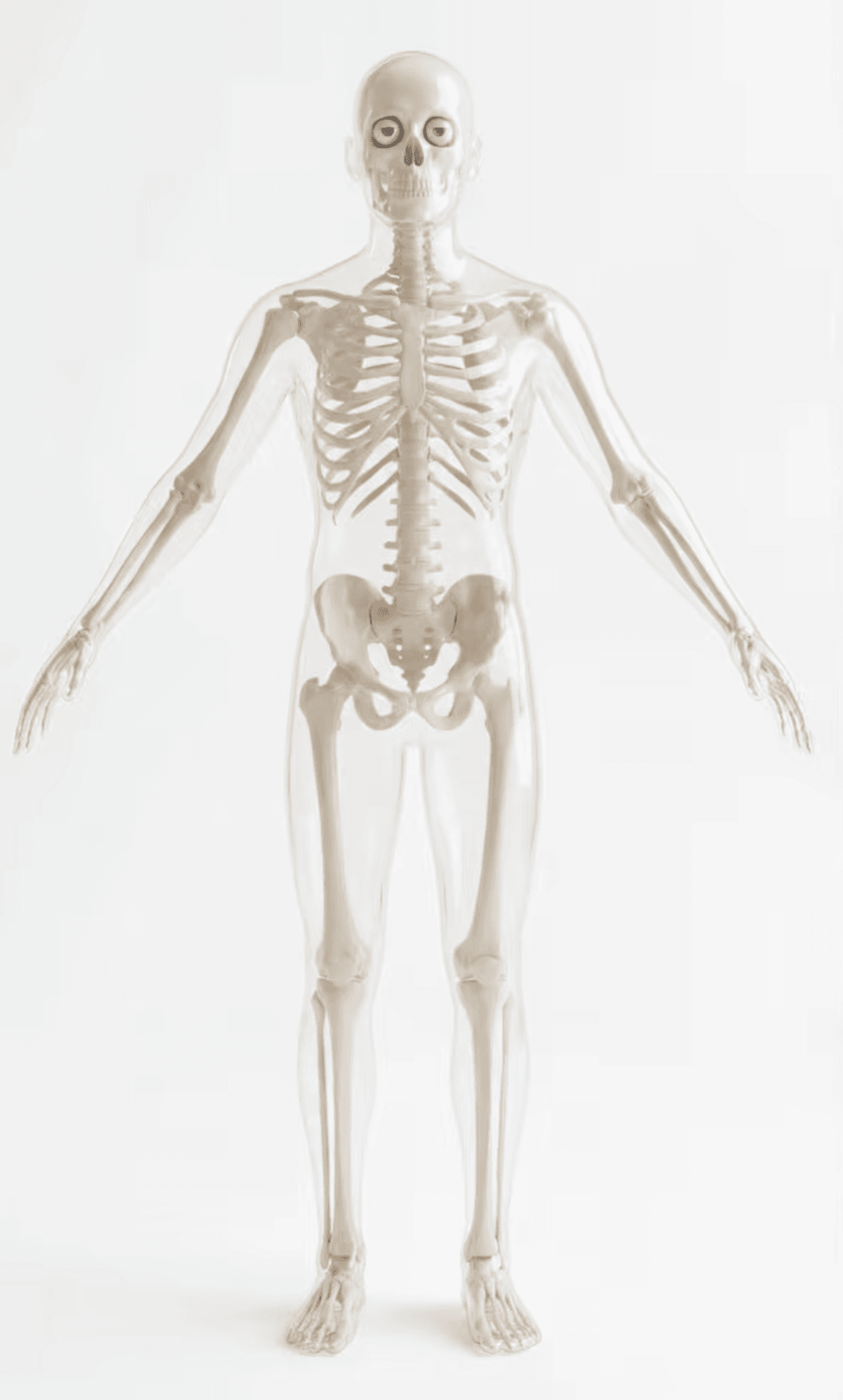
The format works because it combines three things people can't resist: a curiosity-gap hook ("what happens if..."), visceral body horror (your organs, bones, blood described in graphic detail), and a time-progression structure that keeps escalating until you have to see the ending.
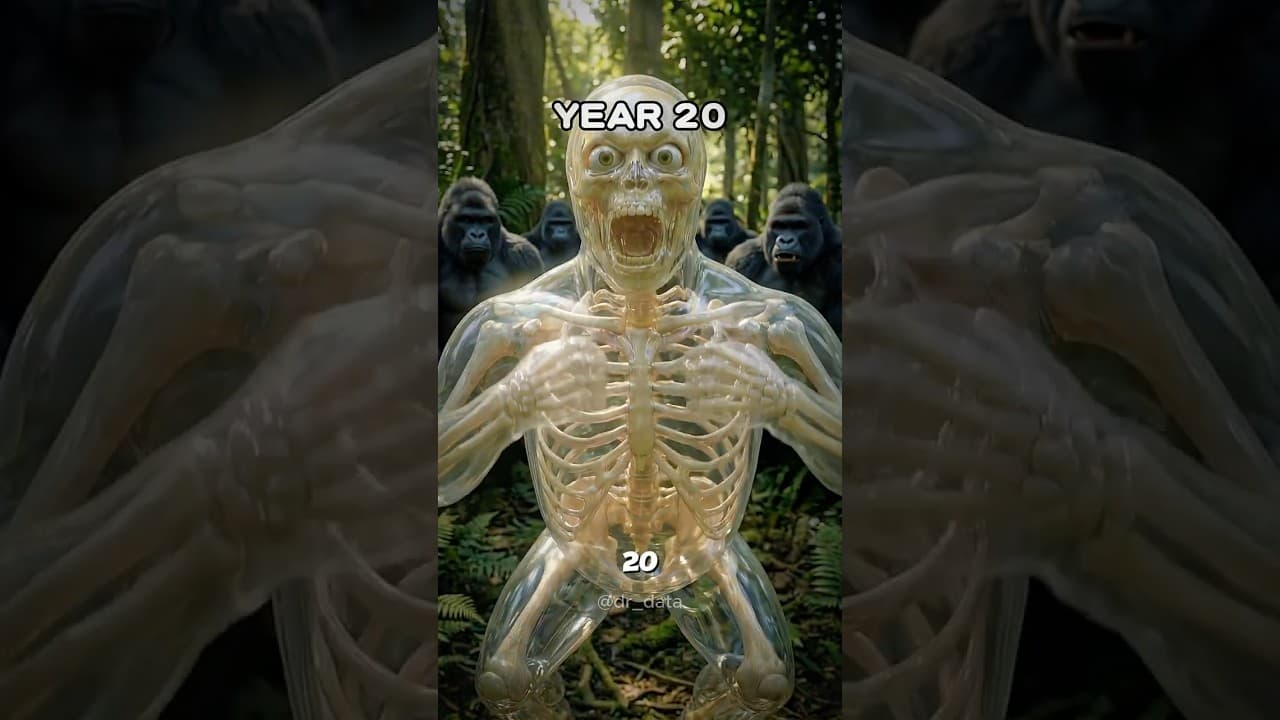
A thumbnail from one of the top-performing skeleton videos: "What If You Were Raised by Gorillas?" with over 20 million views. Notice the dramatic pose, jungle environment, and the transparent skeleton visual style that defines this format.
Videos run 30 to 65 seconds, always vertical (9:16), with fast-paced second-person narration. The skeleton visual style is consistent: 3D transparent figure with anatomical detail, dramatic lighting, and cinematic camera angles.
The Numbers: Which Skeleton Video Ideas Get the Most Views
Not all skeleton video ideas are created equal. I categorized all 59 videos by topic and calculated the average views per category. Here's what the data shows:
| Category | Videos | Avg Views | Top Performer |
|---|---|---|---|
| "What if / Raised by" | 11 | 6.3M | "Raised by Gorillas" (20M) |
| "What happens if" | 8 | 3.4M | "What Braces Actually Do" (18M) |
| "How many / How long" | 10 | 3.1M | "How Long Can You Drive?" (16.7M) |
| Survival / Science | 26 | 3.7M | "Terminator hunts you" (7.6M) |
| Anime / Pop culture | 4 | 890K | "Hokage Damage Test" (2.9M) |
The takeaway: "What if / Raised by" scenarios dominate at 6.3M average views, nearly double the next best category. If you're making your first skeleton video, start with a "raised by [animal]" concept.
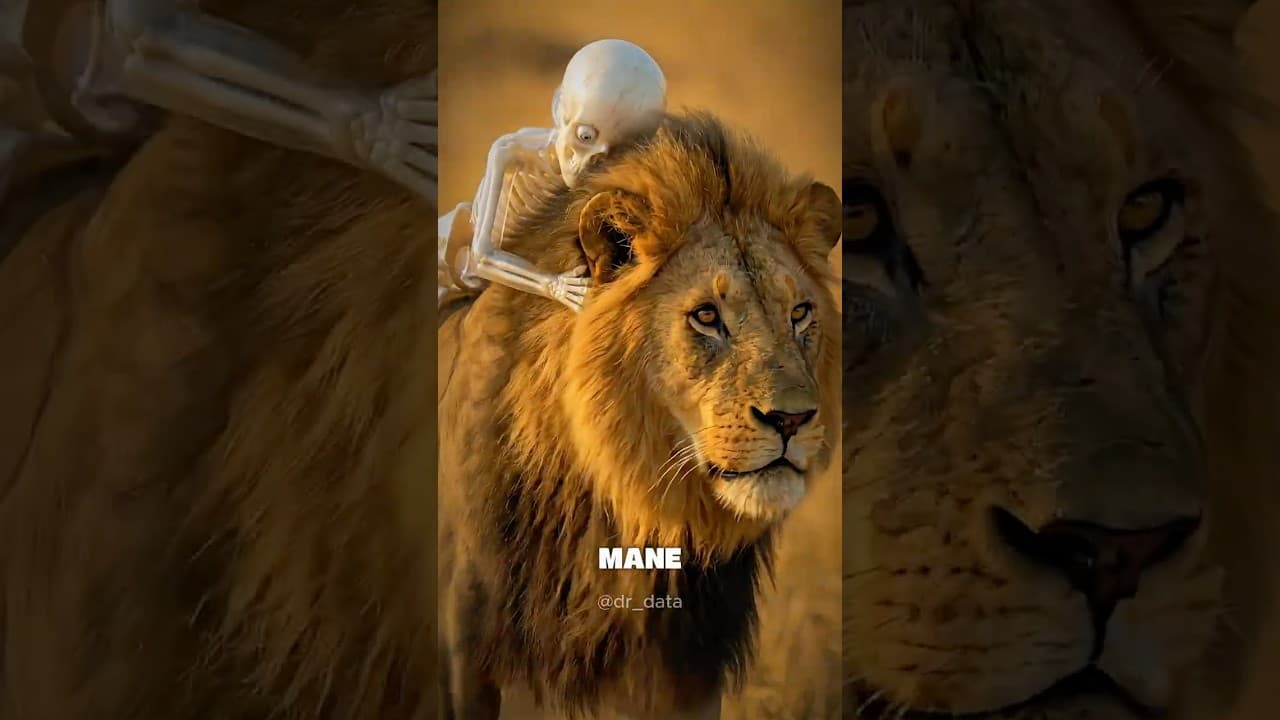
"What If You Were Raised by Lions?" hit 13 million views. The "raised by" format consistently outperforms every other category in the skeleton video space.
Anime crossovers are the weakest performers at 890K average. The skeleton format works best with universal, body-focused scenarios that anyone can relate to, not niche fandom content.
The Script Formula Every Viral Skeleton Video Follows
After reading through all 59 transcripts, the pattern is unmistakable. Every single high-performing video follows the same 5-part structure:
- Hook question "What happens if you [X]?" or "How many [X] will end you?" Starts the curiosity loop.
- Mild start Everything seems fine. Relatable, almost casual. "You feel like a genius." "No big deal."
- Escalation The body starts reacting. Scientific detail mixed with dramatic language. Things get uncomfortable.
- Peak drama Extreme consequences described viscerally. Organs failing, bones shattering, blood turning to sludge.
- Finale Total system failure, or a mind-blowing transformation. The payoff for watching.
Here's a real example from "Raised by Gorillas" (20M views) showing this formula in action:
Day one, you lose the soft bed and baby food. Your diet: raw plants, bamboo shoots, and termites. Year three, forget walking upright. You start knuckle walking. Your wrists thicken. Your core becomes rock solid. Year 10, you are now an elite athlete. Grip strength that would crush a pro wrestler's hand. Year 15, human language gone. You communicate through vocal grunts, facial expressions, and chest beats. Year 20, the biological lock has turned. Your bones are permanently set. Your brain is rewired for the wild and human society is now an alien world.
Notice how every time stamp escalates. It never plateaus. The language is visceral and physical ("wrists thicken," "crush a pro wrestler's hand," "bones permanently set"). And it's all second-person, making the viewer the main character.
10 Skeleton Video Ideas Ranked by View Potential
Based on the data, here are 10 ideas ordered by the average performance of their category. The top slots go to the highest-performing format types:
- What if you were raised by sharks? (Raised by = 6.3M avg)
- What if you were raised by eagles? (Raised by = 6.3M avg)
- What if you never stopped swimming? (What happens = 3.4M avg)
- What if you only drank energy drinks? (How many = 3.1M avg)
- How many pizzas would it take to end you? (How many = 3.1M avg)
- What if you lived underground for a year? (Survival = 3.7M avg)
- What if you took 100 cold showers in a row? (What happens = 3.4M avg)
- How long could you survive on Mars? (Survival = 3.7M avg)
- What if you never stopped eating sugar? (How many = 3.1M avg)
- What if a zombie apocalypse actually happened? (Survival = 3.7M avg)
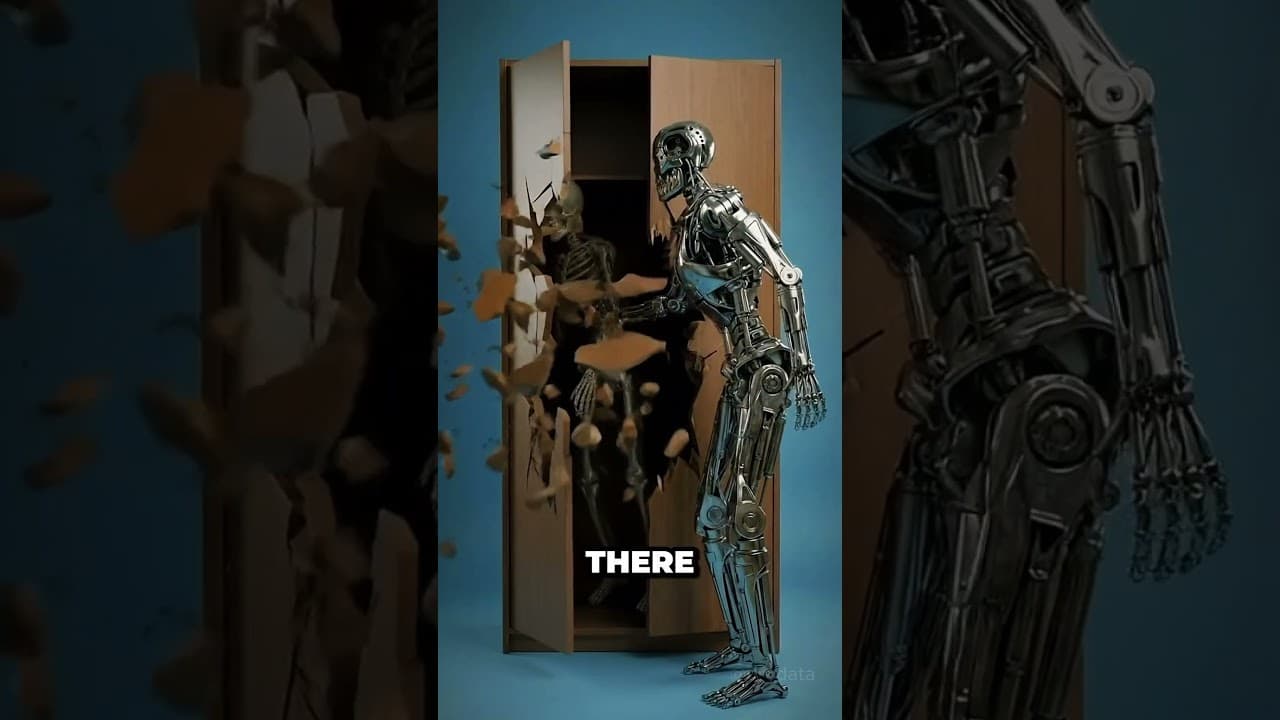
Pop culture crossovers like "What if a Terminator was sent to hunt you?" (7.6M views) prove the format works beyond just body science. The key is keeping the skeleton character as the viewer's avatar in any scenario.
Step 1: Write Your Script
Scripts for skeleton videos run about 200 to 250 words for a 60-second video. That's tight. Every word needs to earn its place.
Use this template:
[HOOK]: What happens if you [scenario]?

[MILD START - Time 0]: Describe the initial state. Keep it
relatable, even funny. The viewer should think "no big deal."

[ESCALATION - Time 2]: Body starts reacting. Use specific
anatomical language mixed with dramatic descriptions.
"Your blood thickens." "Your muscles seize."

[PEAK DRAMA - Time 3]: Go full visceral. Organs failing,
bones breaking, systems collapsing. The language should
make people physically uncomfortable.

[FINALE - Time 4]: Total system failure OR surprising
transformation. End with a punchy line.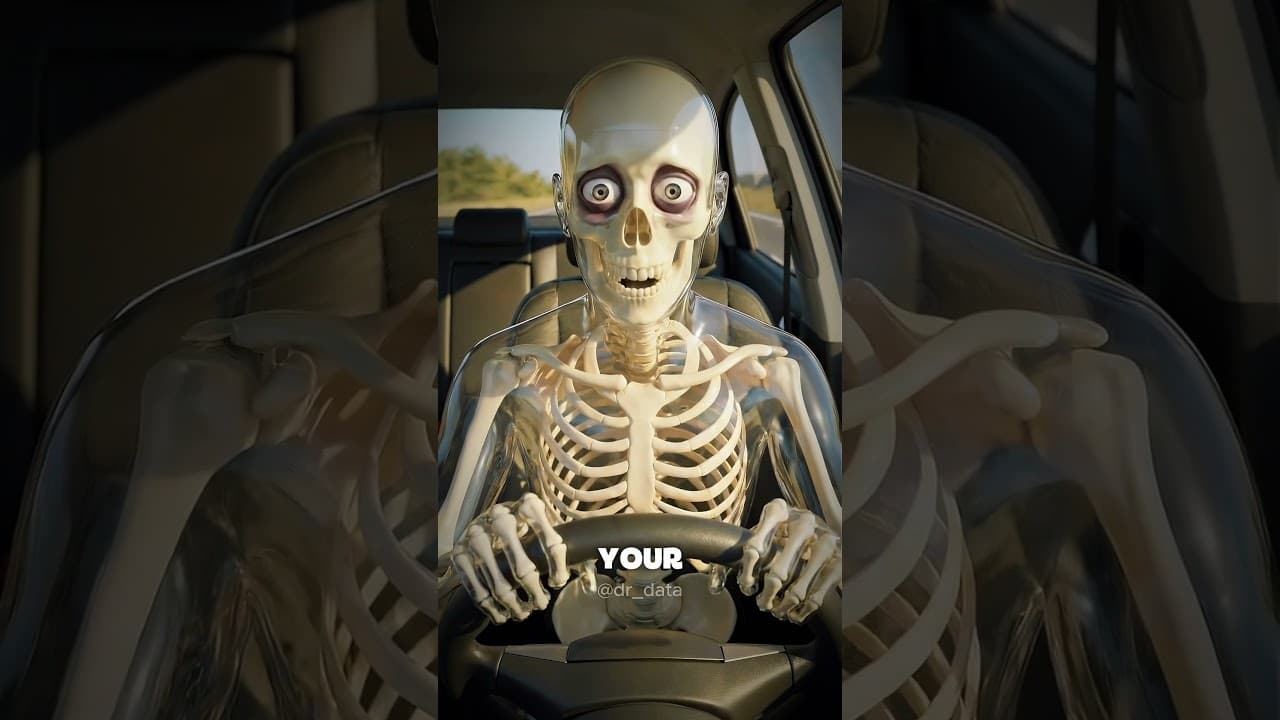
Here's a real transcript from "How Long Can You Drive?" (16.7M views) that nails this:
1 hour. You're feeling fresh. Your grip is firm and your favorite playlist is blasting. 8 hours. Your lower back starts to ache. The coffee is losing its magic and your eyes feel like sandpaper. 17 hours. Your brain is now as sluggish as if you were legally drunk. 24 hours, micro sleeps kick in. Your brain shuts off for 3 to 5 seconds without you even knowing. You're driving a 4,000lb bullet on pure autopilot. 72 hours. Total system failure. Your heart rate is erratic. Your cognitive functions collapse. The world goes dark.
Key things to notice: second person throughout, specific numbers (17 hours, 4,000lb), dramatic escalation at every timestamp, and a punchy ending.
Step 2: Generate Your Skeleton Character
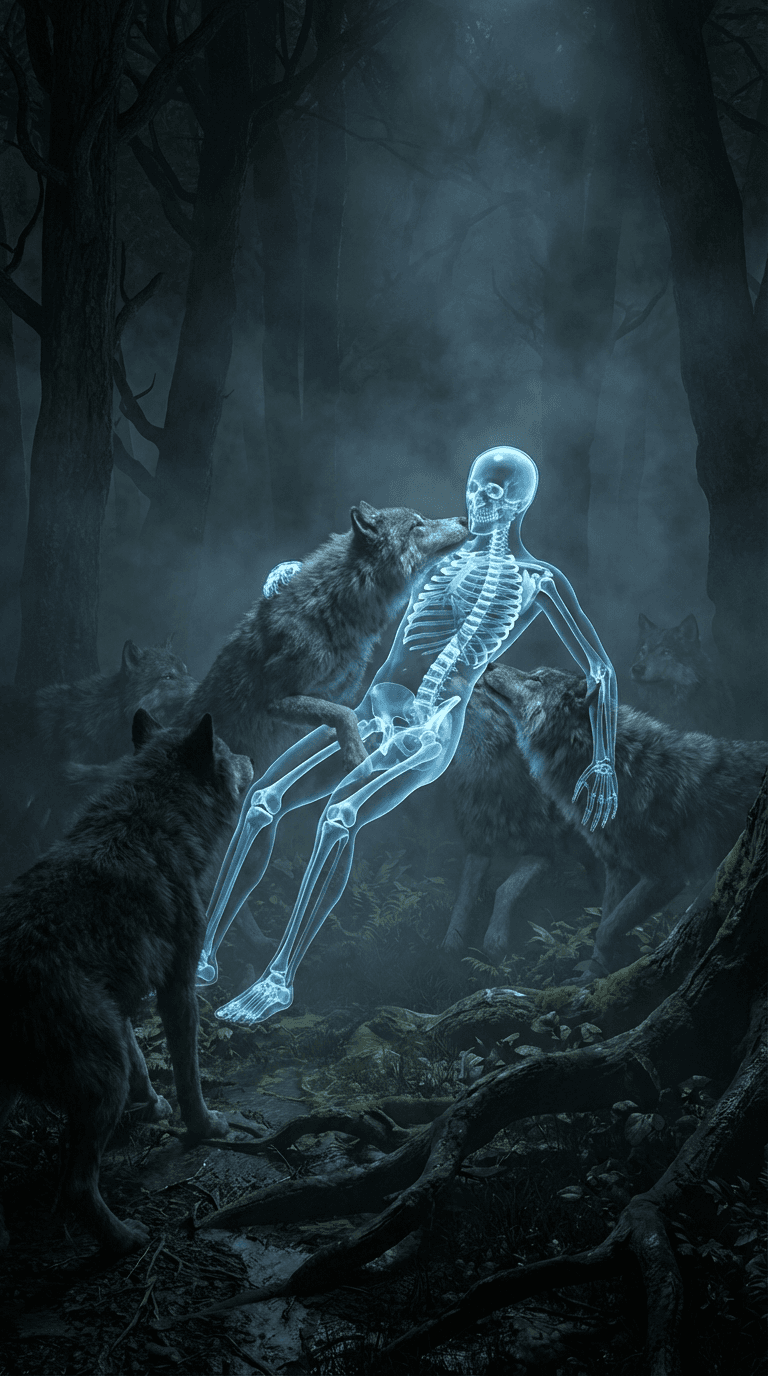
The skeleton character needs to look like a 3D medical visualization: transparent body with visible bones, organs, and circulatory system. Dramatic lighting is essential.
Use an AI image generator to create your skeleton scenes. Here's a prompt structure that works:
3D transparent skeleton character [doing action],
X-ray anatomical detail visible showing [relevant body
system], [specific environment], cinematic dramatic
lighting, hyper-realistic medical visualization style,
vertical 9:16 composition
For example, a "raised by wolves" scene:
3D transparent skeleton character standing among wolves
in a dark misty forest at night, X-ray anatomical
visualization showing glowing strengthened bones,
wolves surrounding the figure, cinematic dramatic
blue-green lighting, hyper-realistic 3D render,
vertical 9:16 composition
I generated my skeleton scenes using Flashloop's image generator, which supports multiple models and lets you iterate quickly on the style until you get the right look.
Step 3: Animate Your Scenes

Take each generated image and feed it into an image-to-video AI model. You want subtle but dramatic motion: camera push-ins, slight body movement, environmental effects like flickering light or floating particles.
Video prompt example:
The transparent skeleton figure slowly turns toward
the camera. Internal organs pulse with a faint glow.
Dramatic camera push-in. Dark atmospheric particles
float in the air.
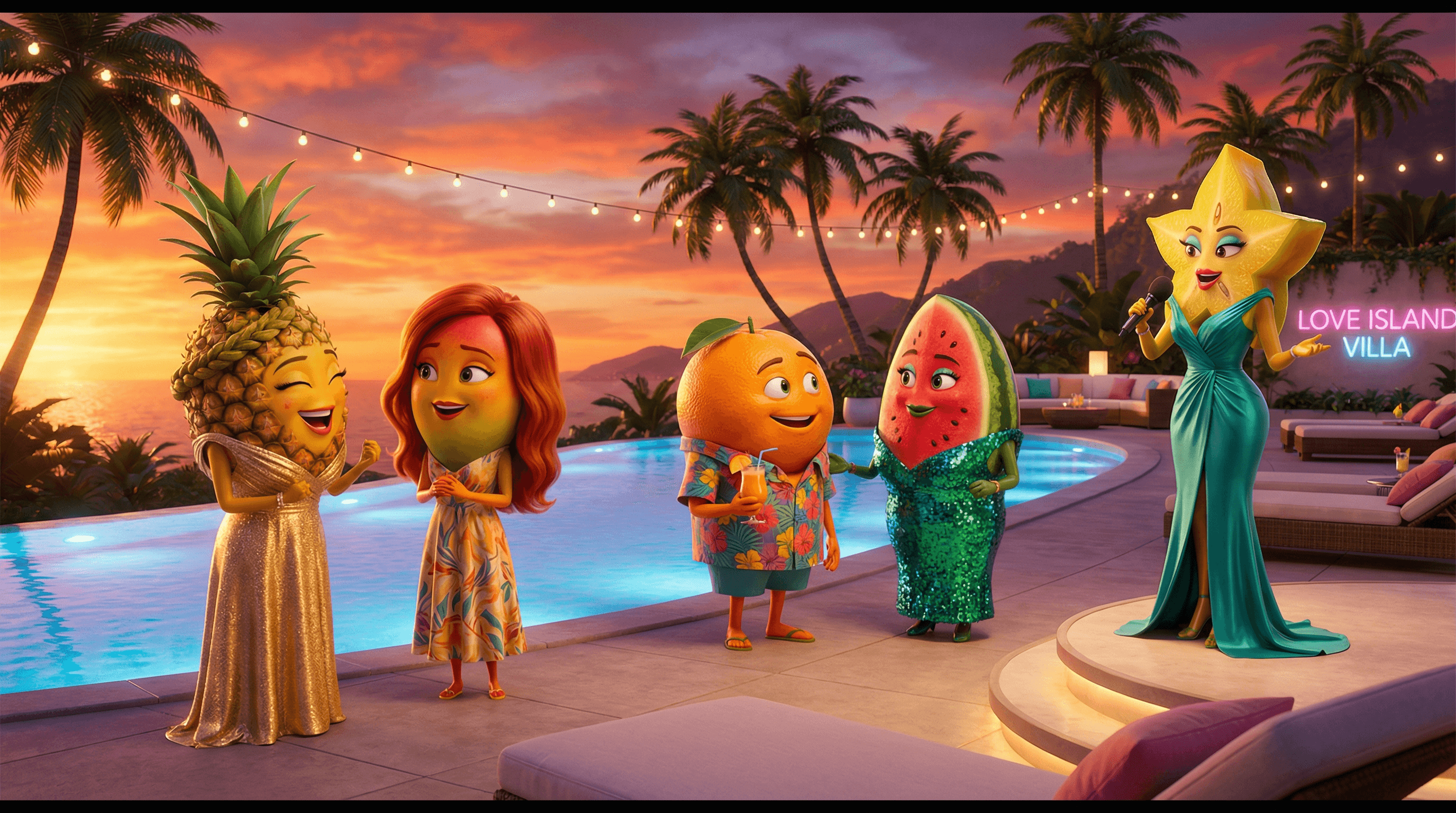
Generate 3 to 5 second clips per scene. On Flashloop's video page, you can upload your skeleton image and add a motion prompt in one step. Same image-to-video pipeline as AI Fruit Love Island videos, just with a different visual style.
Step 4: Add Voiceover and Sound Effects
The voiceover is what makes skeleton videos addictive. You need a deep, authoritative, fast-paced narrator voice. Think documentary meets horror trailer.
- Use a text-to-speech tool like ElevenLabs or PlayHT. Pick a deep male voice with a serious tone.
- Pacing is critical. 200 to 250 words squeezed into 60 seconds means roughly 4 words per second. Fast, but not breathless.
- Add dramatic sound effects for impact moments: bone crunches, heartbeat monitors, organ squelches. These are the moments viewers remember.
- Background music: dark, cinematic, low-frequency. Think Hans Zimmer at 15% volume.
Step 5: Edit for Shorts Format
Assembly is straightforward. Import your video clips, voiceover, sound effects, and music into a video editor. CapCut works great and it's free.
- Arrange clips in chronological order on the timeline
- Sync voiceover to each scene transition
- Layer sound effects on impact moments
- Add background music at 10 to 15% volume
- Add bold, centered subtitles (this format lives on captions)
- Export at 1080x1920 (9:16) for Shorts/TikTok/Reels
The sweet spot for length: 50 to 65 seconds. Long enough to build tension, short enough to keep retention high. The data shows videos under 30 seconds and over 65 seconds underperform.
The Socrates Skeleton Meme: The Trending Variation
If you've been on social media in the past week, you've probably seen the Socrates skeleton meme. It's a variation of the skeleton format where a philosophical figure (usually depicted as a skeleton) delivers dramatic, thought-provoking monologues.
The production technique is identical to standard skeleton videos. The only difference is the script angle: instead of "what happens to your body," it's "what would Socrates say about [modern topic]." Same AI tools, same pipeline, different hook.
Google Trends shows "socrates skeleton" went from 0 to 100 in two weeks, peaking March 24, 2026. If you're going to ride this trend, move fast. The evergreen skeleton format (body/science topics) will keep performing long after the meme fades.
Best AI Tools for Skeleton Videos
I tested several platforms for the skeleton video workflow. Here's what works for each step:
Flashloop
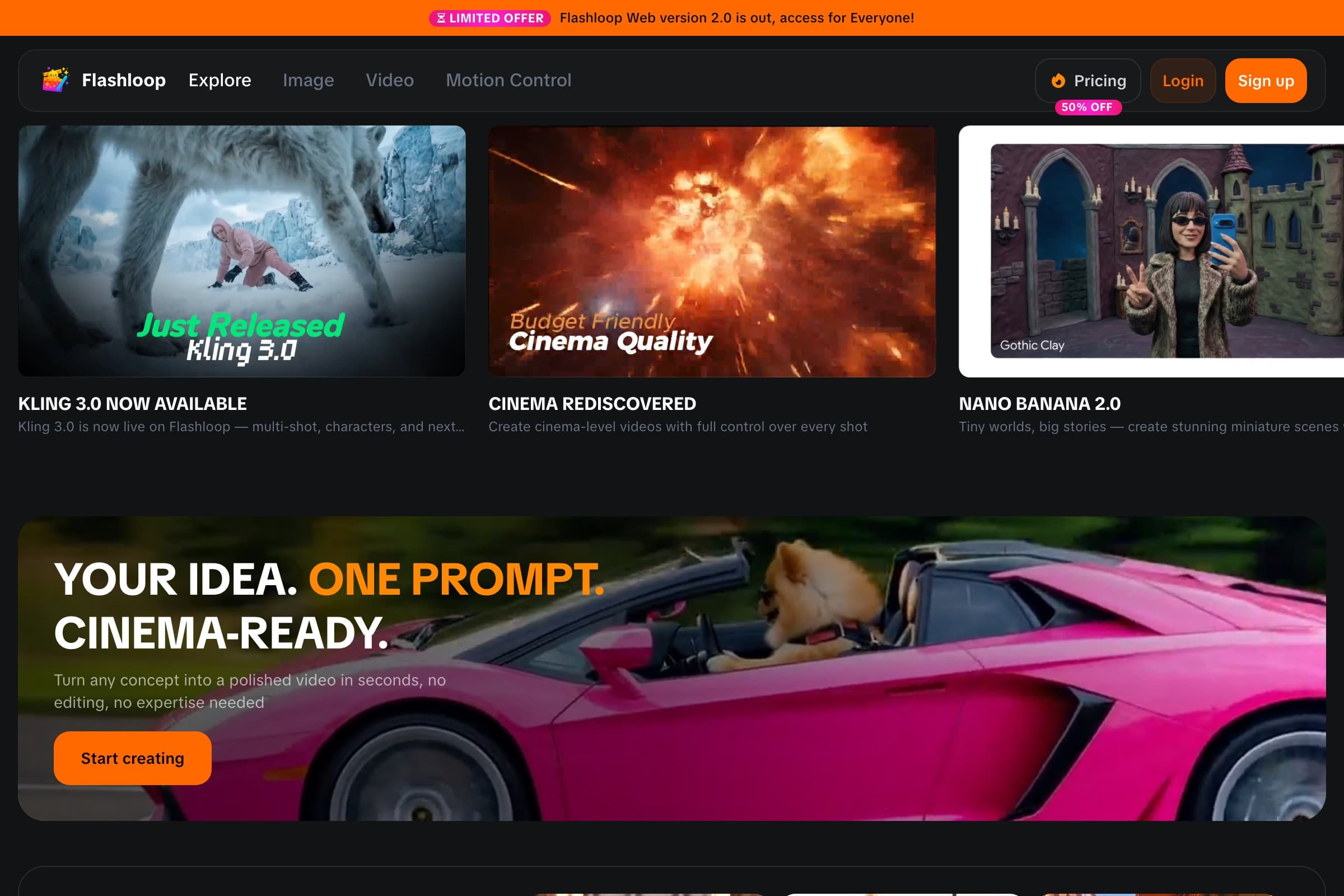
Best all-in-one option. Handles image generation (for skeleton scenes) and video generation (for animation) in the same platform. You generate your skeleton image, then animate it without switching tools. The free tier gives you enough credits to test the full pipeline before committing.
Kling AI
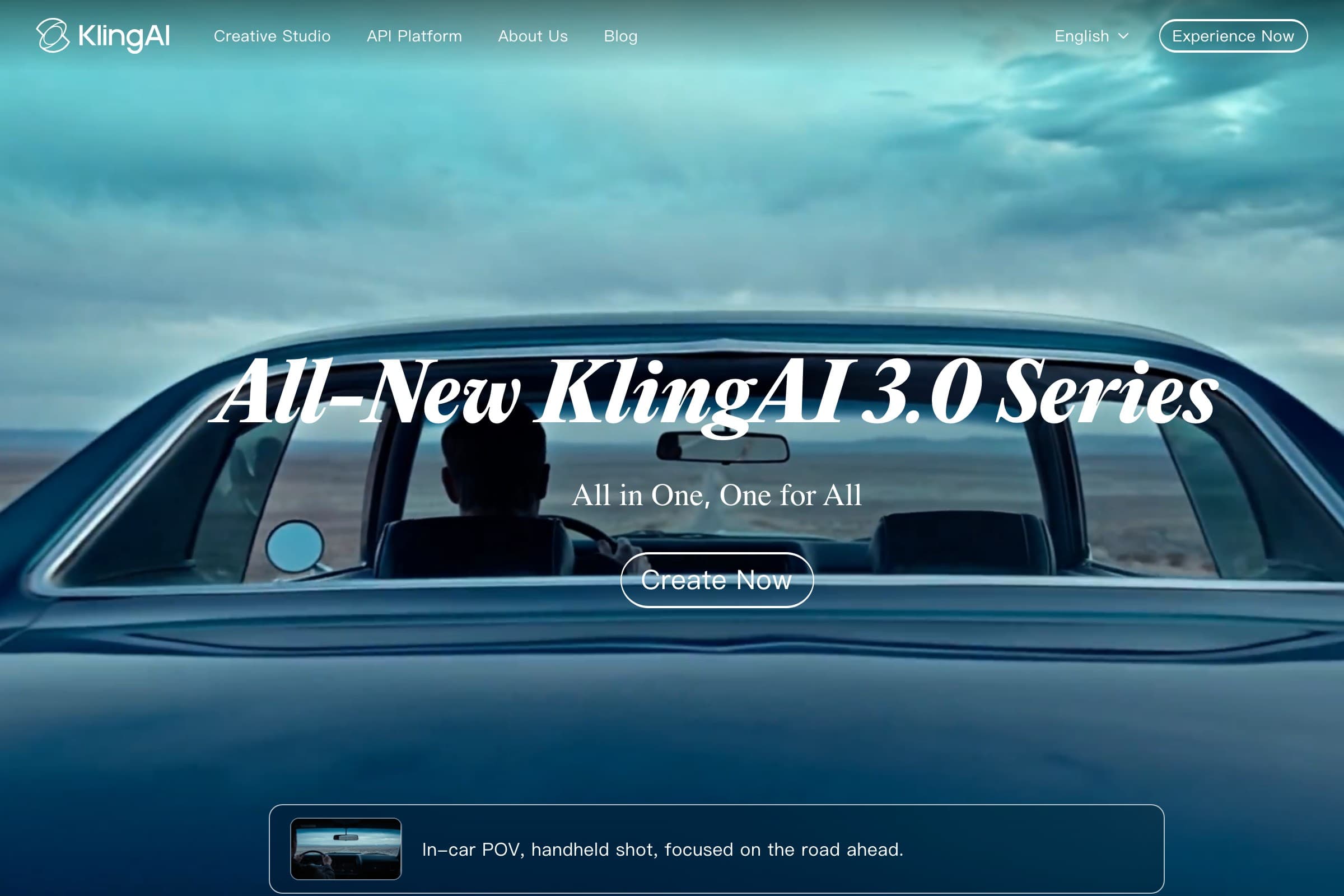
Strong image-to-video quality. Kling 3.0 produces smooth, cinematic motion that works well for the dramatic camera movements skeleton videos need. Downside: no built-in image generation, so you need a separate tool for creating the skeleton scenes first.
Runway
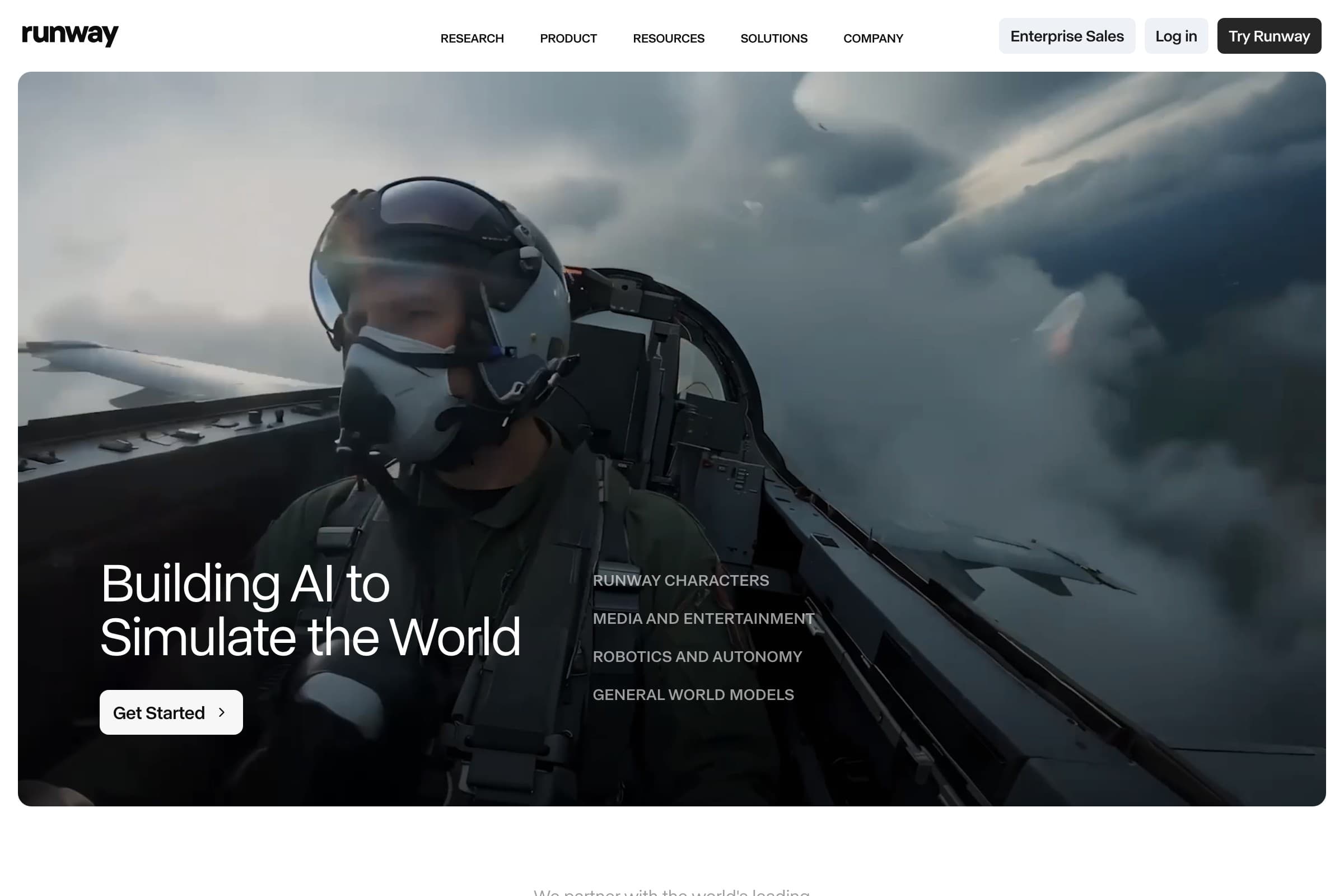
Professional-grade video generation with precise camera control. More expensive and complex than other options, but the output quality is high. Best for creators who already have video production experience.
HitPaw
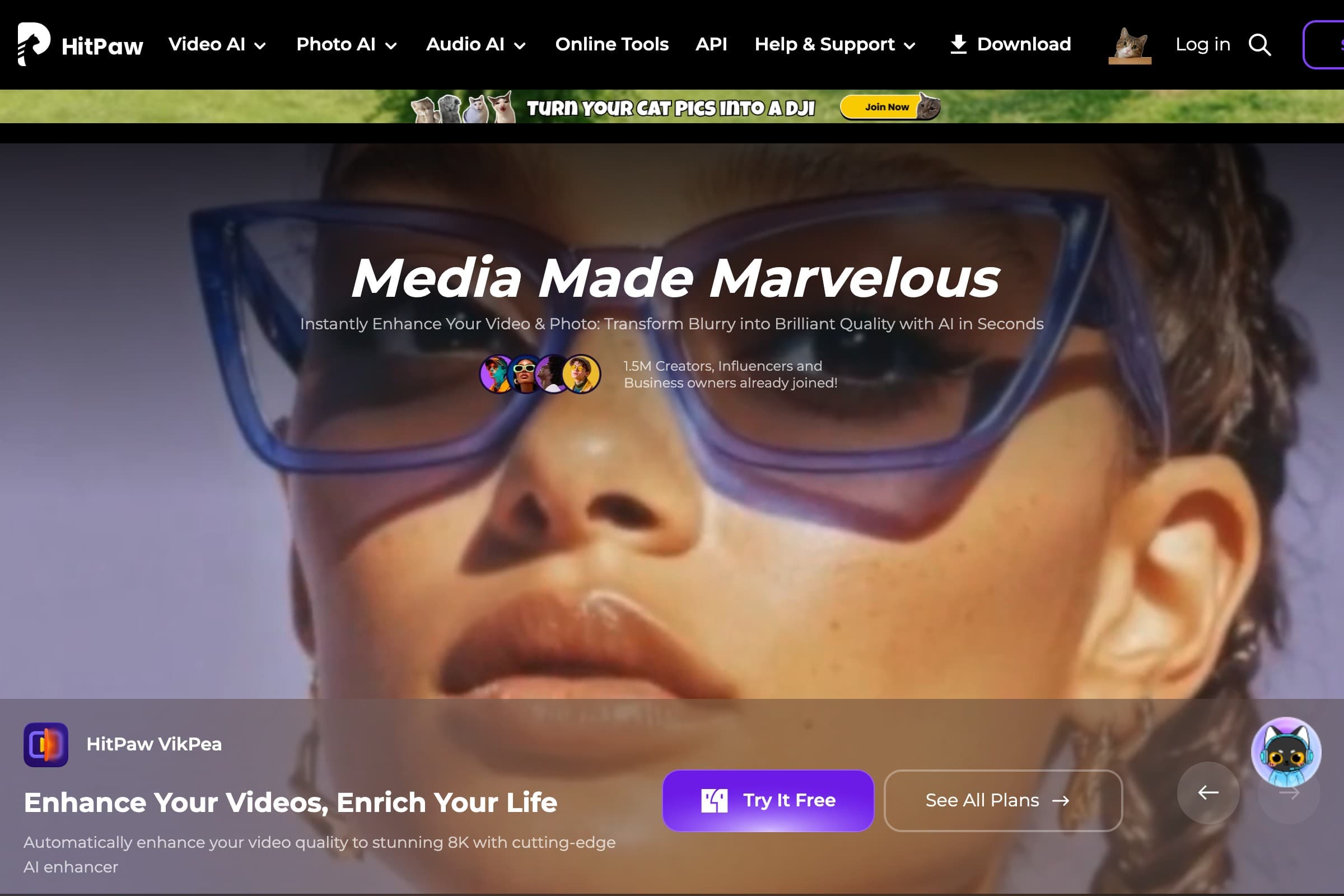
Basic AI video tools at a lower price point. Simpler interface but more limited in terms of the skeleton-specific visual style you need. Works fine for beginners who want to test the concept before investing in more powerful tools.
FAQ
What AI tool is used to make skeleton videos?
Most skeleton video creators use a combination of AI image generators (to create the transparent 3D skeleton scenes) and AI video generators (to animate them). Platforms like Flashloop that handle both image and video generation in one place make the workflow faster. You'll also need a text-to-speech tool for voiceover and a video editor for assembly.
How long should skeleton shorts be?
The sweet spot is 50 to 65 seconds. The data shows this gives enough time to build through all 5 parts of the script formula (hook, mild start, escalation, peak drama, finale) while keeping retention high. Videos under 30 seconds don't have enough time for the dramatic escalation that makes the format work.
What are the best skeleton video ideas?
Based on 59 videos and 228M total views, "What if you were raised by [animal]" ideas average 6.3M views, making them the top performers. "What happens if you [body scenario]" and "How many [food/drink] will end you" categories both average over 3M views. Avoid niche anime crossovers, which average under 1M.
How do skeleton "what if" videos get so many views?
Three factors: the curiosity-gap hook creates an irresistible click, the time-progression structure keeps people watching (each timestamp escalates, so you can't stop), and the second-person narration ("your body," "your bones") makes it feel personal. The transparent skeleton visual also stands out in a crowded feed.
Can I make AI skeleton videos for free?
You can get started for free using platforms with free tiers. Flashloop's free plan gives you enough credits to generate several skeleton scenes and animate them. CapCut is free for video editing. The main cost comes when you scale to producing multiple videos per week.
What is the Socrates skeleton meme?
A trending variation of the AI skeleton format where a philosophical figure (usually Socrates) delivers dramatic monologues about modern life. Same production technique as standard skeleton videos, just with a philosophy-themed script angle. It peaked on Google Trends around March 24, 2026, but the underlying skeleton format is evergreen.