
AI video generators have become the secret weapon for TikTok creators in 2026. The math is simple: TikTok rewards volume and novelty, AI lets you produce both at a pace that's impossible manually, and the platform's algorithm doesn't care whether a human or an AI made the video. Some of the biggest viral moments this year were AI-generated, and the creators behind them are using tools that anyone can access right now.
I've been testing AI video workflows specifically optimized for TikTok, from idea to posted video in under 15 minutes. This guide covers the best tools, the trending formats that are working right now, how to prompt for vertical video, and a complete workflow you can start using today.
Why AI Video Works So Well for TikTok
TikTok's algorithm favors three things that AI video generation delivers perfectly:
- Volume. Posting 1-3 times daily dramatically increases your chances of hitting the For You page. AI lets you produce that volume without burning out or hiring a production team.
- Novelty. The algorithm pushes content that feels fresh and different. AI-generated video has a distinctive visual quality that stops scrollers. It looks interesting enough to watch and share.
- Trend speed. TikTok trends move fast. When a new format goes viral, you have 24-48 hours to ride the wave. AI lets you produce trend content in minutes instead of hours.
There's also a practical advantage: you don't need to show your face, hire actors, scout locations, or own camera equipment. A laptop and an AI video tool is your entire production studio.
Best AI Video Generators for TikTok
Flashloop (Featured)
Flashloop is my top pick for TikTok content creation because it solves the biggest pain point: switching between tools. You can generate images with the image generator, turn them into video clips, and access multiple AI models (Kling, Wan, Seedance, Veo) all in one place.
For TikTok specifically, Flashloop's multi-model access is critical. Different models excel at different content types. Kling 3.0 is fast for iterating on trends, Seedance handles dance and character movement for viral formats, and Wan produces the realistic nature shots that work well for ambient/aesthetic content. Instead of maintaining accounts on five different platforms, you get everything in one workflow.
The pricing is credit-based, so you only pay for what you generate. No subscription commitment for months when you're just testing content formats.
CapCut AI
CapCut is already the default TikTok editor for most creators, and their AI features keep getting better. The AI-powered editing tools (auto-captions, background removal, style transfer) integrate directly into the editing workflow. For creators who want to enhance real footage with AI rather than generate fully AI content, CapCut is the natural choice.
The limitation: CapCut's generative AI features (text-to-video, image-to-video) aren't as powerful as dedicated generators like Flashloop or Kling. It's best used as an editing layer on top of AI-generated clips rather than as your primary generation tool.
Canva AI Video
Canva's AI video tools are accessible and beginner-friendly. If you're already using Canva for thumbnails, graphics, or social media templates, adding AI video to your workflow is seamless. The template system is particularly useful for TikTok: you can create branded video templates with AI-generated clips and reuse them across multiple posts.
Best for: Creators who prioritize ease of use and already live in the Canva ecosystem. Less suitable for cutting-edge AI video quality.
Runway Gen-4
Runway offers advanced motion control and camera settings that give you precise control over your AI video output. For TikTok creators who want a specific cinematic look or need custom camera movements, Runway's control features are unmatched. The learning curve is steeper than other options, but the creative control pays off for ambitious content.
Trending AI Video Formats on TikTok
These are the AI video formats getting views right now. Each one has a specific workflow you can replicate.
AI Style Transfer
Take a real video and transform it into an animated or stylized version. Studio Ghibli style, pixel art, watercolor, comic book. These consistently perform well because they're visually striking and immediately shareable. The "before and after" reveal format (showing the original clip then the AI transformation) drives massive engagement.
AI Transitions
AI-powered transitions between scenes that would be impossible in real life. A person walks through a doorway and enters a completely different world. A coffee cup morphs into a landscape. These use image-to-video generation to create the transition frames. The trick is generating the transition clip separately and cutting it into your edit.
Face Swap and Character Content
Putting yourself (or characters) into AI-generated scenarios. Historical settings, movie scenes, fantasy worlds. This combines face swap tools with AI video generation to produce content that's personal and entertaining. The relatability of seeing a real face in an AI world drives shares and comments.
AI Drama and Storytelling
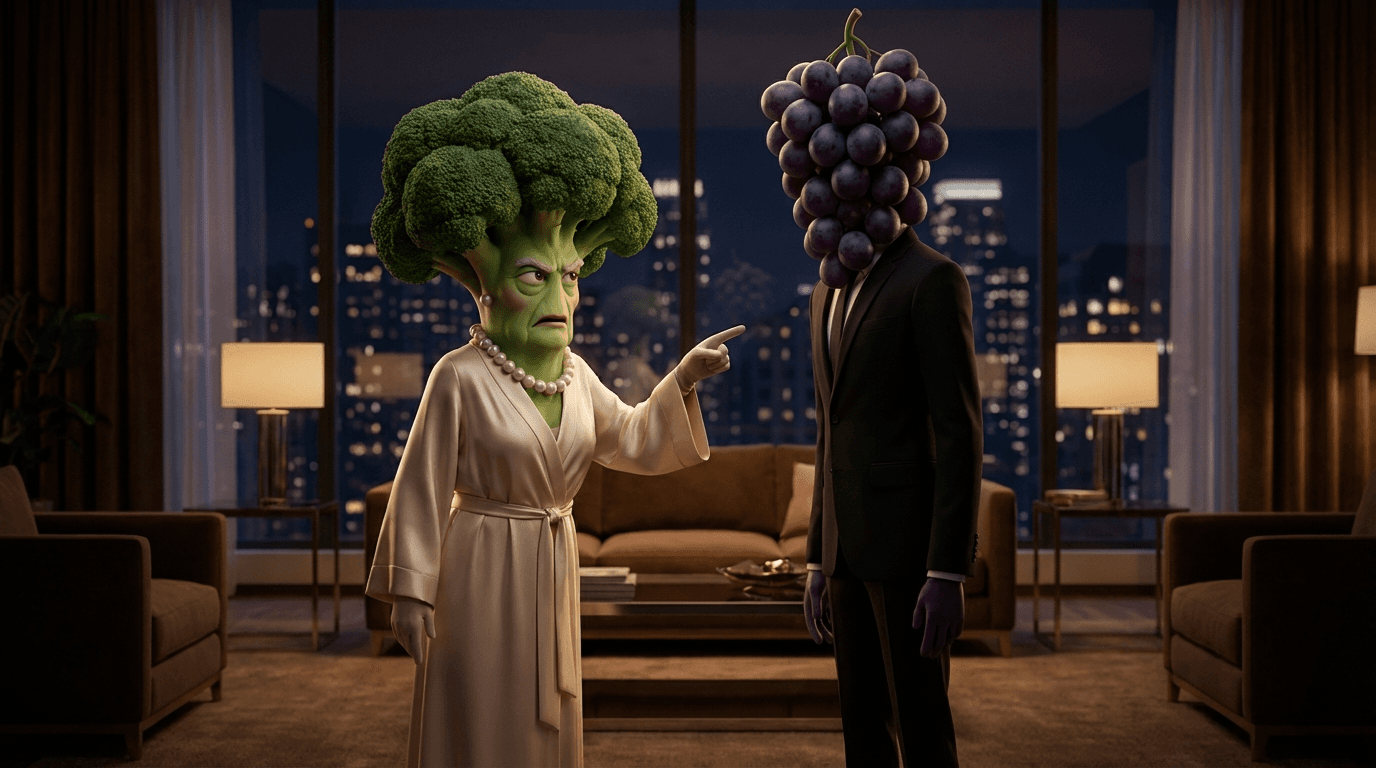
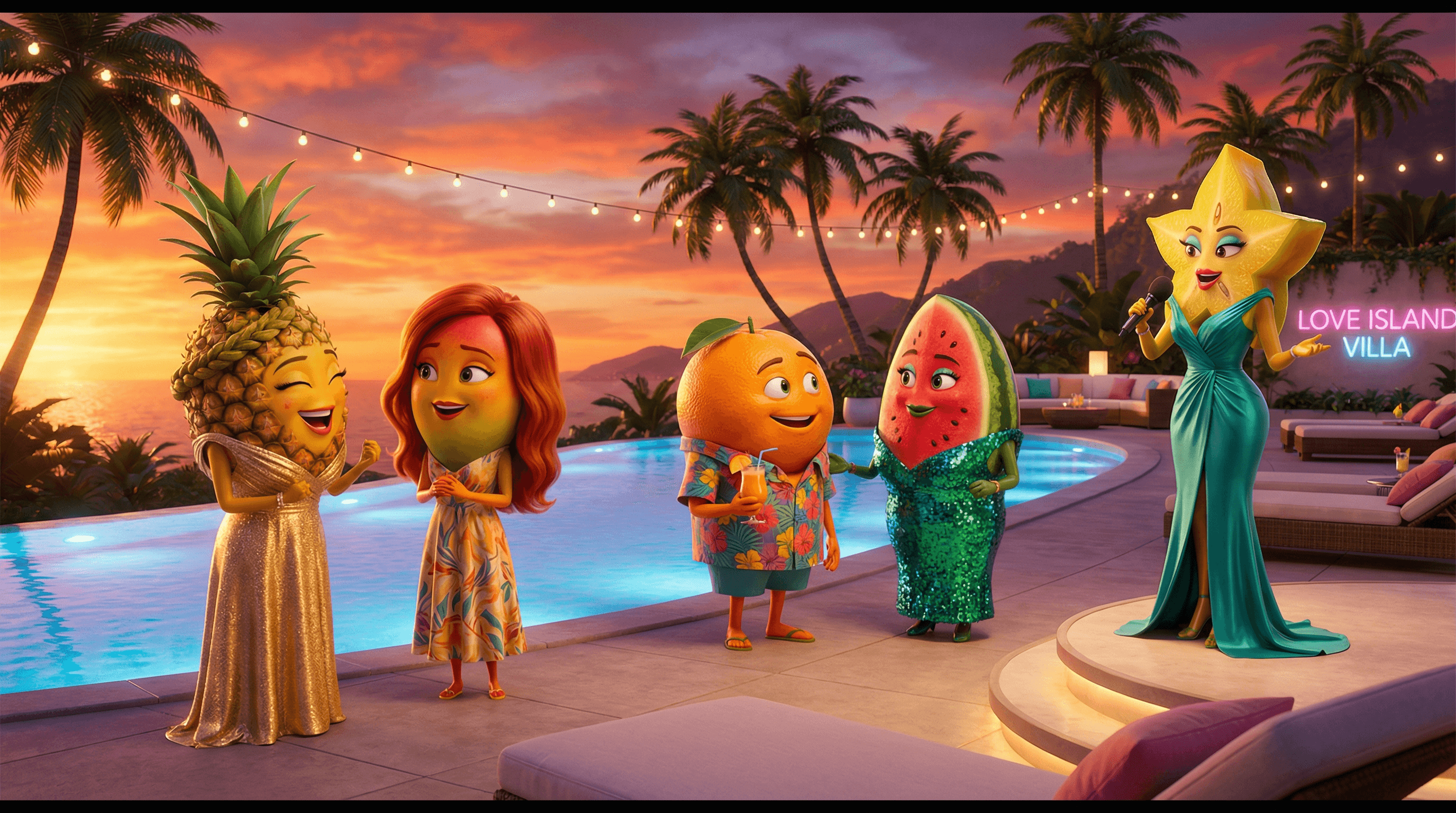
Serialized AI-generated stories told in short episodes. Generate character images, animate them with image-to-video, add voiceover with AI TTS, and post daily episodes. Some AI drama channels have hit millions of followers with this format. The key is consistent characters and cliffhanger endings that drive follows.
Ambient and Aesthetic Loops
AI-generated nature scenes, cozy environments, and atmospheric loops. Rainy café windows, ocean waves, forest paths. These perform well as background content and attract a different audience than high-energy trend content. They're also the easiest to produce: generate an image, animate it with subtle motion, loop it.
How to Prompt for Vertical Video
TikTok is 9:16 vertical. Most AI video generators default to 16:9 horizontal. Getting vertical output right requires intentional prompting and settings:
- Set aspect ratio first. On Flashloop and most generators, you can select 9:16 before generating. Always do this rather than cropping a horizontal video.
- Compose for vertical framing. Describe scenes with vertical compositions: tall buildings, standing figures, waterfalls, vertical camera tilts. Avoid wide panoramic descriptions that fight the vertical format.
- Leave space for text overlays. TikTok videos need room for captions and on-screen text. When prompting, describe scenes with clean areas at the top and bottom thirds where text won't compete with important visual elements.
- Use close-ups and medium shots. Vertical video favors tighter framing. Wide establishing shots that work in cinema can look empty and unfocused in 9:16. Prompt for closer perspectives.
- If starting from an image, generate your source image at 9:16 aspect ratio before sending it to the video generator. This ensures perfect framing from the start.
Complete Workflow: Idea to Posted TikTok in 15 Minutes
Here's my actual production workflow for AI TikTok content:
Minutes 1-3: Concept and Image
Pick your concept (trending format, original idea, or series episode). Generate a source image using Flashloop's image generator at 9:16 aspect ratio. If you're using a real photo or existing image, crop it to 9:16 first.
Minutes 3-7: Video Generation
Send your image to the video generator. Write a motion prompt (keep it to 2-3 sentences describing the movement you want). Generate 2-3 variations with different models or prompts. Pick the best one.
Minutes 7-12: Edit and Polish
Import your AI clip into CapCut or your editor of choice. Add text overlays, captions, and a hook in the first 1-2 seconds. Layer in trending audio or AI-generated voiceover. Cut the pacing to match TikTok energy (no slow starts, every second counts).
Minutes 12-15: Optimize and Post
Write your caption with relevant hashtags (mix trending + niche tags). Add a call-to-action or question to drive comments. Post at peak hours for your audience (typically 7-9 AM, 12-1 PM, or 7-10 PM in your target timezone). Enable duets and stitches to maximize distribution.
Tips for Going Viral with AI Video on TikTok
- Hook in the first second. TikTok users decide to scroll or stay within the first 1-2 seconds. Start with the most visually striking frame or a provocative text overlay. Never open with a blank screen or slow fade-in.
- Embrace the AI aesthetic. Don't try to hide that your content is AI-generated. TikTok audiences are curious about AI, and transparency actually increases engagement. Add "made with AI" to your caption or use AI-related hashtags.
- Ride trends within 24 hours. When you see an AI format blowing up, produce your version immediately. The algorithm boosts early trend participants. AI generation speed is your competitive advantage here.
- Build series, not one-offs. Serialized content (daily AI transformations, ongoing AI stories, weekly style experiments) builds followers. One-off viral hits get views but don't build audiences.
- Optimize for rewatches. TikTok's algorithm heavily weights replay rate. Create loops that seamlessly restart, hide Easter eggs that viewers only catch on second watch, or include details that reward close attention.
- Post consistently. 1-3 posts per day, every day. The algorithm rewards consistency. AI generation makes this sustainable. Batch-produce content in dedicated sessions rather than creating one post at a time.
- Engage with comments immediately. The first 30-60 minutes after posting are critical for algorithm pickup. Reply to every comment, especially questions about how you made the video (this drives more comments and shares).
- Cross-post strategically. Your AI TikTok content works on Instagram Reels, YouTube Shorts, and other short-form platforms with minimal adaptation. Multiply your reach by repurposing across platforms.
FAQ
Is AI-generated content allowed on TikTok?
Yes. TikTok's current policy requires labeling AI-generated content that depicts realistic scenes or people, but AI content itself is allowed and actively promoted by the algorithm. Many of the platform's biggest creators use AI tools regularly.
What's the best free AI video generator for TikTok?
Flashloop offers free credits that are enough to test workflows and produce several clips. CapCut's built-in AI features are also free for basic use. For fully free unlimited generation, open-source tools exist but require technical setup and a capable GPU.
How do I make AI videos look less "AI"?
Use higher-quality models (Kling 3.0, Veo 3.1), add real audio and voiceover, edit with intentional pacing and cuts rather than posting raw generations, and combine AI clips with real footage for hybrid content. That said, many viewers actively seek out AI-aesthetic content, so "looking AI" isn't always a disadvantage on TikTok.
Can I monetize AI-generated TikTok content?
Yes. TikTok's Creator Fund and other monetization features are available for AI content as long as it follows community guidelines and is properly labeled. Many creators are earning directly from AI content through the platform's revenue sharing, brand deals, and by driving traffic to their own products or services.
What aspect ratio and resolution should I use?
9:16 vertical at 1080x1920 resolution. This is TikTok's native format and will display without cropping or letterboxing. Always set your aspect ratio before generating rather than cropping a horizontal video afterward.
Ready to start creating? Try Flashloop's AI video generator to produce your first TikTok-ready clip in minutes. Or learn the fundamentals of AI video in our complete guide to image-to-video AI.