


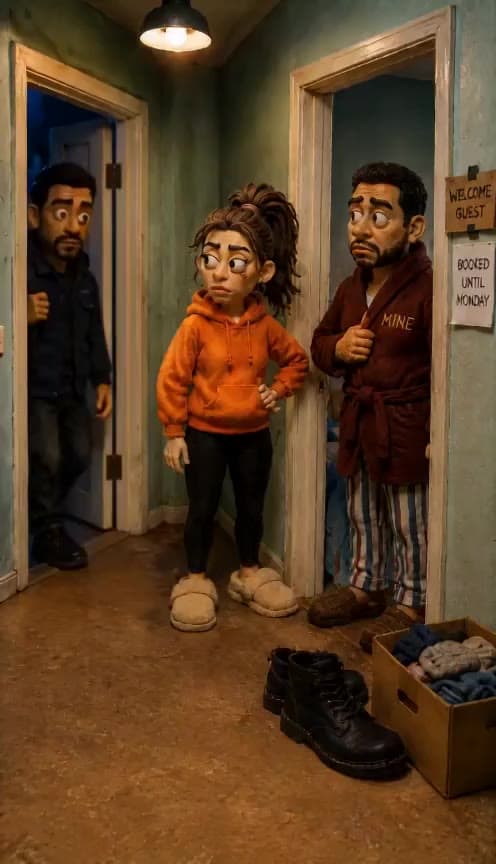

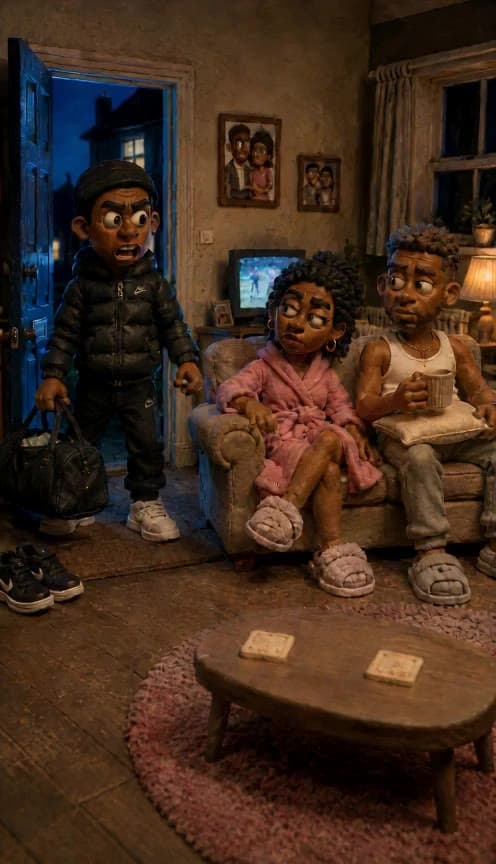
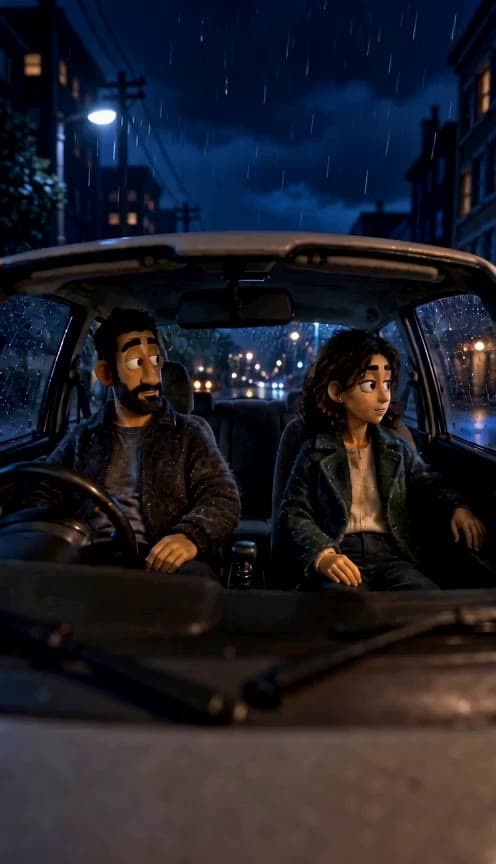
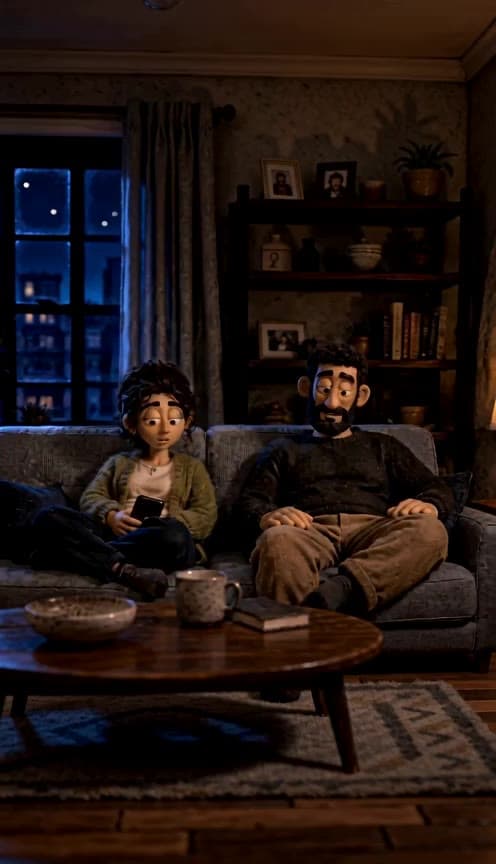
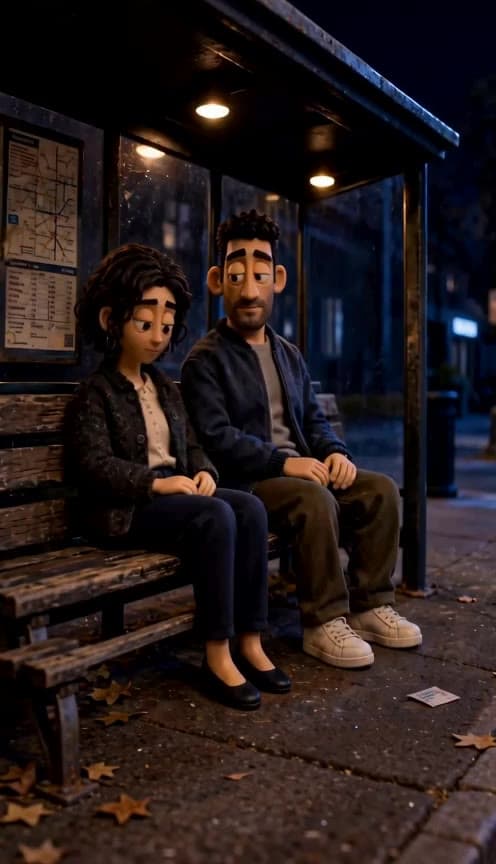



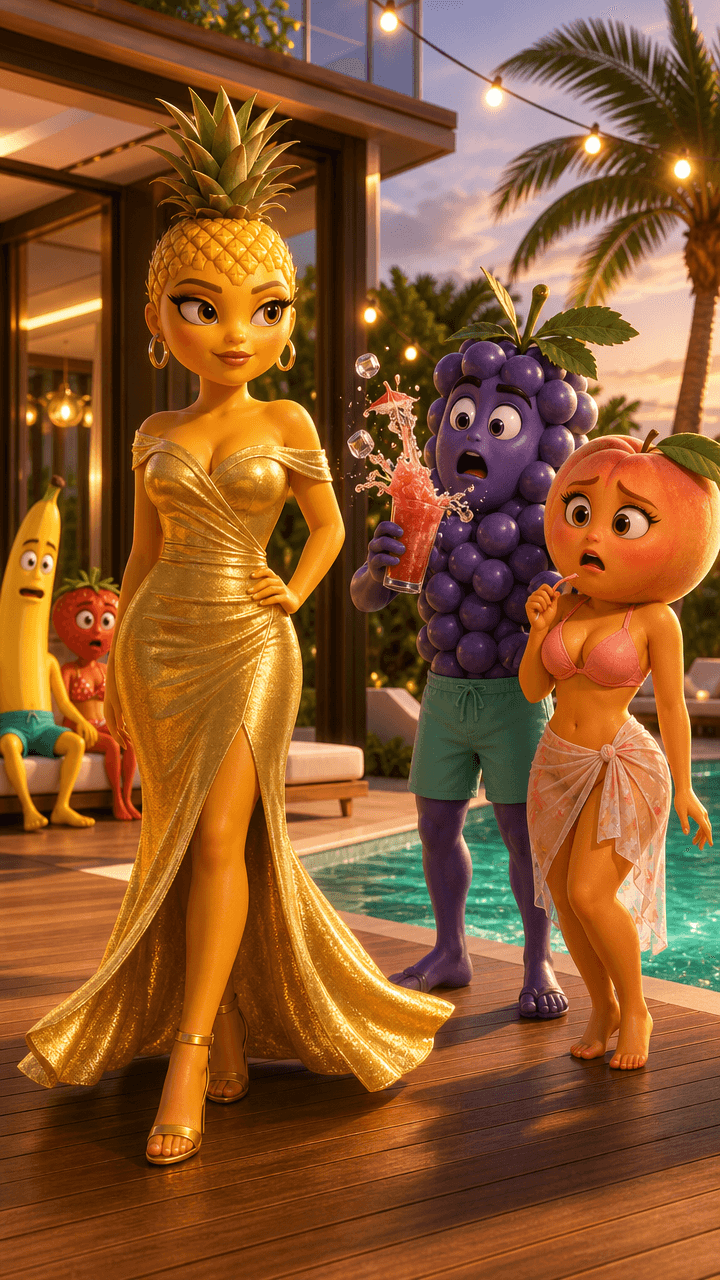


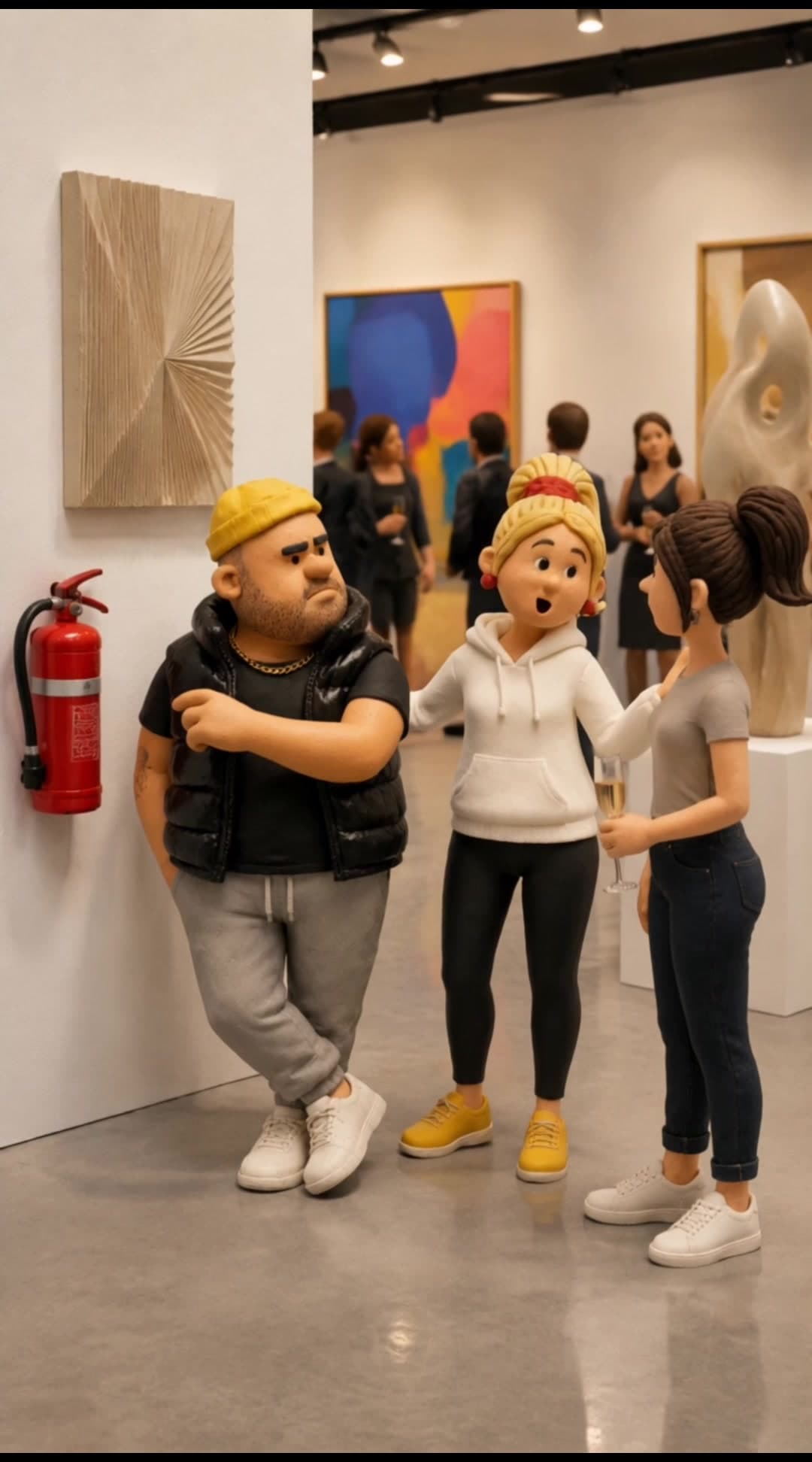



Friends Polaroid Photo turns a text idea into an image that feels like a casual instant snapshot of two or more friends. It’s useful when you want something warmer and less polished than a studio portrait, think birthday posts, friendship appreciation stories, scrapbook-style collages, dorm memories, reunion invites, or moodboard graphics. This effect works well for creators building nostalgic Instagram carousels, social media managers making friendship-themed seasonal content, and everyday users who want a believable keepsake look from a simple prompt. The strongest results usually come from describing the group dynamic, setting, outfits, and mood so the image reads like a real moment instead of a generic posed photo.
Learn more about
Learn more about
When you enter prompt_text (text: Prompt), the effect interprets your description as a single candid friendship scene and builds it in a Polaroid-inspired composition.
The AI uses cues like number of friends, setting, clothing, expressions, pose, lighting, and mood to decide how the group should be arranged inside an instant-photo style frame.
It also makes aesthetic choices that support the snapshot look, such as casual body language, slightly imperfect framing, and a nostalgic color treatment.
Instead of aiming for a formal portrait, Friends Polaroid Photo leans toward the kind of image you’d save in a scrapbook, pin to a wall, or post in a memory-themed carousel.
No. You’ll usually get a better result by focusing on the shared scene, mood, and a few standout details rather than writing a full profile for each person. Keep it readable and prioritize what makes the group feel connected.
Yes. The tone depends a lot on your wording. If you want playful energy, mention candid expressions, messy poses, or inside-joke settings; for a softer memory feel, describe quieter moments and nostalgic environments.
It can handle both, but smaller groups often read more clearly in a Polaroid-style frame. If you want four or more people, specify how they’re positioned so the composition stays easy to understand.
Yes. This effect responds well to event-based prompts because shared settings help the image feel like a real memory. Add a few concrete props or environment details so the theme comes through quickly.
Usually somewhere in between, with a casual snapshot feel. If you want it to lean more candid, mention actions like laughing, walking, hugging, or looking away from the camera instead of standing formally.
Yes. All content generated on Flashloop can be used for commercial purposes, social media, ads, client work, product listings. No additional licensing fees.