Updated · 13 min read
7 Best Kling AI Alternatives in 2026 (Compared)

The best Kling AI alternative depends on why you want to switch. Here are seven options, what each one costs, and who each one is best for.
Try Flashloop
In this article
Kling AI is the model maker's own studio: Kling 3.0, 3.0 Omni, 3.0 Turbo and 3.0 Motion Control, on web, iOS, Android, Mac and Windows. If Kling is the only model you use, that is hard to beat.
But many creators look for a Kling AI alternative for other reasons: billing, support, or wanting Seedance, Veo and Wan next to Kling without a second subscription. The good news is that you don't have to give up Kling 3.0 to switch. Start with the quick answer, then jump to the tool you care about.
What are the best alternatives to Kling AI?
- 1.FlashloopWe build thisBest overall: Kling 3.0 plus Seedance, Veo and Wan, with trend and character workflows
- 2.HiggsfieldBest for Kling 3.0 with cinematic presets, if you don't need a mobile app
- 3.RunwayBest for filmmaking: Kling 3.0 next to Runway's own Gen-4.5 and studio formats
- 4.KreaBest for comparing Kling 3.0 with dozens of models in node-based workflows
- 5.Magnific (formerly Freepik)Best for design teams that want Kling 3.0 plus stock, editing and audio
- 6.OpenArtBest for building characters and worlds before animating them with Kling 3.0
- 7.DreaminaBest if you want to move from Kling to Seedance, straight from ByteDance
We ran the same prompt through three AI video models
Kling 3.0 is a strong model, but no single model wins every generation. We uploaded the same reference image and sent the same prompt to Seedance 2.5, Kling 3.0 and Veo 3 inside Flashloop, without tuning the prompt for any of them.
See the exact prompt and reference image

Common complaints from Kling AI users
Kling AI's Standard plan costs $6.99 for the first month, then $8.80 a month for 660 credits. Beyond price, these are the complaints that come up most in public reviews.
Treat these as a pattern, not the whole picture. Kling's Trustpilot scores are low (1.2 from 382 reviews on klingai.com), but its iOS app holds 4.68 stars from more than 30,000 US ratings, and its Android app has 10M+ downloads. For comparison, Flashloop's own terms say all purchases are final and non-refundable, and plan credits don't roll over.
How we compared these Kling AI alternatives
We build Flashloop, so we're not a neutral third party. We use Flashloop and the models inside it every day, including Seedance 2.5, Kling 3.0, Veo 3 and Wan 3.0.
For Kling AI and the other six tools, we checked each one's live pricing page, model list, App Store and Google Play listings and public reviews in September 2026. We didn't test them hands-on, so their sections show the product's homepage instead of a generated clip. Every tool gets the same quick summary: video models, free plan, starting price, mobile app and biggest limitation.
1. Flashloop: best overall Kling AI alternative

- Video models
- Seedance 2.5, Kling 3.0, Veo 3, Wan 3.0, MiniMax H3 Max, Gemini Omni, Grok Imagine and more
- Free plan
- No, paid plans only
- Starting price
- $19/mo (Starter, with video models such as Veo 3 and Seedance 2.0 Mini). Seedance 2.5, Kling 3.0 and every other model start on Creator at $59/mo, or $47/mo billed annually
- Mobile app
- iOS and Android
- Biggest limitation
- No free plan, and it isn't built for studio formats like ProRes
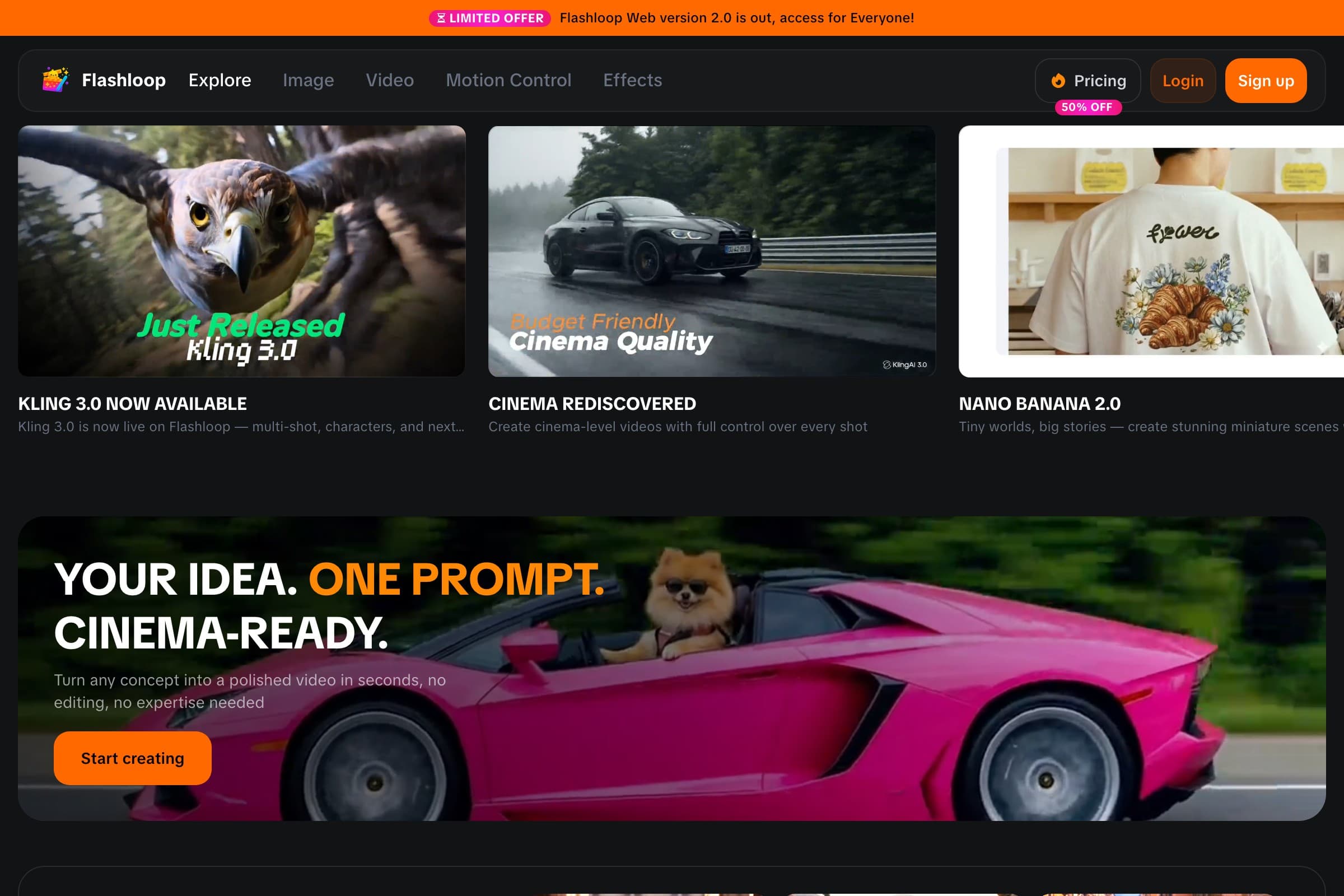
The biggest difference is simple: Kling AI only runs Kling models, while Flashloop puts Kling next to the other leading models. Flashloop currently includes video models such as Kling 3.0, Kling 3.0 Turbo, Seedance 2.5, Seedance 2.0, Wan 3.0, MiniMax H3 Max, Veo 3, Gemini Omni and Grok Imagine, plus image models such as Nano Banana Pro, GPT Image 2.5 and Seedream 5.0 Lite, across web, iOS and Android.
One thing to know before switching: the $19 Starter plan includes standard video models such as Veo 3 and Seedance 2.0 Mini, but Kling 3.0 and Seedance 2.5 start on Creator at $59 a month, or $47 a month billed annually.
Around those models, Flashloop has a Character Builder for reusable characters and an Apps library built around repeatable formats and internet trends, such as Sports Anime, Claymation, Viral Skeleton and Glass ASMR. Instead of working out the prompt structure for a format from scratch, you start from a working workflow and customize it.

There are also Motion Control and Recast workflows on higher plans, and you can connect Flashloop to AI assistants through MCP, so tools like ChatGPT, Claude or Cursor can generate with Kling, Veo, Seedance and Wan while the results still land in your Flashloop library.
Flashloop vs Kling AI
| Feature | Flashloop | Kling AI |
|---|---|---|
| Seedance, Veo and Wan models | Yes | No |
| Models from several providers | Yes | No |
| Free plan | No | Yes |
| Mac and Windows apps | No | Yes |
| Kling 3.0 | Yes | Yes |
| Mobile app (iOS + Android) | Yes | Yes |
| Image generation | Yes | Yes |
| Motion control | Yes | Yes |
| Web app | Yes | Yes |
| MCP / | Yes | Yes |
Where Flashloop is better
Pick Flashloop over Kling AI when Kling is one of several models you reach for, especially if you keep asking questions like:
- “Would Seedance or Veo handle this shot better than Kling?”
- “Can I make this viral format with my own character?”
- “Can I recreate this style without rebuilding the prompt every time?”
- “Can I keep every model in one library and one subscription?”
Where Kling AI is better
Kling AI gets Kling's own models first, from Kling 3.0 Omni to 3.0 Motion Control. Paid members get native 4K output for the 3.0 series and video extension, which Kling's App Store listing says can take videos up to 3 minutes long. It also has a free plan (with watermarked videos) and Mac and Windows apps. If those are why you use Kling AI, staying there makes sense.
If you like Kling 3.0 but want Seedance, Veo and Wan in the same place, I'd start with Flashloop. You keep Kling, and you can switch models whenever another one performs better for a shot.
If your work needs something different, keep reading: the next tools specialize differently.
2. Higgsfield: best for cinematic presets

- Video models
- Seedance 2.5, Kling 3.0, Veo 3.1, Sora 2, Wan 3.0, MiniMax and Grok Imagine (30+ models)
- Free plan
- Limited free use
- Starting price
- $19/mo (Starter, 270 credits, no Seedance 2.5). Seedance 2.5 starts on Plus at $59/mo, or $47/mo billed annually
- Mobile app
- No official app
- Biggest limitation
- Reviewers report slow Unlimited queues, credits running out fast and refunds that are hard to get
Higgsfield is a multi-model platform with 30+ models, including Kling 3.0, Seedance 2.5, Veo 3.1, Sora 2 and Wan 3.0, wrapped in cinematic camera presets and marketing workflows.
For a Kling user, the tradeoffs are pricing and mobile. Starter is $19 a month for 270 credits, and Seedance 2.5 starts on Plus at $59 a month. Higgsfield has no official mobile app, so if you create on Kling's phone app today, you'd move to the browser. Reviewers also report slow Unlimited queues and refunds that are hard to get.
Choose Higgsfield if cinematic presets are what you want around Kling. Choose Flashloop if you also want trend workflows and an iOS and Android app.
3. Runway: best for professional filmmaking

- Video models
- Gen-4.5 and Aleph 2.0 (its own), plus Seedance 2.5, Kling 3.0, Veo 3.1, Wan 3.0 and Grok Imagine
- Free plan
- Yes: 125 one-time credits, and free videos carry a watermark
- Starting price
- $15/mo, or $12/mo billed annually (Standard, 625 credits)
- Mobile app
- iOS and Android
- Biggest limitation
- Reviewers say credits go on off-prompt results and refunds are refused
Runway trains its own video models, such as Gen-4.5 and Aleph 2.0, and also runs Kling 3.0, Seedance 2.5, Veo 3.1, Wan 3.0 and Grok Imagine. That makes it one of the few places where you can use Kling alongside a studio-grade in-house model.
Its Max and team plans add studio formats like ProRes and image sequences, and it has official iOS and Android apps. Standard starts at $15 a month, or $12 billed annually, and the free plan gives 125 one-time credits.
Pick Runway if you're directing a film or need studio formats. Pick Flashloop if you're producing a lot of creator content.
4. Krea: best for experimenting across many models

- Video models
- Seedance 2.5, Kling 3.0, Veo 3.1, Runway Gen-4.5, Wan 3.0, MiniMax H3 and more (34 in its video library)
- Free plan
- Yes: 100 compute units a day, no credit card, but free video is limited to 2 LTX-2 clips a day
- Starting price
- $9/mo (Basic, not shown to every visitor), or $35/mo for Pro with all video models
- Mobile app
- iOS only
- Biggest limitation
- Reviewers report trouble cancelling and slow support. Priority support starts on Business
Krea lists 34 models in its video library, including Kling 3.0, Seedance 2.5, Veo 3.1, Runway Gen-4.5 and Wan 3.0, and lets you run the same prompt through several of them.
Krea Nodes chains models and creative steps into reusable workflows. Pro ($35 a month, or $21 a month billed annually) is the cheapest plan with every video model. Its free plan gives 100 compute units a day, but free video is limited to 2 LTX-2 clips a day, and its app is iOS only.
Choose Krea if you enjoy building your own visual workflows. Choose Flashloop if you want those workflows packaged around creator trends.
5. Magnific (formerly Freepik): best for an entire creative stack

- Video models
- Veo 3.1, Gemini Omni, Seedance 2.5, Kling 3.0, Runway Gen-4.5, Wan 3.0, MiniMax H3 and more
- Free plan
- Yes, limited: up to 20 in-house AI image generations a day, personal use with attribution
- Starting price
- $20/mo, or $14.50/mo billed annually (Premium)
- Mobile app
- iOS and Android
- Biggest limitation
- Billing complaints, and some models are moving from Unlimited to credits at renewal
Magnific, the new name for Freepik since April 2026, combines image, video and audio models, including Kling 3.0, Veo 3.1 and Seedance 2.5, with a stock library, editing tools, upscalers and the Spaces node-based canvas.
If AI video is only one part of your design work, that bundle can be worth more than a video-first tool. If most of what you make is short AI clips, you may pay for a lot you don't use.
Magnific suits design teams. For a solo creator mainly making AI videos, I'd put Flashloop or Krea ahead of it.
6. OpenArt: best for characters and visual stories

- Video models
- Seedance 2.5, Kling 3.0, Veo 3.1, Wan 3.0, MiniMax H3, Gemini Omni Flash and more
- Free plan
- No ongoing free plan: a 7-day trial with 40 credits and no videos
- Starting price
- $14/mo, or $13/mo billed annually (Starter). Commercial use starts on Plus ($34/mo)
- Mobile app
- No, it runs in mobile browsers
- Biggest limitation
- Credit costs are hard to predict, especially in the Director story tool
OpenArt offers Kling 3.0 (plus 3.0 Omni and 3.0 Motion Control), Seedance 2.5, Veo 3.1, Wan 3.0 and MiniMax H3, with a Director tool that turns ideas into multi-shot stories.
It goes deepest before the video step, with personalized model training and OpenArt Worlds for 3D environments. There is no mobile app, and there's no ongoing free plan, only a 7-day trial without videos.
OpenArt fits creators who build characters and worlds before animating them. Video-first creators should look at Flashloop, Runway or Krea first.
7. Dreamina: best if you want Seedance from its maker

- Video models
- Seedance 2.5, 2.0, 2.0 Fast, 2.0 Mini and 1.5 Pro, plus MiniMax H3
- Free plan
- Yes: daily credits that reset at midnight, with watermarked downloads
- Starting price
- $5 for the first month (Standard, promotional). The renewal price isn't published
- Mobile app
- iOS and Android
- Biggest limitation
- Trustpilot reviews cite billing and support problems, and Seedance 2.0 models don't accept real human faces
Some Kling users are really looking for a different model family. Dreamina is ByteDance's home for Seedance, the same way kling.ai is Kling's. It has no Kling, but it runs Seedance 2.5, 2.0, 2.0 Fast, 2.0 Mini and 1.5 Pro.
Free accounts get daily credits that reset at midnight, with watermarked downloads, and Standard is $5 for the first month. Trustpilot reviews cite billing and support problems, much like Kling's.
If you want to leave Kling for Seedance, Dreamina is the direct route. If you want both, a multi-model platform is more practical.
Kling AI alternatives compared
Monthly prices for each tool's cheapest paid plan, checked in September 2026. The Dreamina and Kling AI prices are first-month offers.
| Tool | Free plan | Starting price | Mobile app |
|---|---|---|---|
| Flashloop | Free plan: No | Starting price: $19/mo | Mobile app: iOS + Android |
| Higgsfield | Free plan: Limited | Starting price: $19/mo | Mobile app: No |
| Runway | Free plan: 125 credits once | Starting price: $15/mo | Mobile app: iOS + Android |
| Krea | Free plan: Yes, 100 units/day | Starting price: $9/mo | Mobile app: iOS only |
| Magnific (formerly Freepik) | Free plan: Limited | Starting price: $20/mo | Mobile app: iOS + Android |
| OpenArt | Free plan: 7-day trial | Starting price: $14/mo | Mobile app: No |
| Dreamina | Free plan: Daily credits | Starting price: $5 first month | Mobile app: iOS + Android |
| Kling AI | Free plan: Yes, watermarked | Starting price: $6.99 first month | Mobile app: iOS + Android |
How to compare pricing
Monthly subscription prices alone can be misleading. Video models use very different numbers of credits depending on the model, resolution, duration and settings. Before you switch, check:
- Cost per usable output, not credits per month. If a video takes several attempts, its real cost is several generations.
- Which plan unlocks Kling 3.0, at your usual duration and resolution. Cheaper plans often leave out the newest models.
- The renewal price, not the first month. Kling AI's Standard plan is $6.99 for the first month, then $8.80 a month.
- What switching models costs. If you use Kling for one project, Seedance for another and Veo for another, one multi-model plan can cost less than several separate subscriptions.
Kling AI's pricing and promotions change, so check its current pricing page before deciding.
So, what is the best Kling AI alternative?
For most AI creators, Flashloop is the best overall Kling AI alternative because you keep Kling 3.0 and add Seedance, Veo, Wan and more, with creator workflows, reusable characters and an iOS and Android app.
But I wouldn't recommend the same tool to everybody.
- Choose Flashloop if you want Kling plus other leading models and fast creator workflows.
- Choose Higgsfield if you want cinematic presets and don't need a mobile app.
- Choose Runway if you're making professional cinematic work or need studio formats.
- Choose Krea if you want to experiment, compare models and build visual workflows.
- Choose Magnific if AI generation is only one part of a much larger design workflow.
- Choose OpenArt if you build characters and worlds before video.
- Choose Dreamina if Seedance is what you really want.
And if you only ever use Kling and rely on 4K, video extension or the desktop apps, the right answer might be to stay with Kling AI. The best alternative is the one that removes the part of your workflow that slows you down.
Frequently asked questions
What is the best Kling AI alternative?
Flashloop is the best overall Kling AI alternative for creators who want Kling 3.0 alongside other leading models. It supports model families including Kling, Seedance, Veo, Wan, MiniMax and Grok, with character and trend-based creation workflows on web, iOS and Android.
Runway is a strong alternative for professional filmmaking, and Krea for experimenting across many models.
Where else can I use Kling 3.0?
Kling 3.0 is available on several multi-model platforms, including Flashloop, Higgsfield, Krea, Runway, Magnific and OpenArt. On Flashloop, Kling 3.0 starts on the Creator plan at $59 a month, or $47 a month billed annually.
Is Flashloop better than Kling AI?
It depends on the workflow.
Flashloop is a better fit if you want to switch between Kling, Seedance, Veo and Wan in one app, with reusable characters and trend-based formats. Kling AI is the better fit if you only use Kling models and want native 4K, video extension, a free plan or its Mac and Windows apps.
What is the best free Kling AI alternative?
Krea's free plan gives you 100 compute units a day with no credit card, though free video is limited to 2 LTX-2 clips a day. Dreamina gives free daily credits with watermarked downloads, and Runway gives 125 one-time credits with watermarked videos. Flashloop has no free plan.
Free tiers change often, so check the current limits before choosing a platform around them.
Which Kling AI alternative is cheaper?
There isn't a universal answer. Kling AI's Standard plan is $6.99 for the first month, then $8.80 a month. The cheapest paid entry points among the alternatives were a $5 first month on Dreamina, $9 a month on Krea Basic and $14 a month on OpenArt Starter.
Cheaper plans often leave out the newest models, so compare the cost of the model, duration and resolution you actually use.
Which platforms have both Seedance and Kling?
Flashloop, Higgsfield, Krea, Runway, Magnific and OpenArt all offer Seedance 2.5 and Kling 3.0. Kling AI itself only runs Kling models, and Dreamina focuses on Seedance without Kling.
Does Kling AI have a mobile app?
Yes. Kling AI has official iOS and Android apps, plus Mac and Windows apps. Among the alternatives, Flashloop, Runway, Magnific and Dreamina have iOS and Android apps, Krea has an iOS app, and Higgsfield and OpenArt don't have official apps.

Victor Saisse is a Founding Engineer at Flashloop, where he builds the web and mobile apps and the AI model integrations behind them.