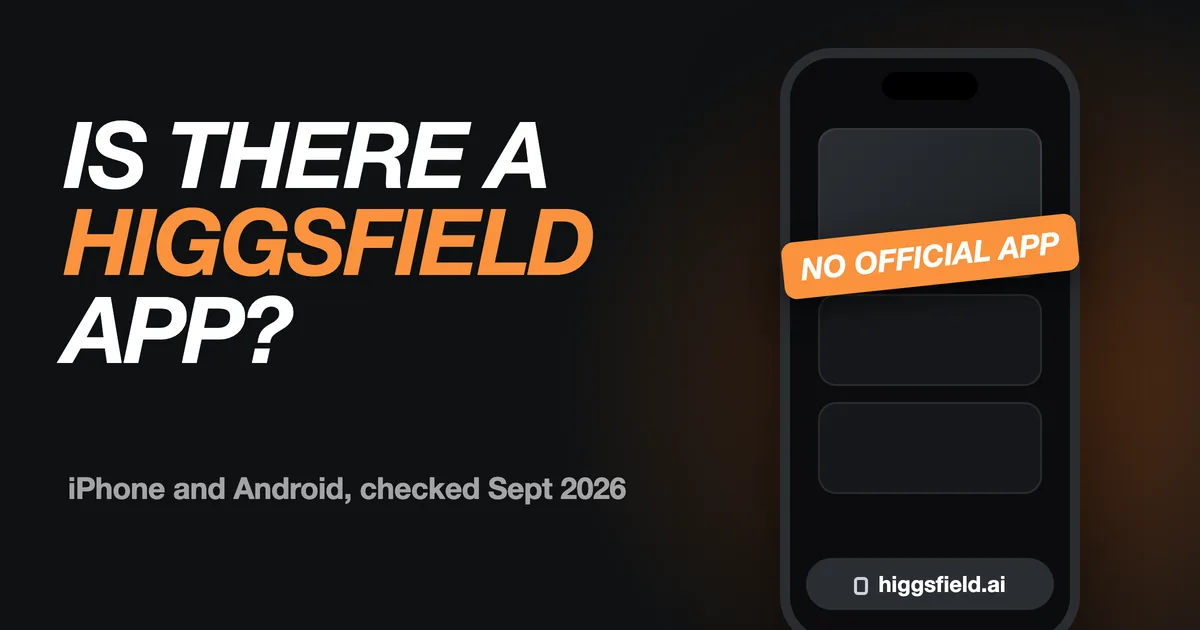

No. As of September 17, 2026, Higgsfield doesn't publish an official app for iPhone or Android. Higgsfield works in your phone's web browser, and the apps in the App Store and Google Play that use its name, or something close to it, come from other developers.
That matters because people searching for a Higgsfield app are usually ready to pay for AI video credits. Below is what we found in both stores, how to check whether an AI app is official, how to use Higgsfield on your phone, and which Higgsfield alternatives do have real mobile apps. One disclosure first: we build Flashloop, which is one of them.
Is there an official Higgsfield app?
Not today. We checked in three places on September 17, 2026:
- The App Store. Apple has a developer page for Higgsfield, Inc., the company named in Higgsfield's own site footer, but it lists no apps in the US, UK, Canada, India, Brazil, Singapore, the UAE or Kazakhstan. A US search for “higgsfield” also returns sound-alike names such as “Hixfeld: AI Video Generator” from a different developer.
- Google Play (US). A listing titled “Higgsfield AI” is published by FRONTIER TOURS Limited, not Higgsfield, Inc. Its own description calls it an educational guide app and says it isn't affiliated with any official AI platform.
- higgsfield.ai. The homepage links to no App Store or Google Play listing.
App listings change quickly, so treat this as a snapshot. If Higgsfield launches an official app, it will be published under its company name and linked from higgsfield.ai.
How to tell if an AI video app is official
Popular AI brands attract look-alike apps, and many of them sell weekly subscriptions. Before you install or pay, run through these checks:
- Read the developer name. On the App Store it sits under the app title; on Google Play it's the link below the name. It should match the company behind the product, not an individual or a different business.
- Follow the website link in the listing. An official app points to the brand's real domain.
- Start from the brand's own website. Companies with real apps link to them, usually in the header, footer or download page.
- Read the whole description. Unofficial apps often say, near the bottom, that they aren't affiliated with the brand in their title.
- Skip APK download sites. Third-party Android download sites list files named after popular AI tools. When a company doesn't publish an Android app, none of those files come from it.
- Look at the subscription before the trial. Look-alike apps often start a paid plan after a short free trial. Check the price in the listing's in-app purchases first.
How to use Higgsfield on your phone
You don't need an app to use Higgsfield on a phone. Open higgsfield.ai in Safari or Chrome and sign in with the same account you use on a computer, so your plan and credits are the same.
To get one tap back to it, add the site to your home screen. On iPhone, tap the Share button in Safari and choose Add to Home Screen. On Android, open the Chrome menu and choose Add to Home screen. That gives you a shortcut, not a native app, so you won't get app store updates or native notifications, and bigger workspaces are still easier on a computer screen.
Higgsfield alternatives with official mobile apps
If an app on your phone is the whole point, several multi-model platforms publish official apps. These are the ones from our comparison of the best Higgsfield alternatives, with app availability and model lineups checked on September 15 and 16, 2026:
| Platform | iPhone | Android | Video models |
|---|---|---|---|
| Flashloop | Yes | Yes | Seedance 2.5, Kling 3.0, Veo 3, Wan 3.0, MiniMax H3 Max, Grok Imagine and more |
| Runway | Yes | Yes | Its own Gen-4.5, plus Seedance 2.5, Kling 3.0, Veo 3.1 and Wan 3.0 |
| Magnific (formerly Freepik) | Yes | Yes | Veo 3.1, Seedance 2.5, Kling 3.0, Wan 3.0, MiniMax H3 and more |
| Dreamina | Yes | Yes | Seedance models, plus MiniMax H3 |
| Kling AI | Yes | Yes | Kling models only |
| Krea | Yes | No | Seedance 2.5, Kling 3.0, Veo 3.1, Wan 3.0, MiniMax H3 and more |
Flashloop is the closest match if you liked Higgsfield for having many models in one place: the same Seedance, Kling and Veo families, at the same $19 and $59 monthly price points, with apps for iPhone and Android. Higgsfield still offers things Flashloop doesn't, such as Sora 2 and Adobe plugins, and our Flashloop vs Higgsfield comparison covers plans, Unlimited queues, refunds and workflows side by side.
If you only care about one model, going direct can be simpler: Dreamina for Seedance, or Kling AI for Kling. For a broader shortlist with free plans, prices and each tool's biggest limitation, read the 7 best Higgsfield alternatives.
FAQ
Is Higgsfield available on the App Store?
No. On September 17, 2026, Apple's developer page for Higgsfield, Inc. listed no apps. Use higgsfield.ai in Safari instead.
Is the Higgsfield AI app on Google Play real?
The Google Play listing titled “Higgsfield AI” is published by FRONTIER TOURS Limited, not Higgsfield, Inc. Its description calls it an educational guide app that isn't affiliated with any official AI platform, so it isn't Higgsfield's video generator.
Can I use my Higgsfield credits in another app?
No. Higgsfield credits only work on Higgsfield. Other platforms, including the apps in the table above, use their own plans and credits.
Does Higgsfield plan to release a mobile app?
We haven't found an announcement. Higgsfield, Inc. does have an Apple developer account, so if an app ships, expect it under that name with a link from higgsfield.ai.
What is the best Higgsfield alternative with a mobile app?
For creators who want many models on their phone, we'd start with Flashloop. Runway is a strong pick for filmmaking, and Kling AI or Dreamina make sense if you only use one model family.