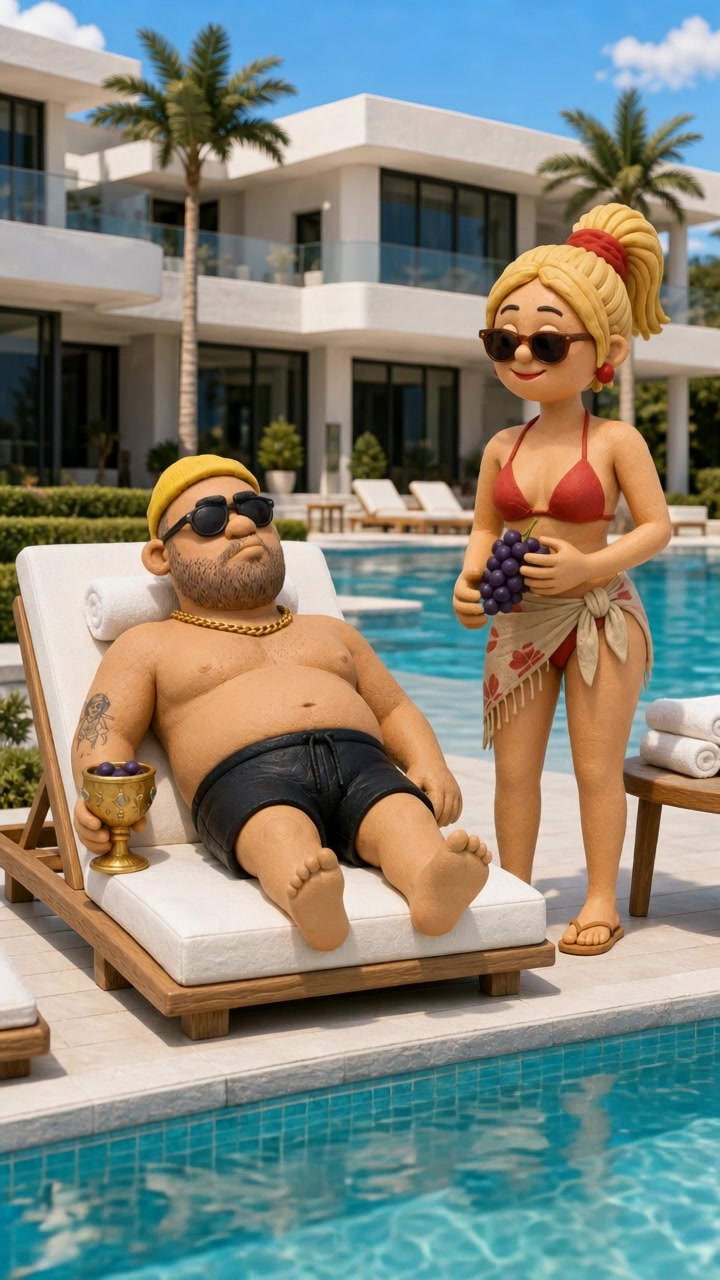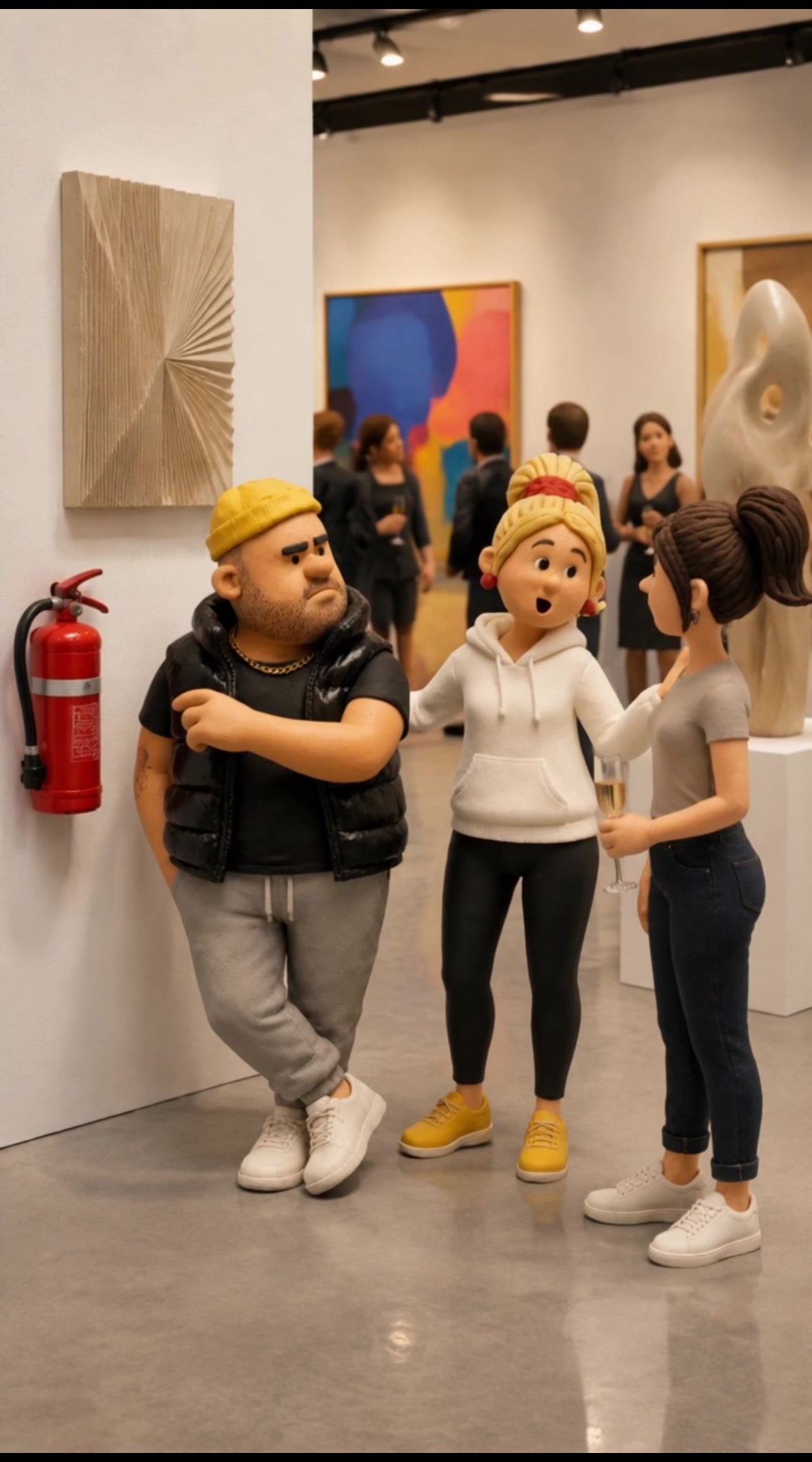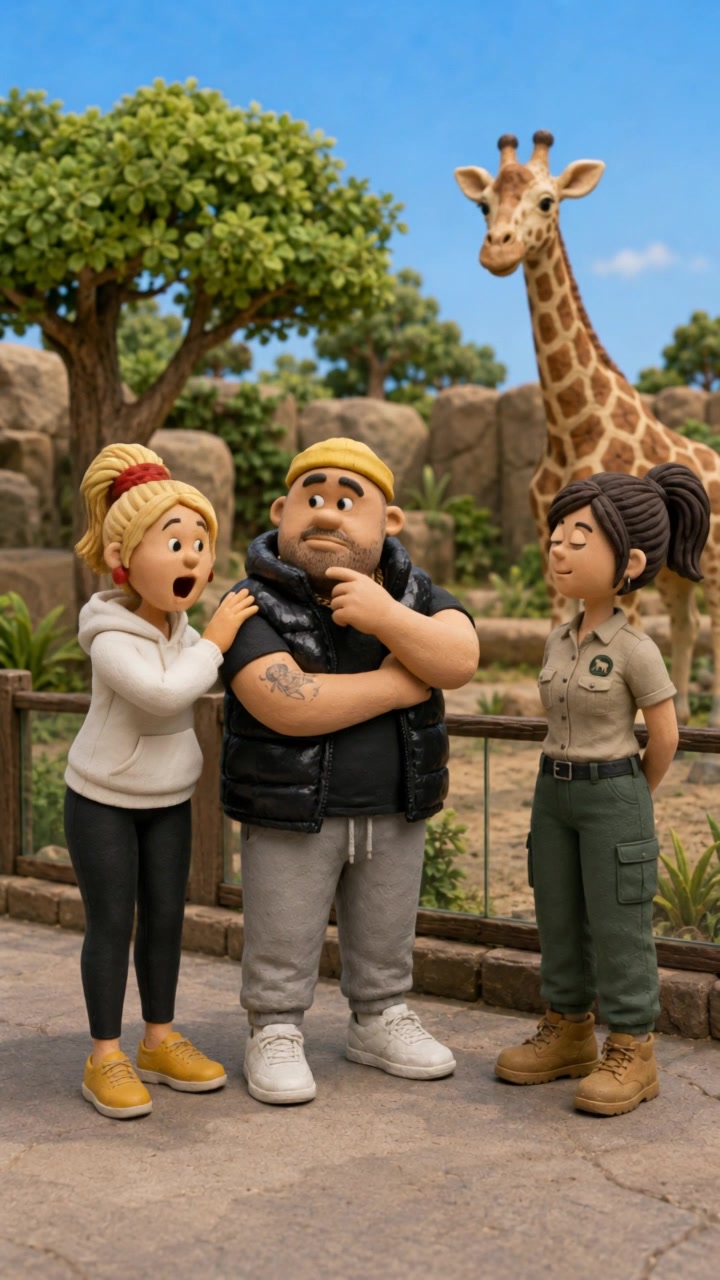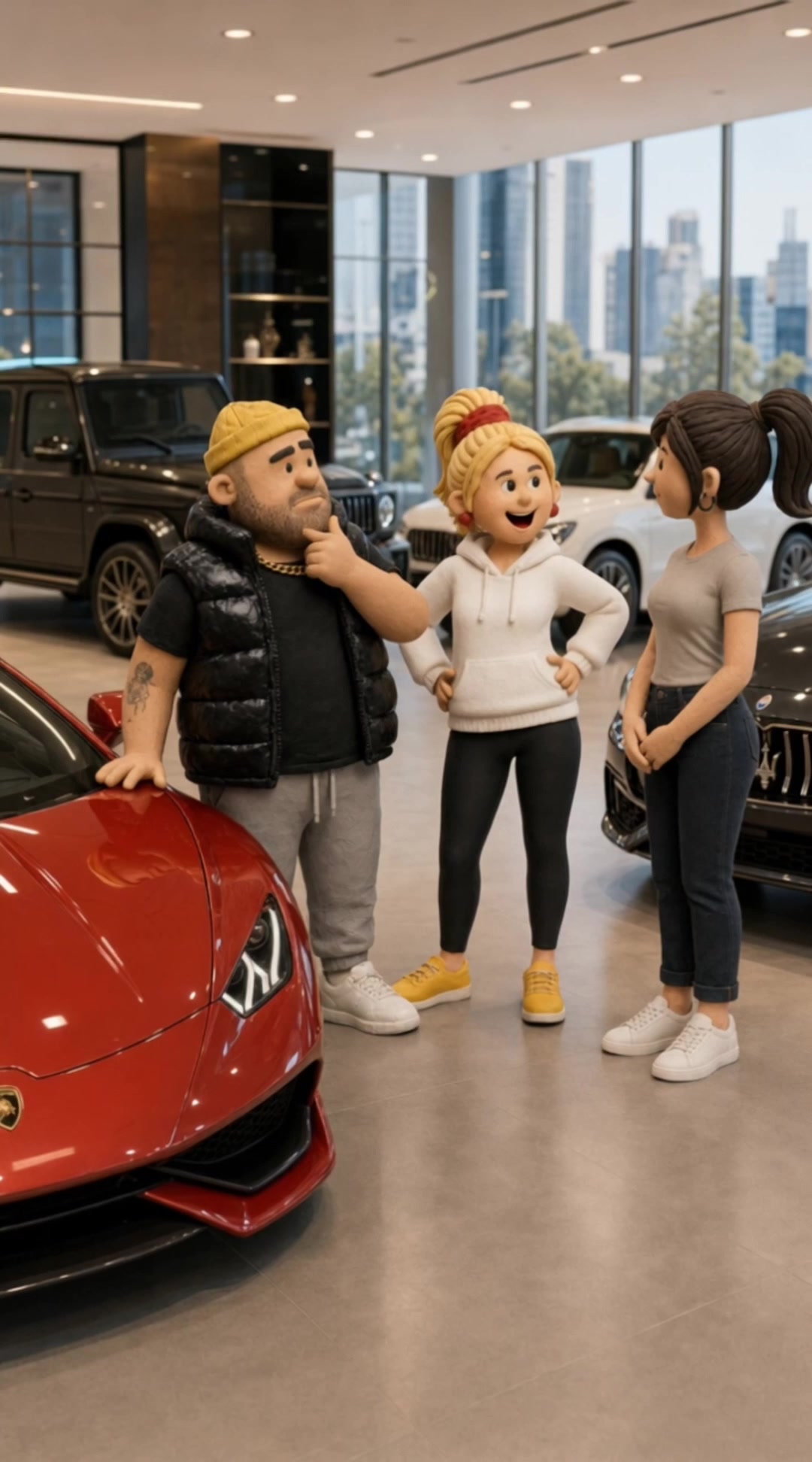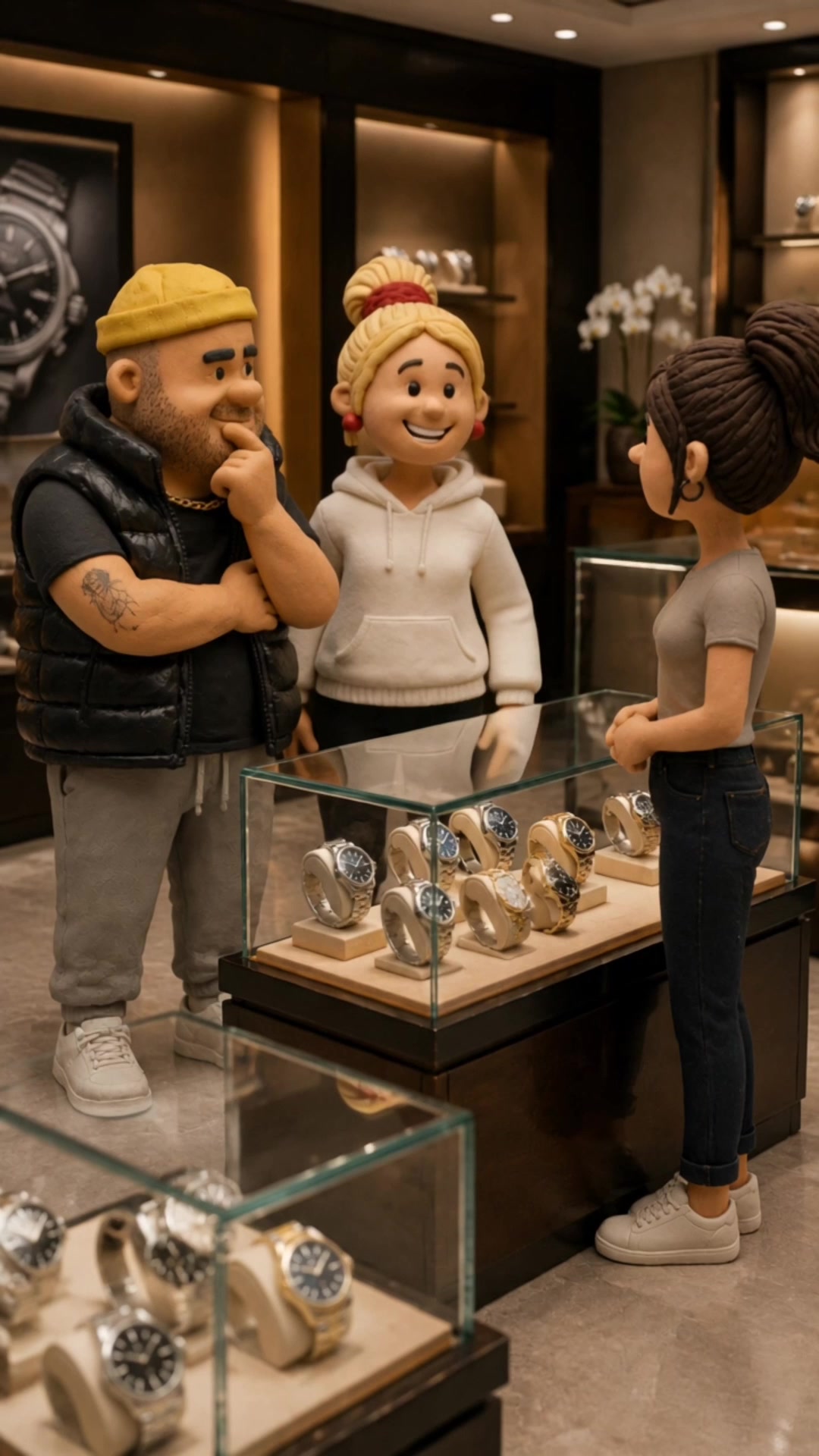



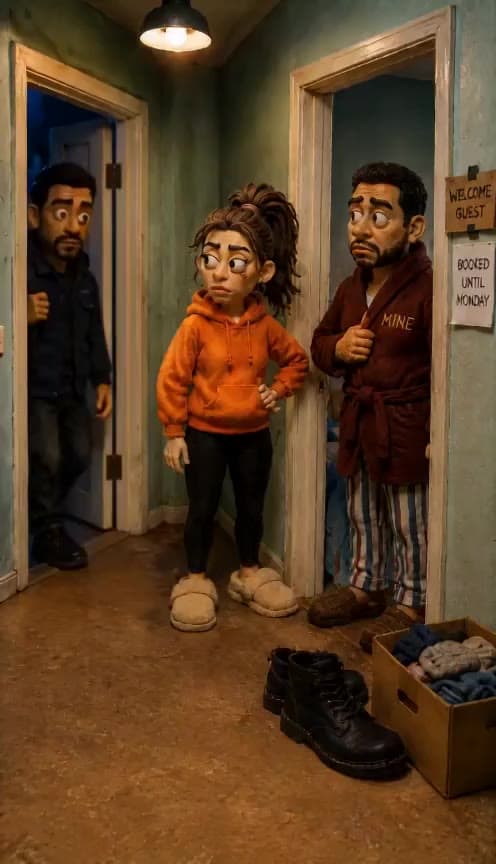
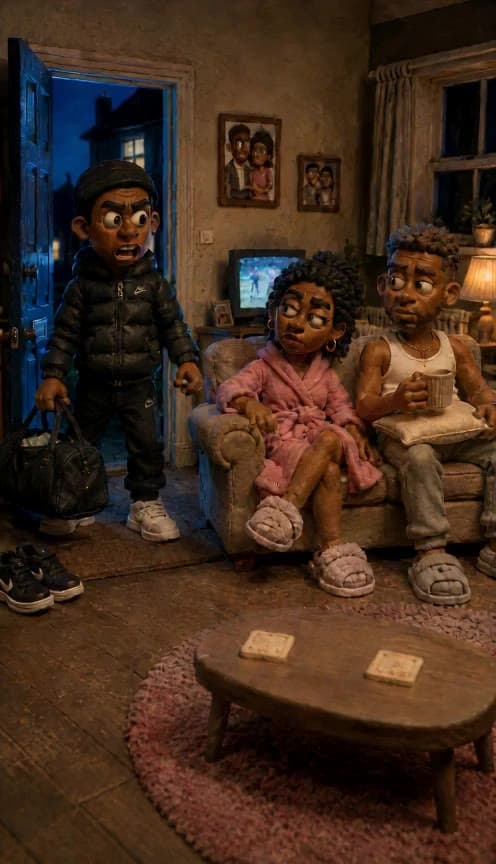
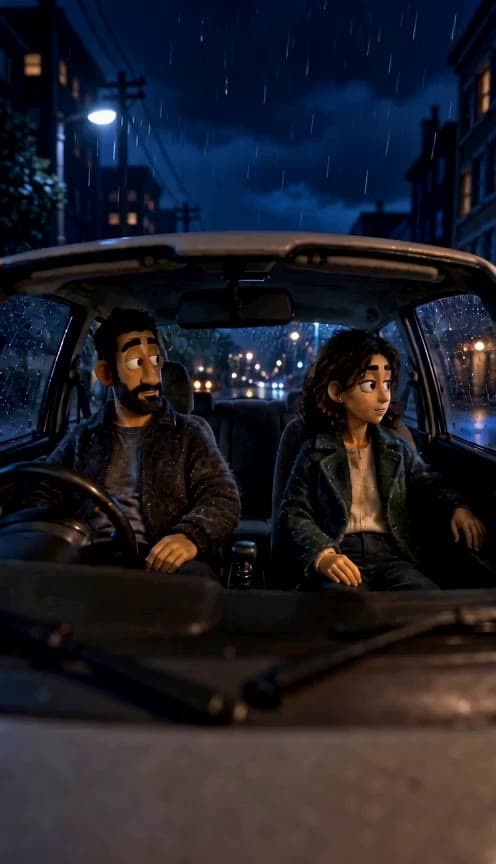
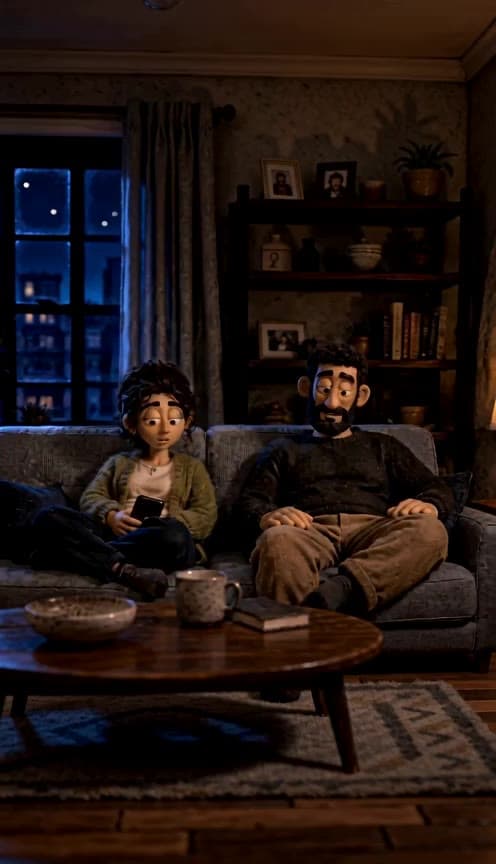
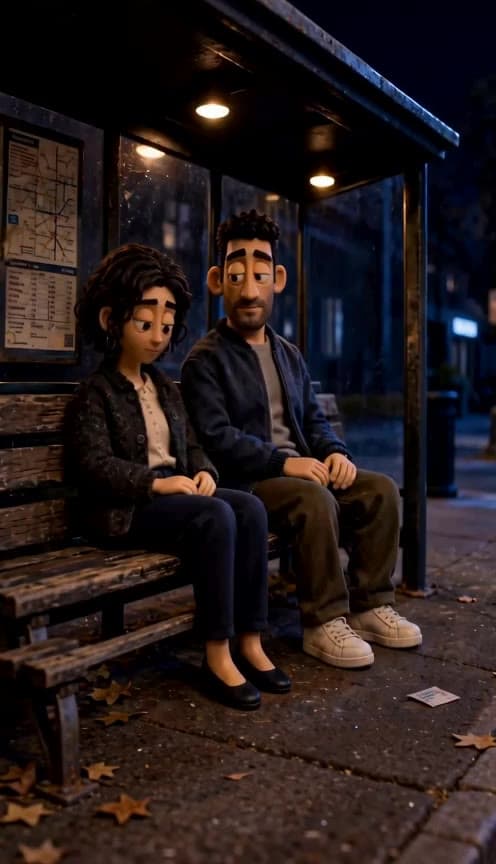








Dentist Disaster turns a simple opening scene into a chaotic dental-appointment gag video featuring Bob & Wendy energy: nervous setup, awkward timing, and the kind of escalating mishap people use for reaction posts and short-form comedy. It works well for creators making skits, meme pages posting relatable “worst-case scenario” humor, and social media managers who want a light, character-driven clip for Instagram Reels, TikTok, or YouTube Shorts. The effect is especially useful when you want a first frame that clearly establishes the patient, chair, tools, or clinic mood so the video can build into a recognizable dental fail without needing a long setup.
Learn more about
Learn more about
Dentist Disaster uses your scene_prompt to lock in the opening frame of a dental check-in scene, then builds a short spoken comedy exchange around that setup.
Instead of treating the prompt like a general dentist mishap, it reads your first-frame details to decide who is at the counter, how the clinic looks, and how tense or confident the patient seems.
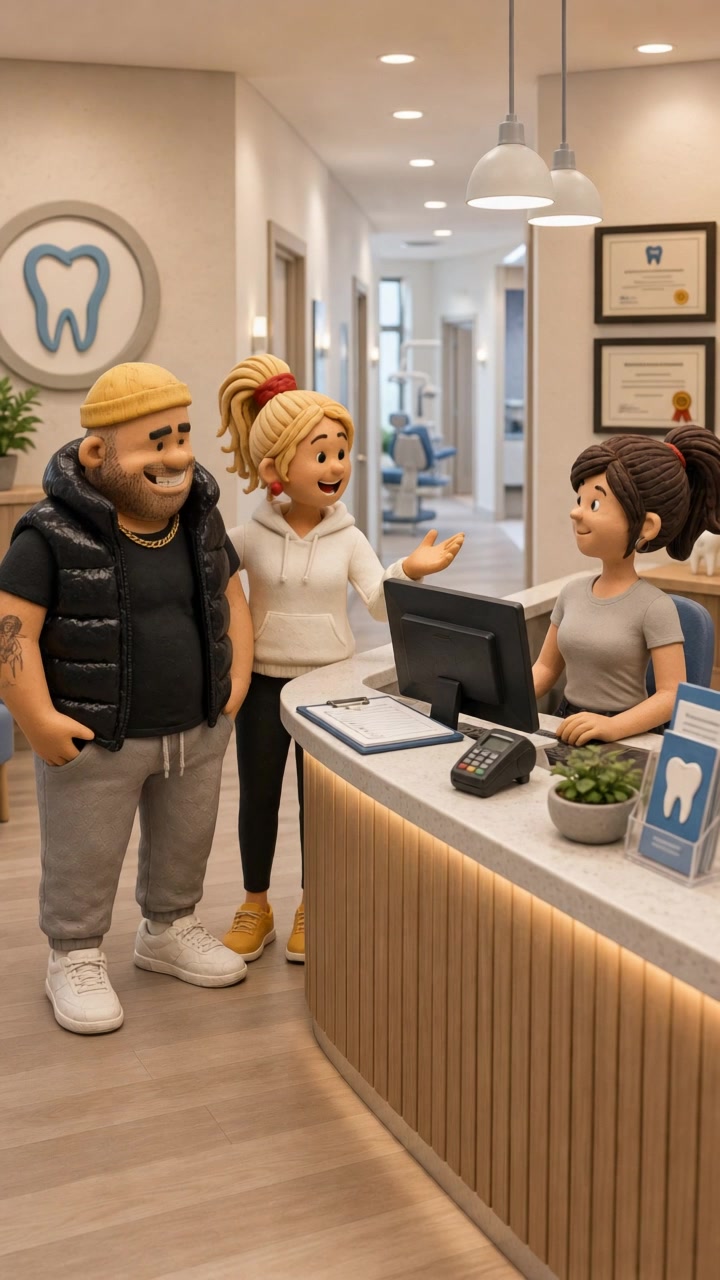
From there, the effect turns that still starting point into a front-desk moment with visible character acting, conversational timing, and a skeptical reaction that lands the joke.
If your scene_prompt clearly describes the reception area, posture, expressions, and clinic props, the generated video usually feels more intentional and the awkward social payoff reads faster.
No. You only need to describe the first frame. The effect takes that starting setup and pushes it into a comedic dentist-chaos sequence on its own.
It can, but the result will usually feel more generic. Adding chair position, facial expression, tools, lighting, and clinic details gives the video a more readable setup and funnier escalation.
It leans toward exaggerated comedy. You can start with a believable dental office, but the final video usually plays best when the opening frame already has a slightly awkward or tense vibe.
Yes. Start with a light, playful first frame rather than something painful or frightening. The effect works well for self-aware office humor, especially when the scene feels more awkward than extreme.
Front-facing close-ups and medium shots usually work best because they keep the patient, dentist, and tools readable at a glance. Very distant or vague framing can make the setup less clear in a short video.
Multiple people usually help this effect read faster, because the humor depends on a social dynamic at the check-in desk. Showing the patient, the supportive companion, and the receptionist in the first frame gives the scene clearer tension and makes the reaction beat easier to follow.
Include both if you can. Character expressions carry the joke, but front-desk details like forms, a card reader, brochures, or a hallway to treatment rooms help the video feel specifically like a dental check-in instead of a generic office conversation.
Yes. All content generated on Flashloop can be used for commercial purposes, social media, ads, client work, product listings. No additional licensing fees.