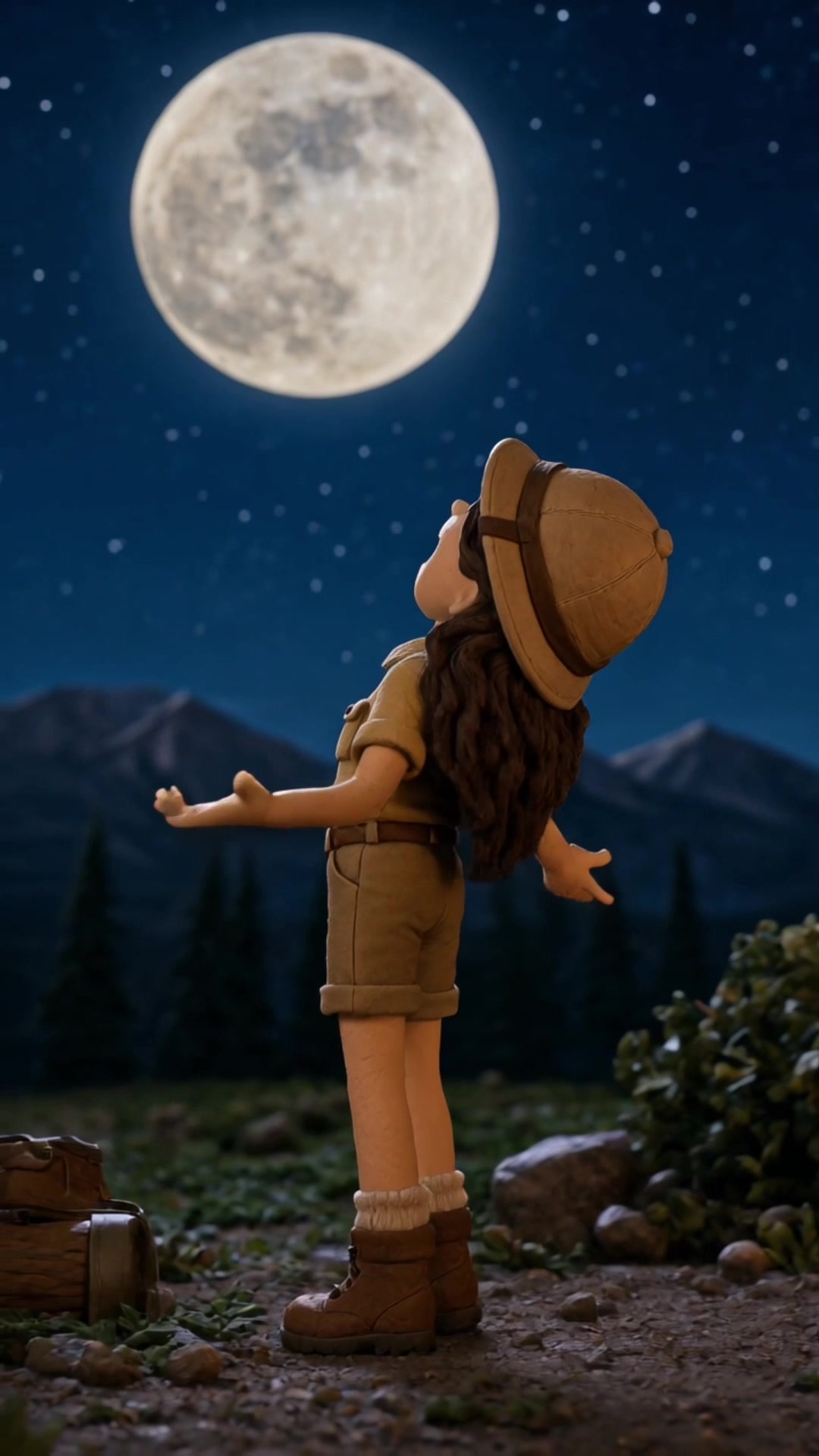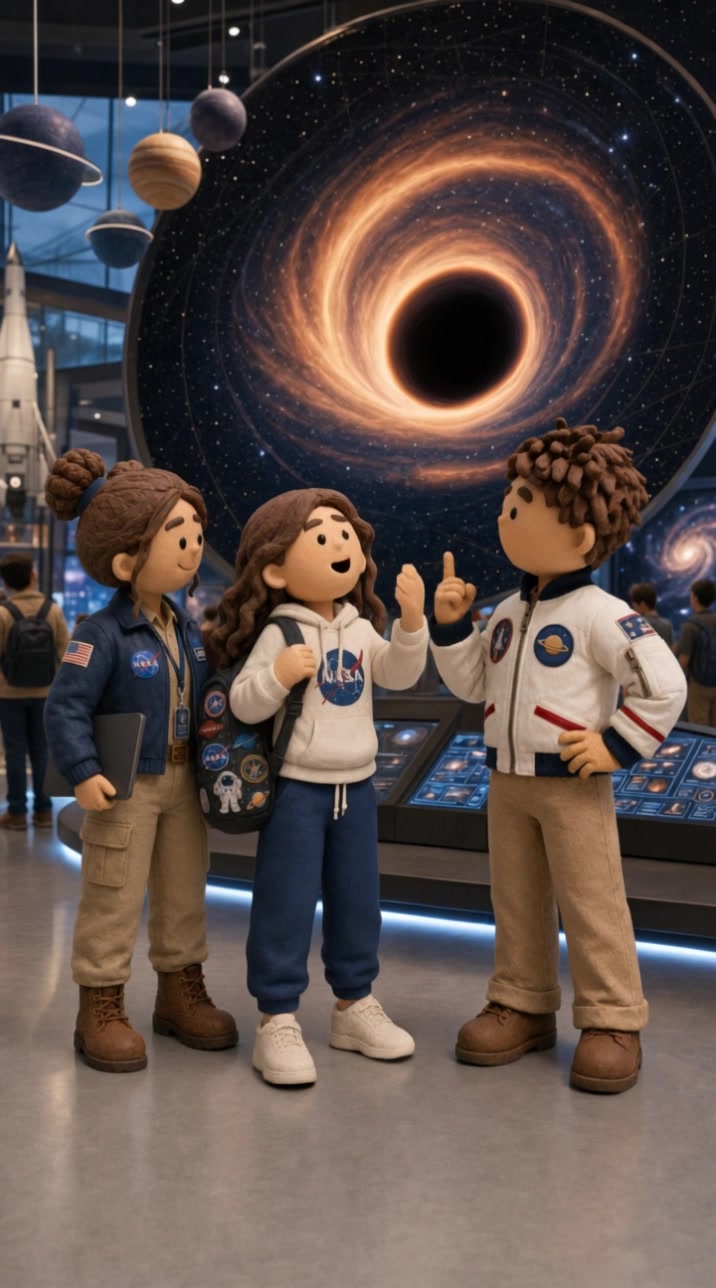



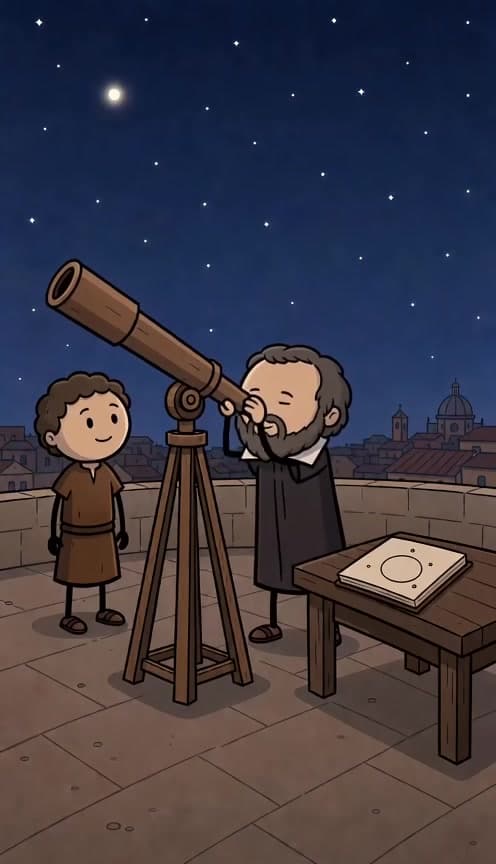


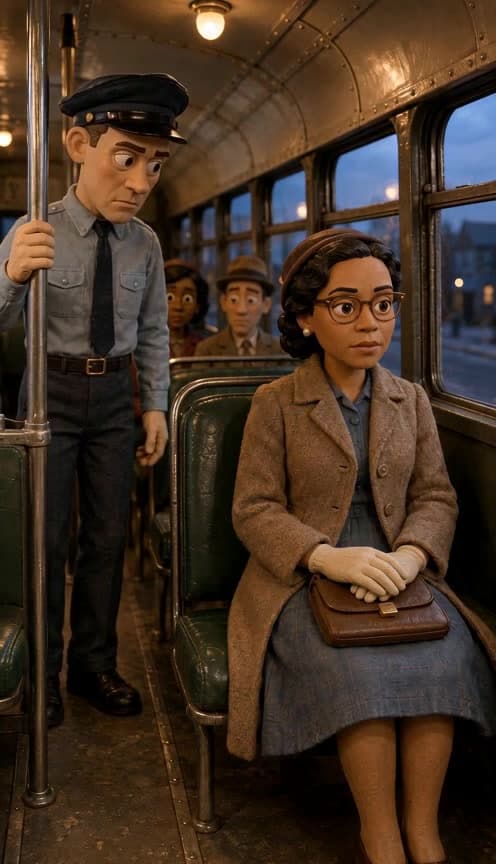



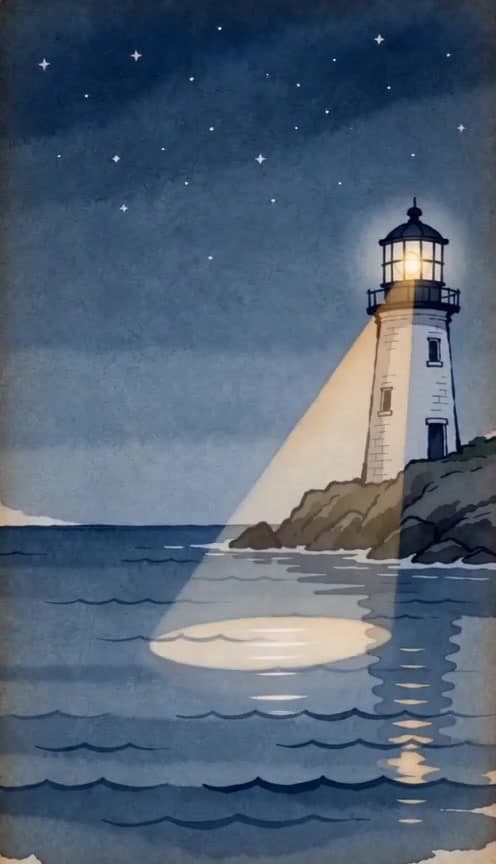








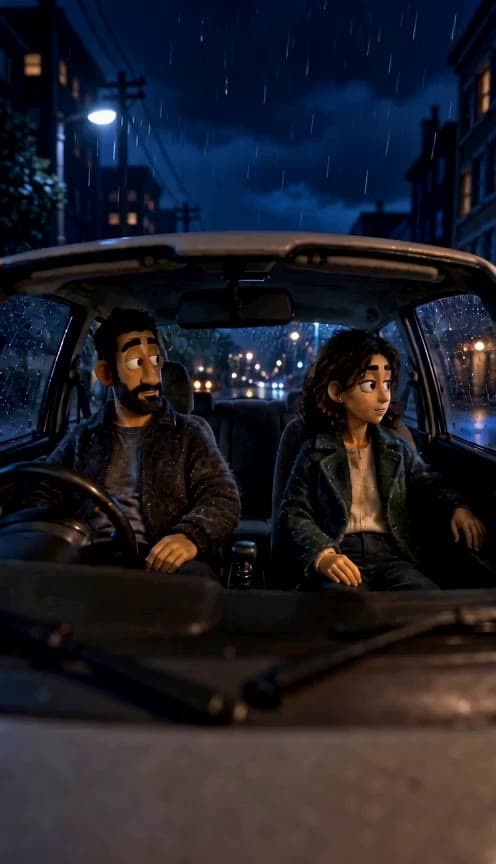
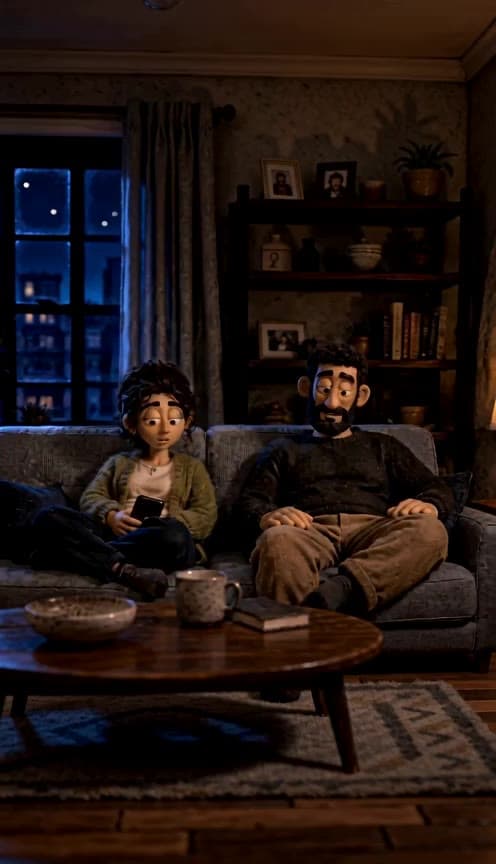


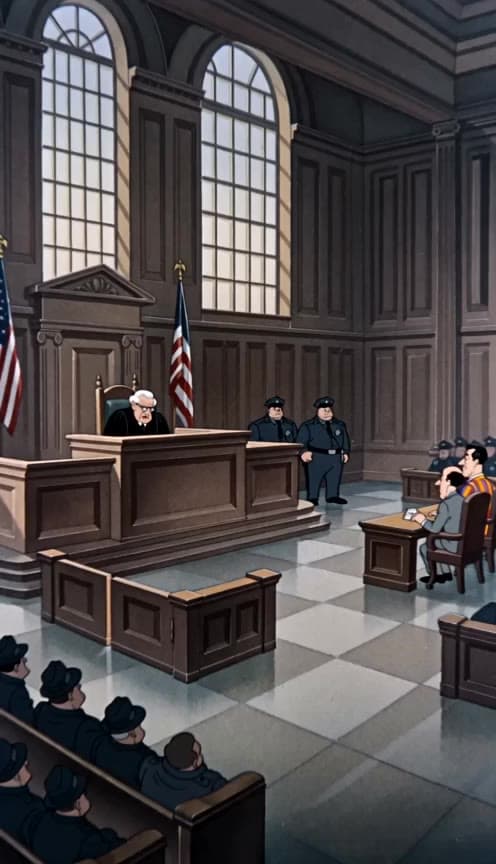













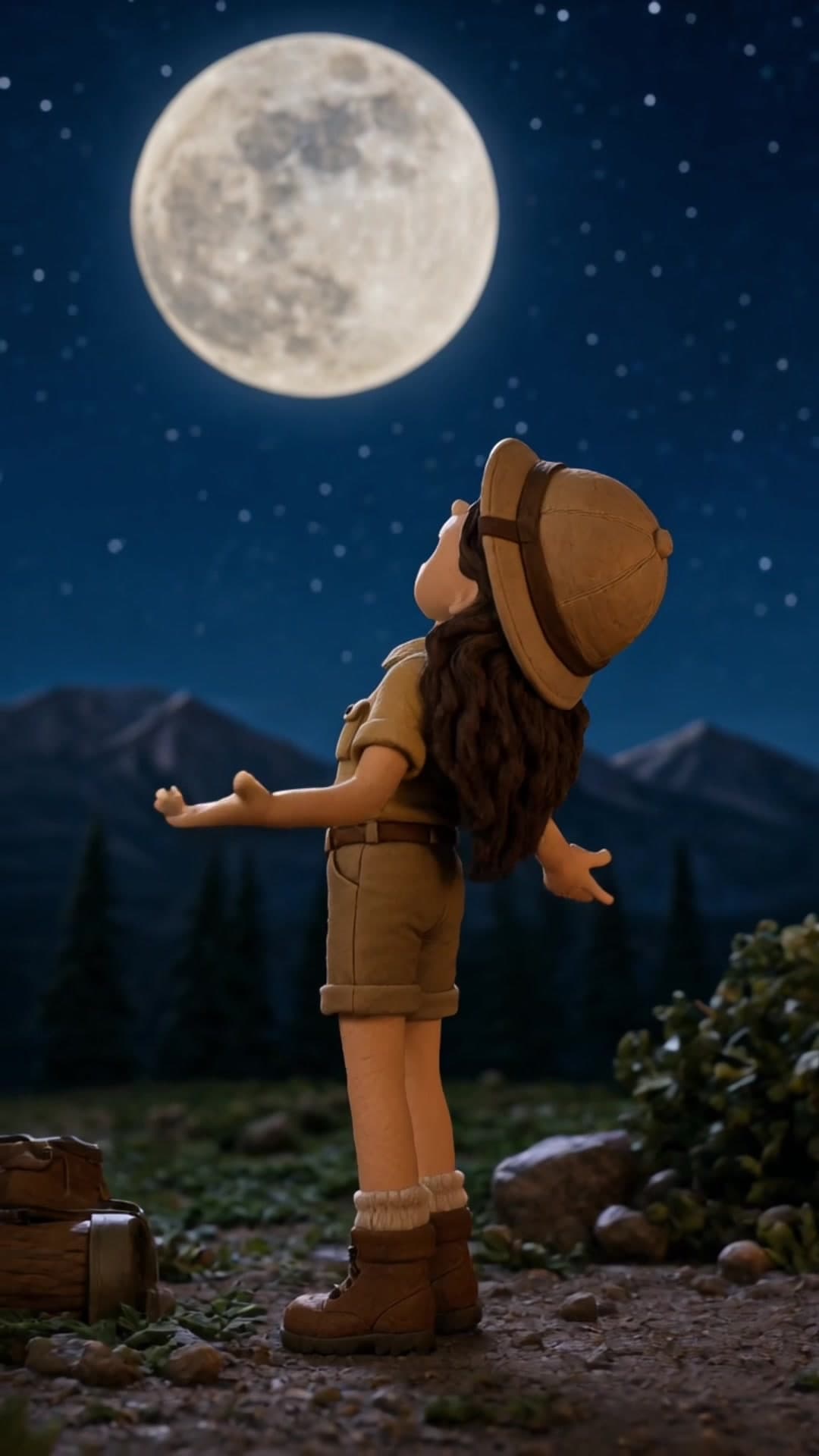




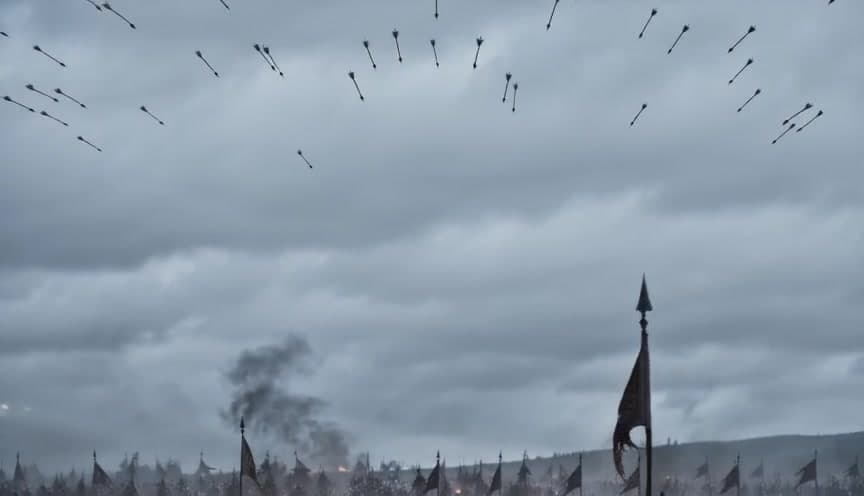
The Clouds turns a single written starting scene into a short atmospheric video where cloud movement becomes the main visual story. It works well for creators who want dreamy transitions, moody intros, reflective posts, or background visuals without filming weather footage themselves. Social media managers can use it for quote videos, launch teasers, or seasonal edits, while casual users can build calm sky loops for stories and reels. This effect fits content that benefits from a slow, cinematic feel rather than fast action, think poetry clips, music snippets, spiritual content, weather-themed posts, or soft lifestyle branding.
Learn more about
Learn more about
The Clouds takes your scene_prompt and builds a short character-led mountain overlook scene from that first-frame description.
Instead of treating clouds as abstract background texture, the effect turns them into the subject of the joke: a wide outdoor view, oversized cloud banks sitting low in the valley, and Curious Club characters reacting to what they see.
The AI uses your wording to shape the location, daylight conditions, and overall framing, then stages a gentle scenic moment that pivots into a playful explanation about the clouds as if they were literal digital storage platforms.
Small details in the scene_prompt influence how expansive the vista feels, how the clouds sit in the landscape, and how grounded the final gag feels.

A sky-only prompt can work, but adding where the viewer is standing usually gives a more believable result. A simple first-frame setup like "view from a balcony under heavy rain clouds" is often enough.
It can handle both, depending on your prompt. Soft pastel clouds tend to create gentle motion, while storm buildup, wind, and darker lighting usually push the result toward a more intense mood.
Yes. This effect works well as moving background footage for quotes, affirmations, event promos, or lyric overlays, especially on Reels, TikTok, and vertical story formats.
Yes, especially with weather terms and lighting cues. Changing "overcast" to "stormy" or "sunset" to "blue hour" can noticeably shift the color palette, energy, and cloud behavior.
Definitely if you want the result to feel more intentional. Details like "from a balcony," "through a car windshield," or "wide beach view" help the AI compose the shot in a way that feels more usable for real posts.
This one is built around a character interaction, so the final video is best when your prompt suggests a lookout scene people can react to. If you only want pure atmospheric cloud footage, a non-character sky effect will be a better fit.
It leans naturally toward light comedy because the scene is designed around a visual-and-dialogue payoff. You can still write a more serene first frame, but the finished clip will usually read as playful rather than dramatic or meditative.
Yes. All content generated on Flashloop can be used for commercial purposes, social media, ads, client work, product listings. No additional licensing fees.